Windows vs macOS: What the OS War Means for Your Workflow
Are you debating between Windows 11 and macOS Tahoe? Dive into the key differences in productivity, gaming, and daily use to help you decide which operating system is truly better for your needs.
Editorial Note
Reviewed and analysis by ScoRpii Tech Editorial Team.
In this article
You're standing at a crossroads. On one side, the familiar world of Windows; on the other, the sleek allure of macOS. Whether Windows 11 or macOS Tahoe is better for you depends on a number of major and minor factors — and if you're thinking about switching, there are some things you should know before you commit. The conflict between Windows and macOS isn't just about brand loyalty; it's about how you work, play, and interact with your digital world.
Key Details
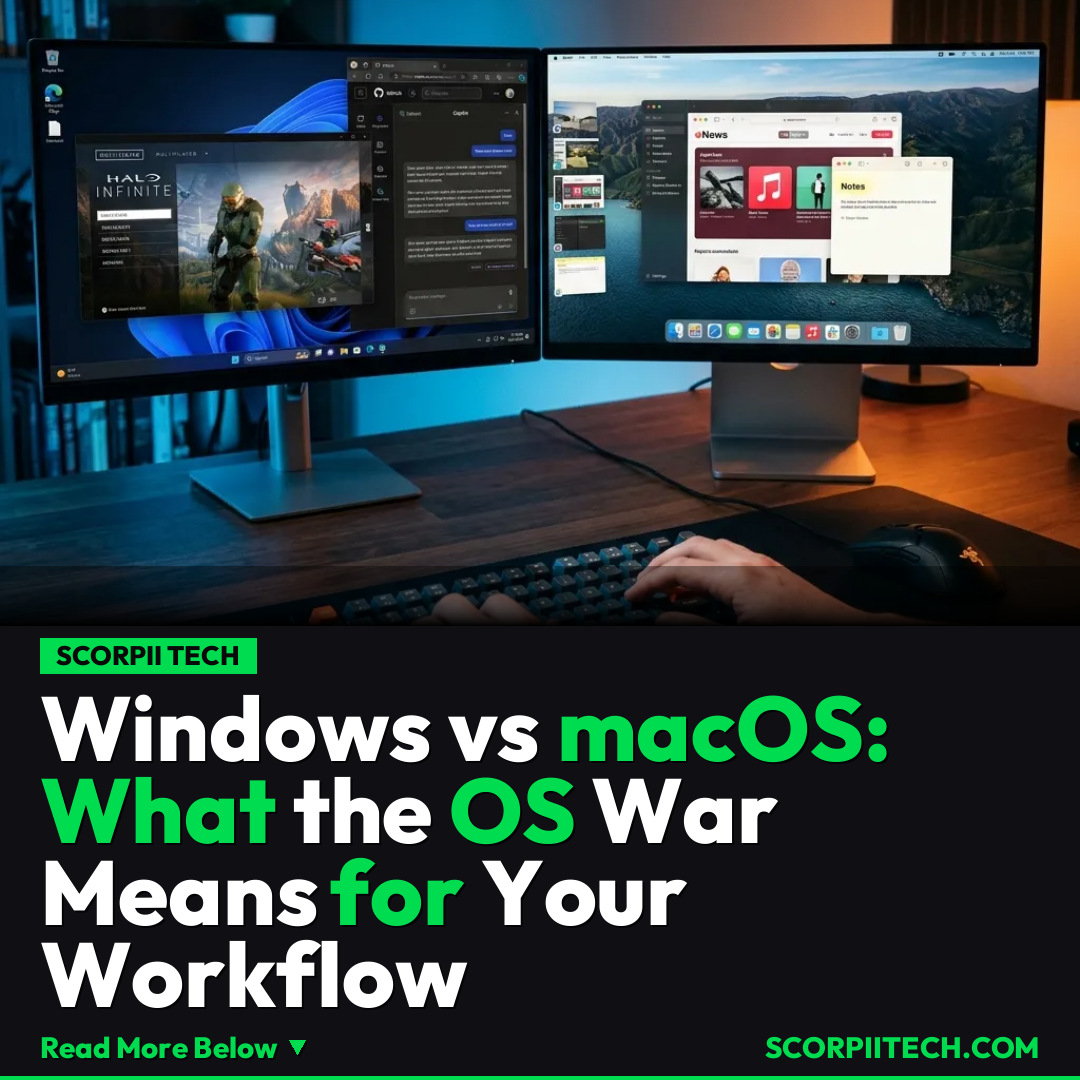
When you're choosing your primary operating system, you're not just picking a brand; you're investing in an entire ecosystem. Microsoft's Windows 11, for instance, offers features like Tab Snap for efficient multitasking and integrates tools like Copilot directly into your workflow, aiming to streamline your tasks with AI assistance. Navigation is handled by File Explorer, a robust system for managing your documents and applications.
Need fast, secure, and affordable hosting for your next website or PHP application? We recommend Hostinger Managed Hosting. Get premium speeds, a free domain, and 24/7 expert support.
On the Apple side, macOS Tahoe provides its own suite of productivity tools. You'll find Stage Manager for organizing your open windows, an intuitive App Menu, and the incredibly handy Quick Look feature for instantly previewing files without opening them. Its file management system, Finder, operates similarly to Windows File Manager, but with a distinct macOS aesthetic and approach to disk image handling. Understanding these subtle differences in how each OS helps you organize and execute tasks is crucial for your daily productivity.
However, the real separation often comes down to gaming. As minor facto aptly put it, "There's a reason MacBooks are marketed as a productivity powerhouse and not gaming laptops, and it isn't all about the hardware." While Apple's M-series chips are powerful, the gaming landscape on macOS is still catching up. You'll find that many popular titles, like Valorant, struggle due to kernel-level anti-cheat systems that aren't always compatible with macOS. Furthermore, the native handling of .exe files on Windows compared to macOS's reliance on disk images or specialized wrappers like CrossOver, or cloud gaming services like GeForce Now, presents a clear distinction for serious gamers.
Why This Matters
Your choice of operating system significantly impacts your daily computing experience. If you're a creative professional, the robust media tools and optimization on macOS might be more appealing. If you're a power user who needs to run a wide array of specialized software or demands the latest in PC gaming, Windows 11 likely offers a more immediate and compatible solution. This isn't just about which OS 'looks' better; it's about which one empowers you to do your best work and enjoy your downtime without unnecessary friction.
Beyond the surface features, think about the long-term. Your OS dictates the software you can natively run, the peripherals that are easily compatible, and even the community support you'll find for troubleshooting. Both Microsoft and Apple are continuously evolving their platforms, but their core philosophies regarding user control, security, and ecosystem integration remain distinct. Choosing wisely now means less frustration and more efficiency for you down the line.
The Bottom Line
Ultimately, the 'better' operating system is subjective and highly dependent on your specific needs and priorities. You need to weigh the productivity advantages of features like Copilot or Stage Manager against your gaming demands and software compatibility requirements. Consider your current device ecosystem, the applications you can't live without, and whether you're prepared to adapt to a new workflow. By carefully evaluating these major and minor factors, you can make an informed decision that truly enhances your digital life.
Originally reported by
BGRWhat did you think?



Stay Updated
Get the latest tech news delivered to your reader.