Should You Buy A Used Hard Drive? Here's What You Need To Know
Considering buying used hard drives? You face a higher risk of data loss as failure rates increase after three years. Learn how to check their health before you buy.
Editorial Note
Reviewed and analysis by ScoRpii Tech Editorial Team.
In this article
You've found a fantastic deal on a used hard drive, and the savings are tempting. But before you click 'buy,' you need to understand the hidden gamble you're taking. Buying a used hard drive significantly elevates your risk of data loss, with the failure rate for HDDs skyrocketing after just three years of operation. That incredible bargain could quickly turn into a costly nightmare.
Key Details
The core issue you're up against is simple: age. Hard disk drives (HDDs) are mechanical marvels, but like all machines, they wear out. Industry data shows a pronounced increase in HDD failure rates once they pass the three-year mark. This isn't just about an old drive; it’s about a drive that's already entered a higher-risk zone, making any data you store on it inherently more vulnerable. You might be getting a good price, but you're also inheriting its lifespan.
Deploy your next full-stack application effortlessly. Get $200 in free DigitalOcean credits to host your Laravel or Python APIs.
Thankfully, you're not entirely in the dark. Modern hard drives, including those from manufacturers like Western Digital, come equipped with S.M.A.R.T. (Self-Monitoring, Analysis, and Reporting Technology). This built-in diagnostic system continuously monitors various aspects of the drive's health, logging potential issues. For you, this means a powerful tool to peer into a used drive's past.
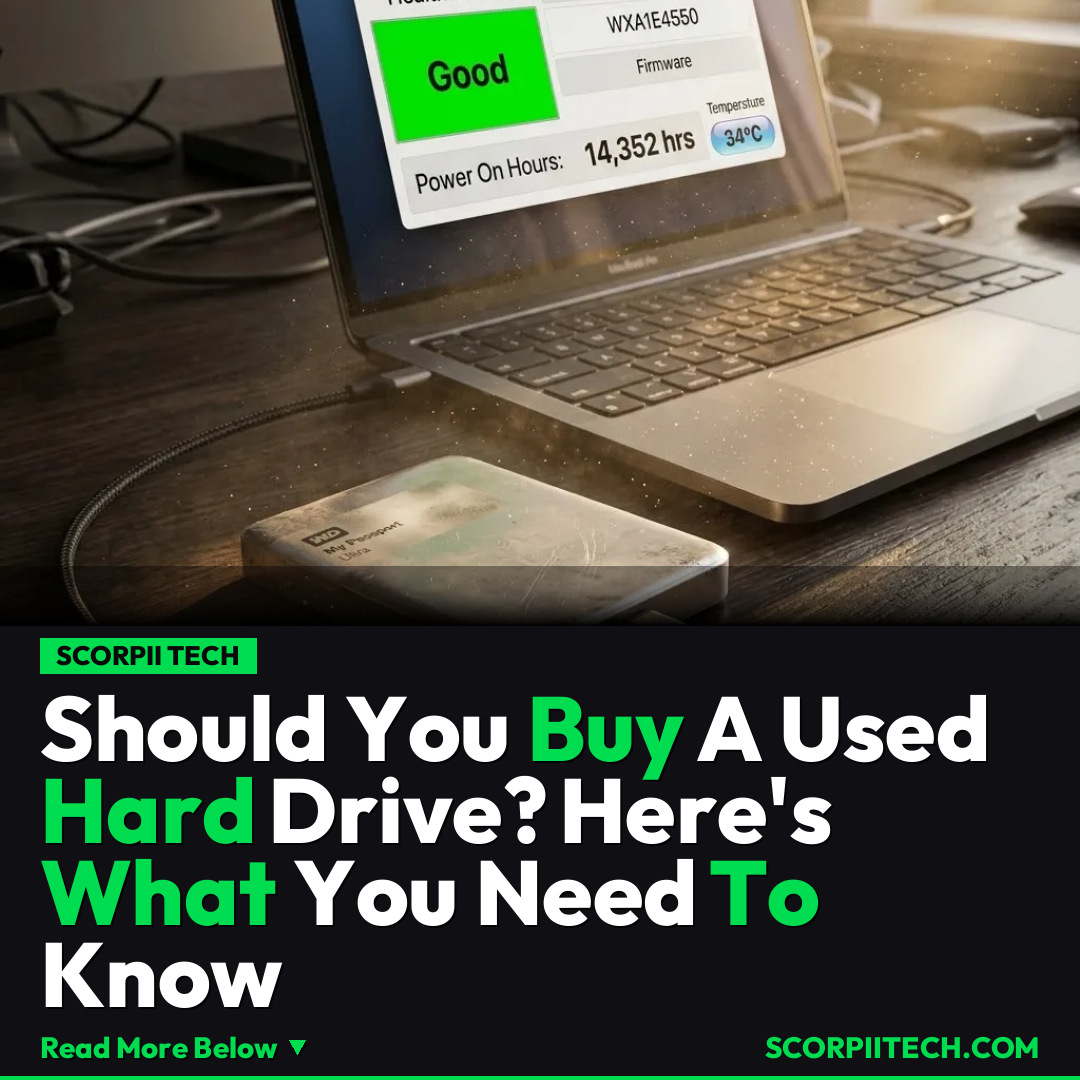
To access this crucial information, you have a couple of straightforward options. For Windows users, a quick command in your terminal – wmic diskdrive get model,status – can give you a basic health overview. However, for a more comprehensive picture, a dedicated utility like CrystalDiskInfo is your best friend. This free document (software) analyzes S.M.A.R.T. data to display vital statistics, including the critical 'Power On Hours.' This metric tells you exactly how long the drive has been operational, giving you a powerful indicator of its true age and wear, even if you’re purchasing from a reseller like ServerPartsDeal.
Why This Matters
Why should you care about a few more dollars saved? Because your data isn't just data; it's your memories, your work, your digital life. Imagine losing years of family photos, crucial work documents, or that side project you’ve poured hours into – all because a hard drive, purchased cheaply, decided to give up the ghost. The cost of data recovery, if even possible, far outweighs any initial savings you might gain from a used drive. You’re not just buying storage; you're buying peace of mind for your digital assets.
Moreover, the time and effort you invest in setting up a new drive, transferring files, and configuring software is a hidden cost. When a used drive fails prematurely, you’re not only dealing with potential data loss but also the frustration and wasted time of repeating that entire process. You might think you're getting a good deal, but you're actually signing up for a higher likelihood of future headaches and unexpected expenses.
The Bottom Line
So, what's your takeaway? While the allure of a cheaper used hard drive is strong, you must approach it with extreme caution. Always prioritize verifying its health using S.M.A.R.T. data, CrystalDiskInfo, and checking its 'Power On Hours' before committing to a purchase. If you can't thoroughly inspect it, or if the 'Power On Hours' are excessively high (especially over 20,000-30,000 hours, though specific thresholds vary), you're better off investing in a new drive. Your data is irreplaceable; don't gamble with it.
Originally reported by
BGRWhat did you think?



Stay Updated
Get the latest tech news delivered to your reader.