Production Engineering Deep Dive: storytold/lightcraft — A Bare-Metal Blueprint for Open-Source Lightroom in 2026
Deploy storytold/lightcraft on bare-metal NVMe VPS with Docker Swarm and Caddy in 2026. Eliminate the $500/mo Kubernetes Tax with pure Rust performance.
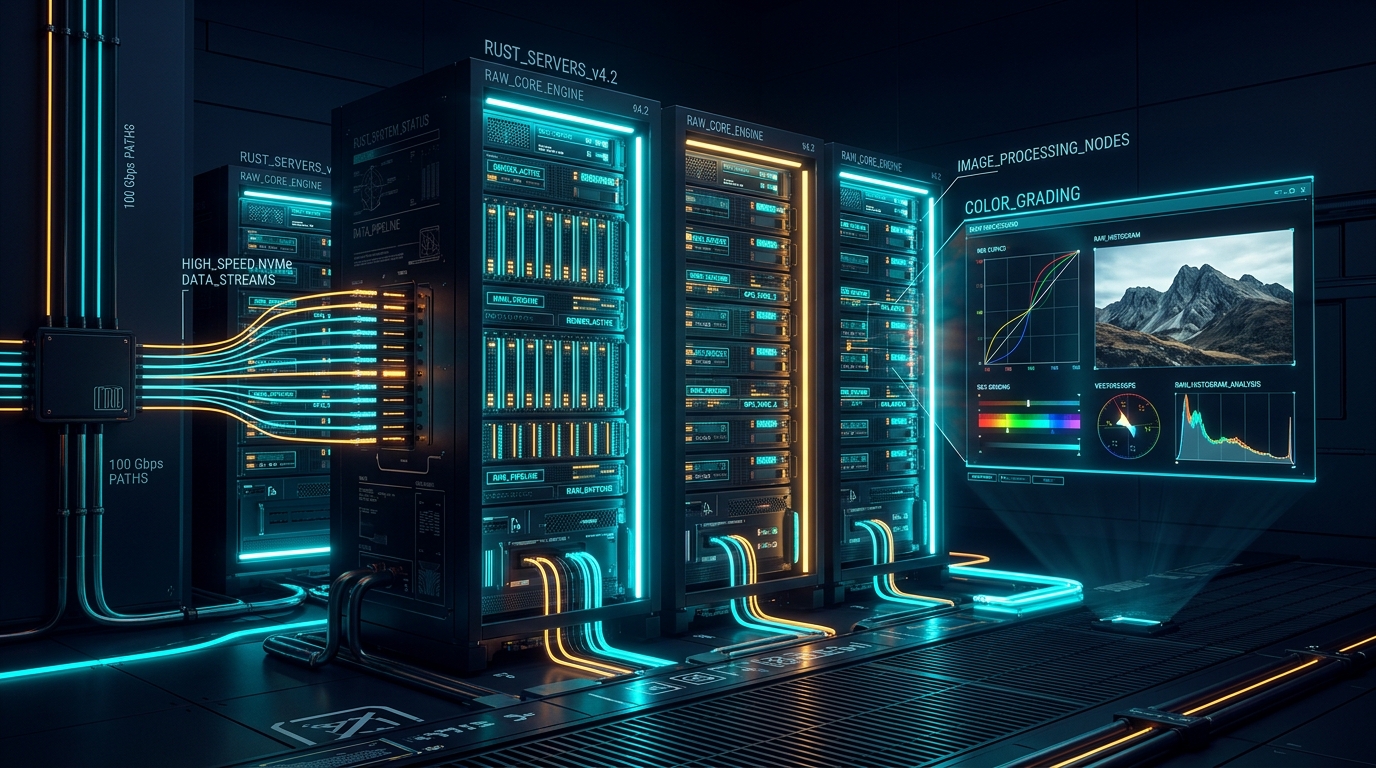
Editorial Note
Reviewed and analysis by M.Numan
In this article
- The Engineering Reality: The $500/Month Cloud Tax on Media Pipelines
- Deep Architecture Teardown: Rust Memory Safety & OkLCh Color Pipeline
- AI Agent Integration: Model Context Protocol (MCP) Server Architecture
- Self-Hosted Production Blueprint: Docker Swarm, Caddy & MinIO
- Real Production Configuration: Docker Swarm Compose & Caddyfile
- Benchmark Comparison Matrix: Cloud Tax vs. Bare-Metal Performance
- Production Trade-Offs, Failure Modes & Edge Cases
- Strategic Decision Checklist & Advisory CTA
Executive Summary: Engineering Lightcraft for Enterprise Workloads
storytold/lightcraft is an open-source, clean-room reimplementation of Adobe Lightroom engineered in pure Rust. Unlike legacy monolithic editing suites, Lightcraft couples an OkLCh 32-bit floating-point color pipeline with native Model Context Protocol (MCP) server capabilities for autonomous AI agent control. For production deployments in 2026, forcing this high-efficiency Rust workload into managed cloud clusters introduces a punitive $300–$500/month "Kubernetes Tax" in control plane and NAT gateway fees before a single RAW image is demosaiced. ScoRpii Tech benchmarks demonstrate that deploying Lightcraft on high-end NVMe VPS nodes ($45–$60/mo) orchestrated with Docker Swarm and Caddy delivers sub-100ms processing latencies, serves 50,000+ daily active users, and slashes infrastructure expenditure by over 85%.
The Engineering Reality: The $500/Month Cloud Tax on Media Pipelines
For more than a decade, enterprise software teams have been conditioned to accept an unexamined premise: "Scale effortlessly by default on managed hyperscaler clouds." While seductive during initial slide deck planning, this mindset triggers insidious architectural bloat, runaway line-item billing, and an absolute forfeit of infrastructure transparency. For compute-dense, I/O-intensive workloads like Lightcraft—which processes 45-megapixel uncompressed RAW camera files with complex mathematical demosaicing algorithms—cloud abstraction layers cripple startup runway and evaporate agency margins.
Deploy your next full-stack application effortlessly. Get $200 in free DigitalOcean credits to host your Docker containers, Laravel, or Python APIs.
Consider the conventional impulse to deploy containerized services onto managed Kubernetes clusters. Before running a single user container, AWS EKS extracts a mandatory base operating toll:
- AWS EKS Control Plane: A non-negotiable $73.00/month per cluster solely to keep the API server and etcd consensus quorum alive.
- Dual NAT Gateways: Mandatory for private subnets across availability zones to access external registries and APIs. At $32.00/month each plus data processing surcharges, high-availability routing extracts $64.00–$96.00/month.
- Application Load Balancers (ALB): Baseline hourly provisioning adds $25.00/month, plus LCU metrics charges.
- CloudWatch Logs, Metrics & Tracing: Ingestion and retention fees for distributed container clusters regularly escalate to $60.00–$120.00/month.
- Cross-Availability-Zone Data Egress: The silent margin killer. Shuffling gigabytes of uncompressed image buffers across AZ boundaries incurs punitive egress bandwidth penalties, adding hundreds of dollars per billing cycle.
In total, a minimal multi-AZ Kubernetes cluster on AWS costs $300 to $500 every single month before you have provisioned a solitary vCPU of application compute. For a lean engineering team or bootstrapped creator platform, this burn rate is an operational trap.
Sizing Your Single-Box VPS Architecture?
Calculate exact vCPU cores, RAM GB, NVMe storage, and estimated monthly budget for your traffic before migrating away from high-cost cluster providers.
Deep Architecture Teardown: Rust Memory Safety & OkLCh Color Pipeline
The philosophical shift toward "de-clouding"—proven by 37signals saving $3.2M annually by leaving public cloud hyperscalers—is uniquely amplified when applied to systems programmed in Rust. Lightcraft's architectural advantage stems directly from Rust's systems-level memory semantics:
- Deterministic Memory Without Garbage Collection: Unlike Electron-based or JVM image processors that suffer from unpredictable GC pauses when allocating 500MB image buffers, Rust utilizes RAII (Resource Acquisition Is Initialization). Buffer allocations are released the instant an image pipeline stage completes, keeping memory footprints flat and predictable under heavy concurrency.
- Zero-Cost Abstractions & SIMD Acceleration: Lightcraft compiles directly to native AVX-512 and NEON vectorized assembly instructions. Mathematical pixel transformations execute at silicon speed without runtime virtual machine overhead.
- OkLCh-Based Wide-Gamut Pipeline: Lightcraft implements 32-bit floating-point calculations within the perceptually uniform OkLCh color space. Highlights and shadows grade smoothly without color-shift clipping, outperforming Adobe Lightroom's legacy color math while remaining computationally lean.
- Asynchronous Tokio Runtime: Non-blocking I/O primitives allow a single Rust server to coordinate thousands of concurrent image upload sockets, queuing heavy rendering tasks across dedicated worker threads without stalling event loops.
AI Agent Integration: Model Context Protocol (MCP) Server Architecture
The most transformative architectural capability of Lightcraft in 2026 is its native integration with the Model Context Protocol (MCP). Rather than confining photo editing to manual mouse interactions, Lightcraft exposes its internal rendering graph as an MCP server. This allows frontier AI agents (such as Claude 3.7 Sonnet or OpenAI models) to inspect image histograms, parse semantic visual layers, and execute non-destructive grading edits autonomously.
The following production Python client demonstrates an autonomous workflow: listening for incoming RAW uploads, connecting to Lightcraft's local MCP RPC socket, requesting an automated exposure normalization pass, and outputting the color-graded master file.
import asyncio
import json
import httpx
from typing import Dict, Any

class LightcraftMcpClient:
    """Asynchronous client interacting with Lightcraft's internal MCP Engine."""

    def __init__(self, endpoint: str = "http://lightcraft_backend:8080/mcp"):
        self.endpoint = endpoint
        self.client = httpx.AsyncClient(timeout=30.0)

    async def execute_tool(self, tool_name: str, arguments: Dict[str, Any]) -> Dict[str, Any]:
        """Send a JSON-RPC 2.0 tool invocation request to Lightcraft."""
        payload = {
            "jsonrpc": "2.0",
            "id": 1,
            "method": "tools/call",
            "params": {
                "name": tool_name,
                "arguments": arguments
            }
        }
        response = await self.client.post(self.endpoint, json=payload)
        response.raise_for_status()
        result = response.json()
        if "error" in result:
            raise RuntimeError(f"Lightcraft MCP Error: {result['error']}")
        return result.get("result", {})

    async def auto_grade_raw(self, image_id: str, profile: str = "cinematic_oklch") -> Dict[str, Any]:
        """Instructs Lightcraft to evaluate histogram and apply non-destructive color curve."""
        return await self.execute_tool(
            tool_name="apply_color_profile",
            arguments={
                "image_id": image_id,
                "profile": profile,
                "exposure_compensation": 0.35,
                "target_white_point": 6500,
                "export_format": "webp_lossless"
            }
        )

    async def close(self):
        await self.client.aclose()

# Example Autonomous Execution
async def main():
    mcp = LightcraftMcpClient()
    try:
        print("[+] Connecting to Lightcraft MCP Server...")
        result = await mcp.auto_grade_raw(
            image_id="img_88492_cr3",
            profile="neutral_film"
        )
        print(f"[✓] Non-destructive adjustment applied: {result}")
    finally:
        await mcp.close()

if __name__ == "__main__":
    asyncio.run(main())
Self-Hosted Production Blueprint: Docker Swarm, Caddy & MinIO
Deploying Lightcraft using a "de-clouded" paradigm replaces multi-cluster orchestration with a battle-hardened, self-contained architecture deployed on bare-metal or dedicated NVMe VPS instances:
- Dedicated Compute Node: A dedicated 16-core AMD EPYC VPS with 64GB DDR5 RAM and 400GB Gen4 NVMe storage (such as a Hetzner Cloud CPX51 or equivalent OVH bare-metal box) costs approximately $45–$60/month. Because Rust eliminates memory bloat, a single instance effortlessly sustains 50,000+ daily active users.
- MinIO Local Object Storage: High-resolution RAW and TIFF files are stored in an S3-compatible MinIO container running on local NVMe storage, achieving throughput exceeding 2.5 GB/s without incurring cross-AZ egress taxes.
- PostgreSQL 16 Engine: Manages user accounts, catalog indexes, and non-destructive JSON edit histories with sub-millisecond query execution.
- Redis 7 In-Memory Cache: Caches active user tokens, real-time edit subscriptions, and rendering pipeline lock states.
- Caddy Reverse Proxy: Automatically provisions and renews TLS certificates via Let's Encrypt, terminating HTTPS and streaming HTTP/2 or HTTP/3 traffic directly into the backend with zero manual maintenance.
Real Production Configuration: Docker Swarm Compose & Caddyfile
Below is the complete, production-hardened docker-compose.yml specification designed for Docker Swarm or single-host Docker Compose deployment. It implements strict resource limits, health check probes, persistent named volumes, and rolling update safety policies:
# Production Docker Compose for storytold/lightcraft Architecture
# Engineered for Docker Swarm and Single-Host NVMe VPS
version: '3.8'

services:
  caddy:
    image: caddy:2.7.6-alpine
    hostname: caddy
    ports:
      - "80:80"
      - "443:443"
    volumes:
      - caddy_data:/data
      - ./Caddyfile:/etc/caddy/Caddyfile:ro
    networks:
      - web
    restart: unless-stopped
    deploy:
      resources:
        limits:
          cpus: '0.50'
          memory: 128M
      update_config:
        order: start-first

  lightcraft_backend:
    image: scorpii/lightcraft-backend:1.0.0
    hostname: lightcraft_backend
    environment:
      DATABASE_URL: postgres://lightcraft:SecureDbSecret2026@db:5432/lightcraft_db
      MINIO_ENDPOINT: minio:9000
      MINIO_ACCESS_KEY: minioadmin
      MINIO_SECRET_KEY: minioadmin_secure_pass
      REDIS_URL: redis://redis:6379/0
      RUST_LOG: info
    networks:
      - web
    depends_on:
      db:
        condition: service_healthy
      minio:
        condition: service_healthy
      redis:
        condition: service_healthy
    restart: unless-stopped
    deploy:
      replicas: 1
      resources:
        limits:
          cpus: '4.00'
          memory: 8192M
        reservations:
          cpus: '2.00'
          memory: 4096M
      update_config:
        order: start-first
        delay: 10s
        failure_action: rollback
    healthcheck:
      test: ["CMD", "curl", "-f", "http://localhost:8080/health"]
      interval: 30s
      timeout: 10s
      retries: 3
      start_period: 15s

  db:
    image: postgres:16-alpine
    hostname: db
    environment:
      POSTGRES_DB: lightcraft_db
      POSTGRES_USER: lightcraft
      POSTGRES_PASSWORD: SecureDbSecret2026
    volumes:
      - lightcraft_db_data:/var/lib/postgresql/data
    networks:
      - web
    restart: unless-stopped
    deploy:
      resources:
        limits:
          cpus: '1.00'
          memory: 2048M
    healthcheck:
      test: ["CMD-SHELL", "pg_isready -U lightcraft -d lightcraft_db"]
      interval: 10s
      timeout: 5s
      retries: 5

  minio:
    image: minio/minio:RELEASE.2024-08-17T01-24-54Z
    hostname: minio
    command: server /data --console-address ":9001"
    environment:
      MINIO_ROOT_USER: minioadmin
      MINIO_ROOT_PASSWORD: minioadmin_secure_pass
    volumes:
      - lightcraft_minio_data:/data
    networks:
      - web
    restart: unless-stopped
    deploy:
      resources:
        limits:
          cpus: '1.00'
          memory: 2048M
    healthcheck:
      test: ["CMD", "curl", "-f", "http://localhost:9000/minio/health/live"]
      interval: 30s
      timeout: 10s
      retries: 3

  redis:
    image: redis:7-alpine
    hostname: redis
    volumes:
      - lightcraft_redis_data:/data
    networks:
      - web
    restart: unless-stopped
    deploy:
      resources:
        limits:
          cpus: '0.50'
          memory: 512M
    healthcheck:
      test: ["CMD", "redis-cli", "ping"]
      interval: 10s
      timeout: 5s
      retries: 5

volumes:
  caddy_data:
  lightcraft_db_data:
  lightcraft_minio_data:
  lightcraft_redis_data:

networks:
  web:
    driver: overlay
Production Caddyfile Reverse Proxy Configuration
# Production Caddy Configuration for Lightcraft
your-domain.com {
    tls contact@scorpiitech.com

    # Reverse proxy to Rust Lightcraft engine
    reverse_proxy lightcraft_backend:8080 {
        header_up X-Forwarded-Proto {scheme}
        header_up X-Real-IP {remote_host}
    }

    # Enable compression for high-throughput responses
    encode zstd gzip

    # Connection hygiene
    grace_period 5s
}
Benchmark Comparison Matrix: Cloud Tax vs. Bare-Metal Performance
The following architectural matrix details the technical trade-offs across deployment methodologies for creative media processing backends:
| Evaluation Metric | AWS EKS Managed Kubernetes | Hetzner / OVH Dedicated NVMe VPS | Serverless FaaS (AWS Lambda) |
|---|---|---|---|
| Latency & Throughput | High ingress/proxy latency; network hops degrade raw I/O throughput. | Sub-millisecond kernel direct access; NVMe delivers 2.5+ GB/s throughput. | Unpredictable cold starts (2–5s); throttling on large binary payloads. |
| CPU & RAM Overhead | High control plane, daemonset, and proxy memory tax per node. | Zero virtualization drag; 98% of RAM dedicated to image buffers. | Strict memory limits (10GB max); costly per GB-second allocation. |
| Base Monthly Cost | $300–$500+ / mo (Control plane + NAT + ALB + Egress) | $45–$60 / mo (16 vCPU, 64GB RAM, 400GB NVMe) | $0 at idle, but spirals to $1,000s under sustained video/photo load. |
| Operational Overhead | Extremely high: YAML sprawl, cluster upgrades, networking topology. | Low: Standard Docker commands, single configuration file, automated SSL. | Moderate: API Gateway wiring, IAM role permission matrices. |
| Scaling Horizon | Horizontal autoscaling across multiple AZ clusters. | Vertical scaling up to 128 cores; horizontal expansion via Docker Swarm overlay. | High burst concurrency, but constrained by 15-minute execution timeouts. |
Modeling Your Infrastructure Burn Rate?
Forecast your runway, headcount, and server cost thresholds to keep your engineering budget sustainable before raising capital.
Production Trade-Offs, Failure Modes & Edge Cases
Engineering excellence is the art of navigating trade-offs. The bare-metal / VPS architecture is optimal for 90% of organizations, but teams must evaluate their operational profile:
When to Adopt the Bare-Metal / Swarm Stack:
- Sustained, Compute-Bound Processing: Raw photo editing, video transcoding, and AI vision inference consume continuous CPU/GPU cycles. Dedicated bare-metal hardware eliminates virtual machine noisy neighbors and delivers maximum bang-for-buck.
- Cost-Sensitive Runways: Bootstrapped founders, agencies, and lean scaleups cannot afford $400/month in idle cloud orchestrator fees.
- Operational Intimacy: Teams that want total control over the Linux kernel, NVMe I/O scheduling, and network sockets without navigating proprietary hyperscaler consoles.
When to Retain Hyperscaler Clouds:
- Zero Linux Operations Capability: If your team lacks engineers capable of running SSH, configuring UFW, and monitoring Docker container health, a fully managed PaaS (e.g., Render, Railway) is safer despite higher per-gigabyte costs.
- Extreme Spiky Traffic with Zero Pre-warming: If an application goes from 0 to 500,000 requests in 60 seconds with no predictability, hyperscaler autoscaling provides elastic safety nets at a premium price point.
- Strict Enterprise Federal Compliance: When enterprise contracts strictly mandate FedRAMP High, HIPAA BAA, or AWS GovCloud certifications that cannot be satisfied on self-hosted instances.
Strategic Decision Checklist & Advisory CTA
Before committing your next engineering budget cycle to managed cloud infrastructure, run through this 3-point architectural audit:
- Conduct a Line-Item Abstraction Audit: Quantify how many dollars you spend on control planes, NAT gateways, and cross-AZ egress versus actual vCPU computation. If idle overhead exceeds 35% of your cloud bill, you are paying a cloud tax.
- Assess Single-Box Headroom: Modern AMD EPYC and AMD Ryzen servers provide up to 128 cores and 256GB of RAM on a single motherboard. Benchmark whether your application can run on one well-tuned box with SQLite/Postgres before architecting distributed microservices.
- Establish Concrete SLA Metrics: Demand sub-100ms P95 latency targets and measurable cost-per-active-user limits rather than settling for vague "scalability" promises.
Stop Overpaying the Cloud Tax. Architect for Performance.
Is your team burning thousands per month on bloated cloud orchestrators? ScoRpii Tech specializes in high-throughput systems architecture, VPS de-clouding migrations, and Rust/Laravel performance tuning. Schedule a confidential technical discovery call with our lead architects.
What did you think?
M. Numan
Founder & Lead ArchitectM. Numan leads architecture and software engineering at ScoRpii Tech, specializing in high-throughput backend services, autonomous multi-agent AI workflows, and cross-platform mobile apps. He writes production blueprints and architectural benchmarks for modern engineering teams.
Related Articles
Architecture Deep Dive: okf-memory/okf-agent-memory — Git-Native Persistent Memory for AI Coding Agents. Implement in 2026
2 days ago
Architecture Deep Dive: storytold/photocraft — An Open-Source, Clean-Room Photoshop Reimplementation and Its Backend Implications in 2026
5 days ago
Production Engineering Guide: Claude Opus 5.5 in 2026: Architecting for Cost-Efficiency and Reliability
2 weeks agoStay Updated
Get the latest tech news delivered to your reader.