10 Powerful Features of PaisaTrack That Will Transform Your Financial Life
Explore the top 10 features of PaisaTrack that make it the best finance tracking app. From automated expense categorization to smart savings goals.
In this article
Discover the Power of PaisaTrack
PaisaTrack isn't just another expense tracker – it's a complete financial management ecosystem. Let's explore the 10 features that make it indispensable for modern money management.
1. Automated Expense Categorization
Say goodbye to manual categorization. PaisaTrack uses smart algorithms to automatically categorize your expenses into predefined categories like Food, Transport, Entertainment, and more. You can also create custom categories for your unique needs.
Deploy your next full-stack application effortlessly. Get $200 in free DigitalOcean credits to host your Docker containers, Laravel, or Python APIs.
Why it matters: Saves hours of manual work and provides accurate spending insights.
Sizing Your Single-Box VPS Architecture?
Calculate exact vCPU cores, RAM GB, NVMe storage, and estimated monthly budget for your traffic before migrating away from high-cost cluster providers.
2. Real-Time Budget Tracking
Set monthly budgets for each category and watch your spending in real-time. PaisaTrack shows you exactly how much you have left to spend, helping you make informed decisions throughout the month.
Pro tip: Set conservative budgets initially and adjust based on your actual spending patterns.
3. Recurring Transaction Management
Never forget a subscription or bill payment again. PaisaTrack automatically tracks recurring transactions and sends reminders before due dates.
Supported: Monthly subscriptions, quarterly bills, annual payments, and custom intervals.
4. Savings Goals Tracker
Set specific savings goals (vacation, emergency fund, new gadget) and track your progress visually. PaisaTrack calculates how much you need to save monthly to reach your goal on time.
Example: Save $5,000 for a vacation in 10 months = $500/month target.
5. Detailed Analytics & Reports
Generate comprehensive reports to understand your financial health:
- Monthly spending trends
- Category-wise breakdowns
- Income vs. Expense comparisons
- Year-over-year growth
Export: PDF and CSV formats for tax purposes or financial planning.
6. Multi-Account Management
Track multiple bank accounts, credit cards, and cash wallets in one place. Get a holistic view of your entire financial portfolio.
Supported accounts:
- Checking accounts
- Savings accounts
- Credit cards
- Cash wallets
- Investment accounts
7. Smart Notifications
Stay informed without being overwhelmed:
- Budget limit alerts (80%, 90%, 100%)
- Bill payment reminders
- Unusual spending patterns
- Savings milestone achievements
Customizable: Choose which notifications you want to receive.
8. Secure Cloud Sync
Access your financial data across all devices with secure cloud synchronization. Your data is encrypted end-to-end and backed up automatically.
Devices: iOS, Android, and Web dashboard.
9. Expense Splitting
Going out with friends? Split expenses easily and track who owes what. PaisaTrack calculates fair splits and sends payment reminders.
Use cases: Group dinners, shared rent, vacation expenses, household bills.
10. Financial Insights & Tips
Get personalized insights based on your spending patterns:
- "You spent 20% more on dining out this month"
- "You're on track to exceed your entertainment budget"
- "Great job! You saved 15% more than last month"
AI-Powered: Machine learning algorithms identify patterns and provide actionable recommendations.
Bonus Features
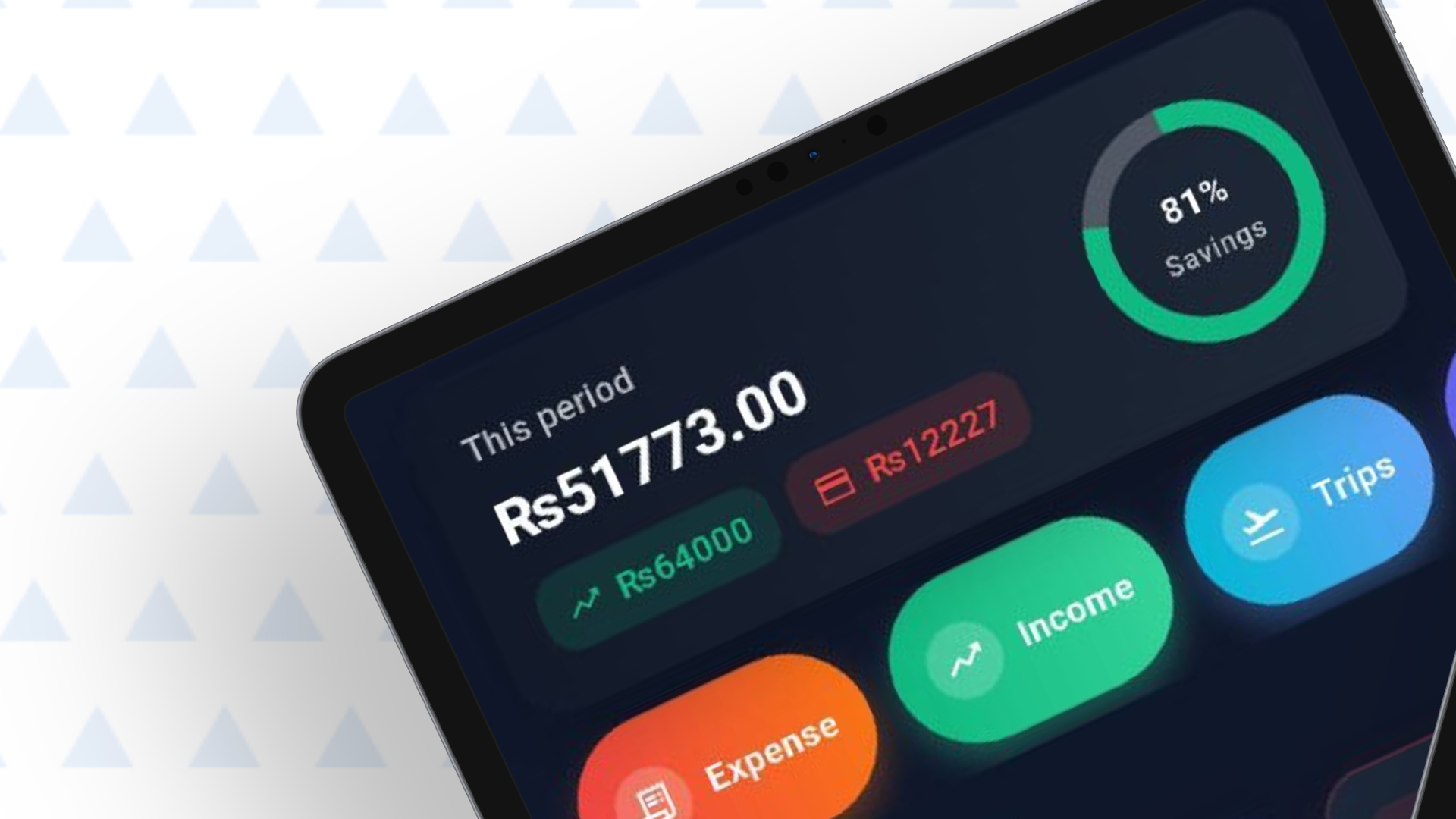
- Dark Mode: Easy on the eyes, especially for nighttime budgeting
- Widgets: Quick expense entry from your home screen
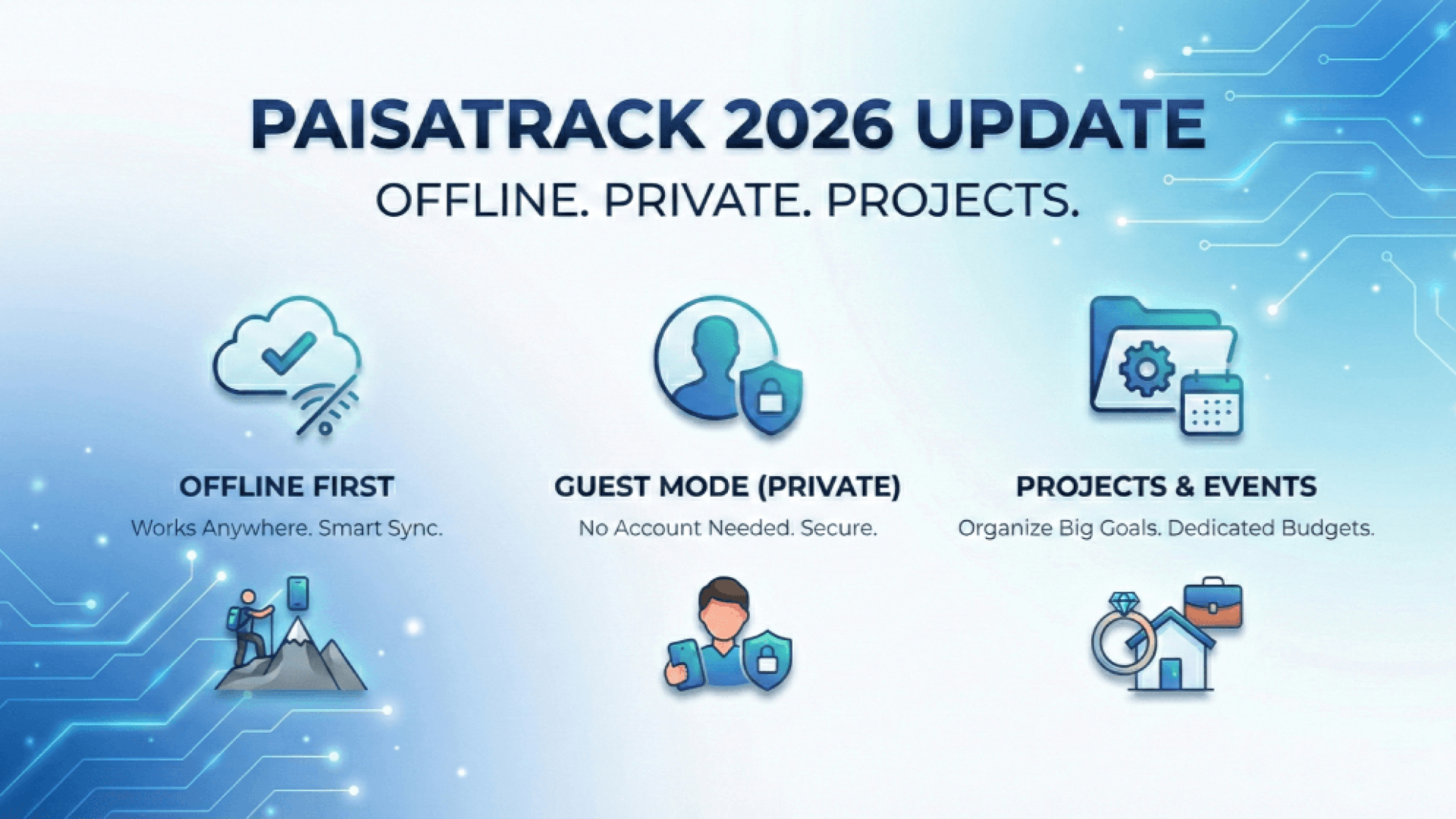
- Offline Mode: Track expenses even without internet
- Data Export: Full control over your financial data
Start Your Financial Transformation
These features work together to create a comprehensive financial management system. Download PaisaTrack today and experience the difference.
Special Offer: Get 3 months of Premium features free when you sign up this month!
What did you think?
M.Numan
Founder & Lead ArchitectM. Numan leads architecture and software engineering at ScoRpii Tech, specializing in high-throughput backend services, autonomous multi-agent AI workflows, and cross-platform mobile apps. He writes production blueprints and architectural benchmarks for modern engineering teams.
Stay Updated
Get the latest tech news delivered to your reader.