Your MacBook Camera Cover: A Privacy Tool or a Screen Killer?
You might be unknowingly risking your MacBook's display with a common privacy accessory. Apple warns that camera covers can cause screen damage. Find out why and what you can do.
Editorial Note
Reviewed and analysis by ScoRpii Tech Editorial Team.
In this article
You’ve seen them, maybe even used one: those tiny camera covers promising digital privacy and peace of mind. They’re among the most popular third-party MacBook privacy accessories. But here’s the unexpected twist: Apple is now warning that this seemingly innocuous tool could actually be putting your precious MacBook display at serious risk. Your quest for privacy might, ironically, have an expensive downside.
Key Details
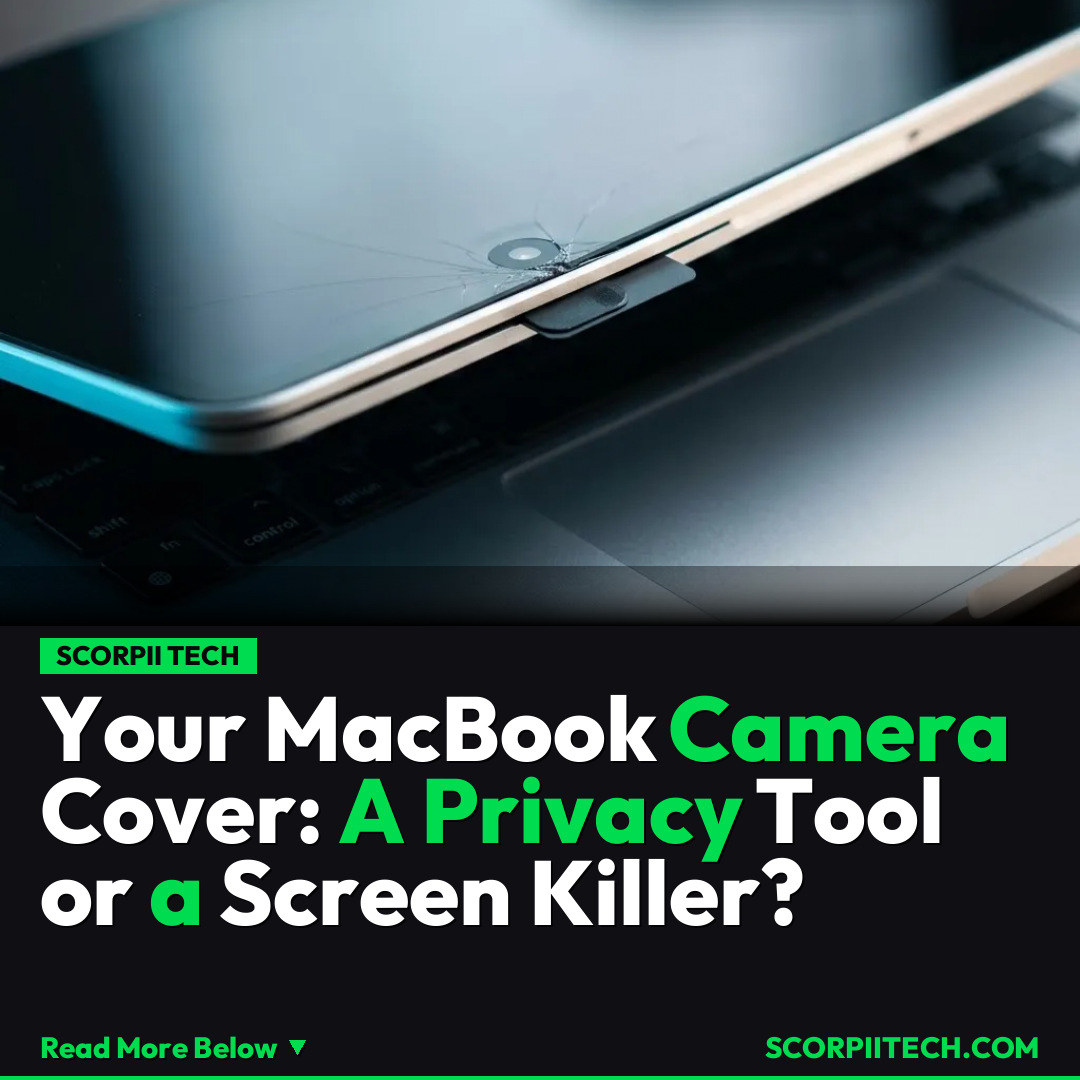
According to a recently published Apple support document, your beloved MacBook privacy accessory could be actively harming your device. Apple explicitly states, "If you close your Mac laptop with a camera cover installed, you might damage your display because the clearance between the display and keyboard is designed to very tight tolerances." This isn't a minor suggestion; it’s a direct warning about potential significant physical damage.
Deploy your next full-stack application effortlessly. Get $200 in free DigitalOcean credits to host your Laravel or Python APIs.
The root of the problem lies in the incredibly precise engineering of your MacBook. Whether it's a MacBook Pro or MacBook Air, the gap between the display and keyboard when closed is minimal. We're talking about tolerances so tight that even a camera cover as thin as 0.1 mm can cause interference. This tiny obstruction exerts undue pressure, leading to display cracks, dead pixels, or other serious malfunctions. Apple's document clearly highlights that the design simply doesn't accommodate any foreign object in this space.
Why This Matters
For many, a camera cover provides an essential layer of digital security against potential webcam hacks, offering immediate peace of mind. But Apple's warning forces you to weigh that perceived privacy benefit against a very real, expensive hardware risk. A damaged MacBook screen is incredibly costly to repair, often rivaling the price of a major upgrade or a new device, transforming a small accessory into a significant financial burden.
This issue highlights a unique design consideration specific to MacBook laptops. While you might use camera covers on other devices like your iPhone or iPad without similar warnings (due to different form factors and display-to-body relationships), the MacBook’s precise engineering creates a specific vulnerability. It’s crucial to understand that Apple isn't dismissing your need for privacy, but rather informing you about an inherent design constraint that third-party accessories can unknowingly exploit.
The Bottom Line
So, what's your next move if you're currently using a camera cover on your MacBook? The message is clear: remove it to protect your display. Apple's warning highlights a critical compatibility issue with this popular MacBook privacy accessory, not a dismissal of your privacy needs. Instead of physical covers, leverage built-in software privacy features. For instance, the camera and microphone indicators in macOS Monterey or macOS Mojave (or iOS 14/15 for your iPhone/iPad) offer peace of mind without risking your valuable hardware. Prioritize your privacy, but choose methods that don't jeopardize your MacBook's integrity.
Originally reported by
BGRWhat did you think?



Stay Updated
Get the latest tech news delivered to your reader.