Is Your Android's Always-On Display Secretly Draining Your Battery?
Curious about your Android's battery life? Discover if Always-On Display or Tap-to-Wake is better for your phone and how it impacts daily usage.
Editorial Note
Reviewed and analysis by ScoRpii Tech Editorial Team.
In this article
You grab your Android phone, expecting a full day's charge, only to find the battery unexpectedly low. Could a seemingly convenient feature be the culprit? The choice between Always-On Display and Tap-to-Wake isn't just about how you check your notifications; it's a critical decision for your device's endurance, with one option emerging as the clear winner for battery life.
Key Details
For years, smartphone users have debated the trade-off between instant information and precious battery life. Always-On Display (AOD), a feature first introduced in 2016 primarily on devices with OLED screens, allows you to glance at the time, notifications, and other essential info without fully waking your phone. This relies on the unique ability of OLED (and AMOLED) panels to illuminate individual pixels, meaning only a fraction of the screen is technically 'on.'
Need fast, secure, and affordable hosting for your next website or PHP application? We recommend Hostinger Managed Hosting. Get premium speeds, a free domain, and 24/7 expert support.
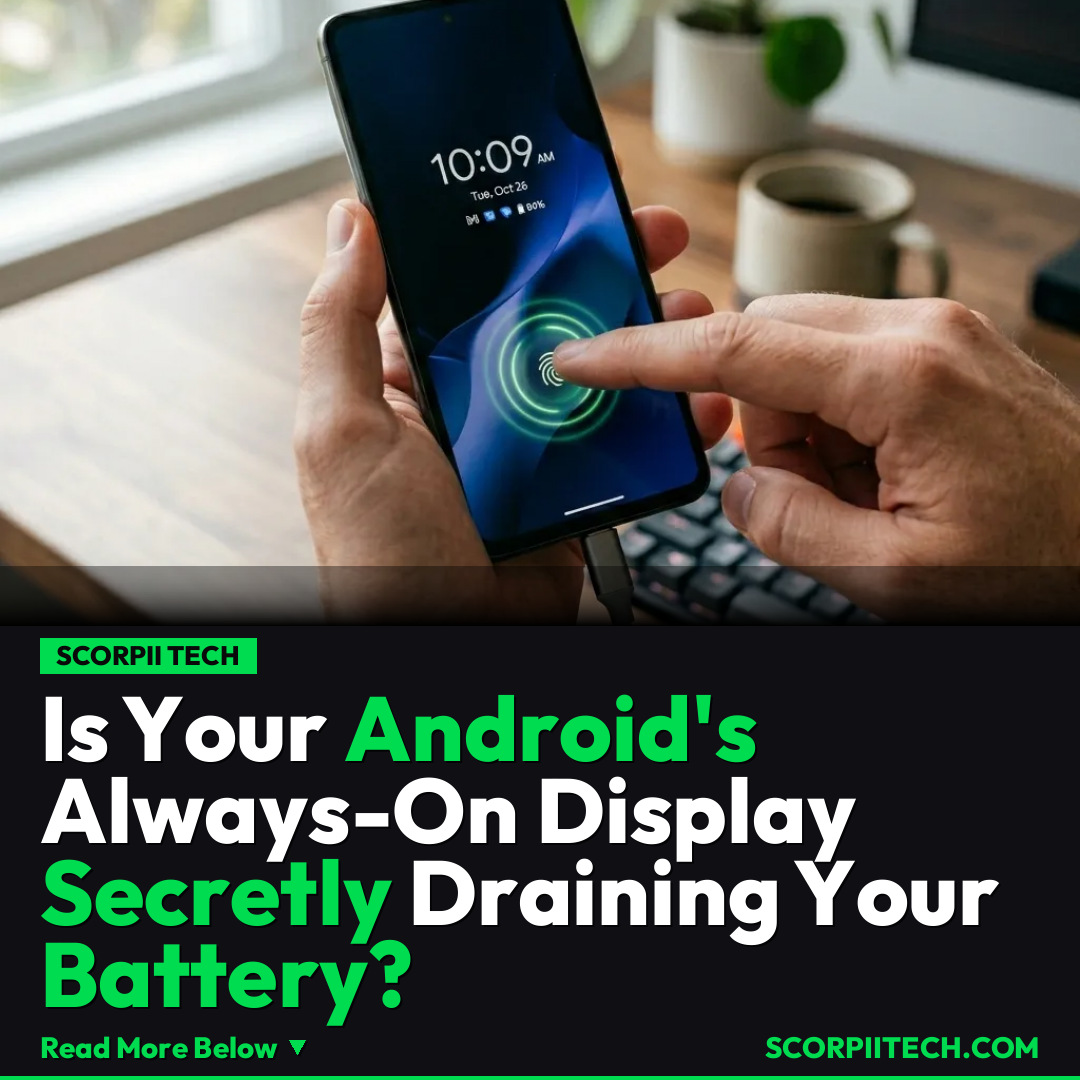
However, even those few illuminated pixels draw power. This is where the core controversy lies: the impact of Always-On Display on battery life. While subtle, the constant illumination adds up. In a head-to-head comparison, it’s clear: between Always-On Display and Tap-to-Wake, the latter is better for battery life. When you use Tap-to-Wake, your screen remains completely off, consuming virtually no power until you actively interact with it.
Major players like Google, Xiaomi, and Samsung have implemented these features across their flagship devices. Industry benchmarks, such as those performed by DXOMARK on phones like the iPhone 14 Pro Max, Google Pixel 7 Pro, Galaxy S22 Ultra, and Xiaomi 12S Ultra, scrutinize every aspect of device performance, including power consumption. While Always-On Display offers undeniable convenience, as one user pointed out, "If your phone stays plugged in at your workstation, you can quickly check the time, glance at the notifications, see schedules and alarms, or even view the music track currently playing without even lifting a finger." This highlights a specific scenario where AOD's utility shines, potentially outweighing its power draw.
Why This Matters
Your phone's battery is the lifeblood of your digital day. If you find yourself constantly reaching for your charger or relying on a power bank before the day is out, understanding how features like Always-On Display impact your usage is crucial. The convenience of seeing your notifications at a glance is compelling, but for many Android users, especially those frequently on the go, every percentage point of battery life counts.
The subtle drain from AOD might seem insignificant, but over hours, it can noticeably shorten your phone's uptime, leading to what feels like premature battery degradation. This impact is the heart of the controversy, pushing users to weigh convenience against endurance. If you're a heavy user of apps, navigation, or media, reclaiming even a small percentage of battery life by switching to Tap-to-Wake can mean the difference between making it through your day and desperately searching for an outlet.
The Bottom Line
So, what should you do? If maximum battery longevity is your top priority for your Android device, you should definitely opt for Tap-to-Wake. It ensures your screen is only active when you explicitly need it. However, if your phone spends most of its time docked or plugged into a charger at your workstation, and the convenience of instant information is paramount, Always-On Display remains a powerful, user-friendly feature. You have the power to choose; examine your daily usage habits and adjust your settings accordingly to get the most out of your phone's battery.
Originally reported by
BGRWhat did you think?



Stay Updated
Get the latest tech news delivered to your reader.