You Can Change Your Google Pixel's Flashlight Brightness - Here's How
Discover how you can finally adjust your Google Pixel's flashlight brightness with the new Android 16 update. Learn to use the Flashlight Strength slider.
Editorial Note
Reviewed and analysis by ScoRpii Tech Editorial Team.
In this article
For far too long, your Google Pixel has been a beacon of innovation, yet its flashlight felt like a "Flashlight Tiramisu"—almost great, but missing crucial control. You know the frustration: needing a dimmer light for a sleeping child or full-blast to find lost keys, only to find your Pixel stuck at a frustrating 50% brightness.
Key Details
You weren't imagining things; for years, your Pixel's flashlight was locked to a single, medium-strength setting, often forcing reliance on third-party apps for basic control. While Samsung and Apple users enjoyed adjusting intensity, you, as a Pixel owner, faced a surprising oversight for a premium smartphone, a clear functionality gap against key competitors.
Need fast, secure, and affordable hosting for your next website or PHP application? We recommend Hostinger Managed Hosting. Get premium speeds, a free domain, and 24/7 expert support.
That era officially ended with the Android 16 QPR3 update, part of Google's March 2026 Pixel feature drop. This update finally brings flashlight brightness adjustment directly to your device. No more workarounds; the solution is seamlessly integrated into the core Android experience, bringing your Pixel into parity with other flagship smartphones.
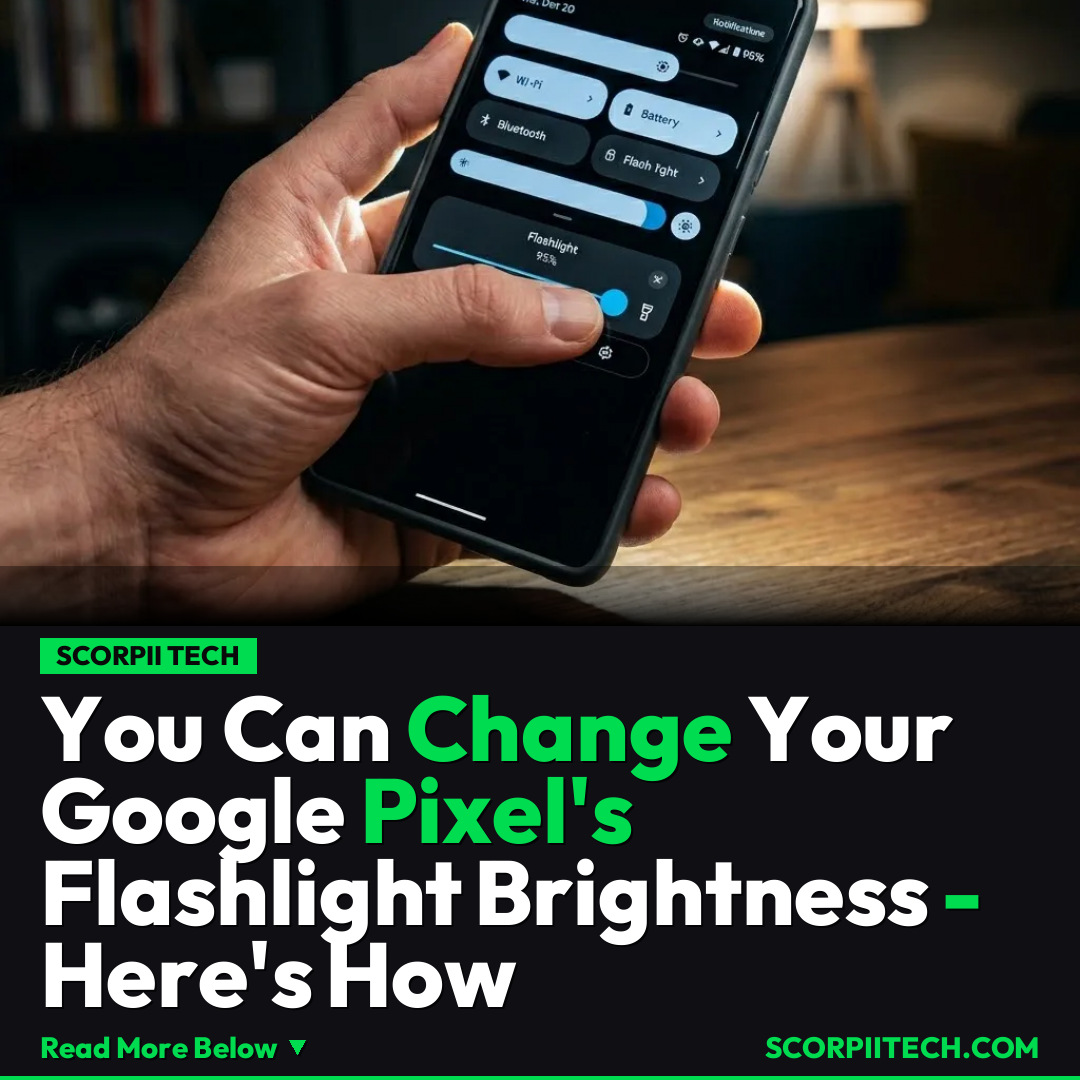
Accessing this new capability is simple. Once updated to Android 16 QPR3, you'll find the "Flashlight Strength" slider within your Quick Settings panel. Swipe down from the top of your screen to reveal Quick Settings, and a dedicated control allows you to easily increase or decrease intensity. This intuitive placement makes adjusting your light source quick and effortless.
Why This Matters
This might seem minor, but for you, the Google Pixel user, it's a significant leap in daily convenience and user experience. Imagine subtly navigating a dark room or requiring maximum illumination for intricate tasks. Before, your Pixel's flashlight offered a one-size-fits-all solution. Now, you have the flexibility to tailor light output precisely, making your Pixel an even more versatile tool, empowering you with direct control. This also closes a long-standing feature gap with rivals like Samsung and Apple.
The Bottom Line
Your "Flashlight Tiramisu" days with fixed brightness are officially over. With the Android 16 QPR3 update and the March 2026 Pixel feature drop, your Google Pixel finally grants you full control over its flashlight. You can now adjust its intensity with a simple slider in Quick Settings, bringing new utility and convenience to your daily life. Update your Pixel, explore Quick Settings, find that new "Flashlight Strength" slider, and experience the freedom of a truly adjustable flashlight. Your Pixel just got smarter, and a lot more helpful.
Originally reported by
BGRWhat did you think?



Stay Updated
Get the latest tech news delivered to your reader.