Your Pixel Gets A New Bluetooth Feature Every Phone Needs
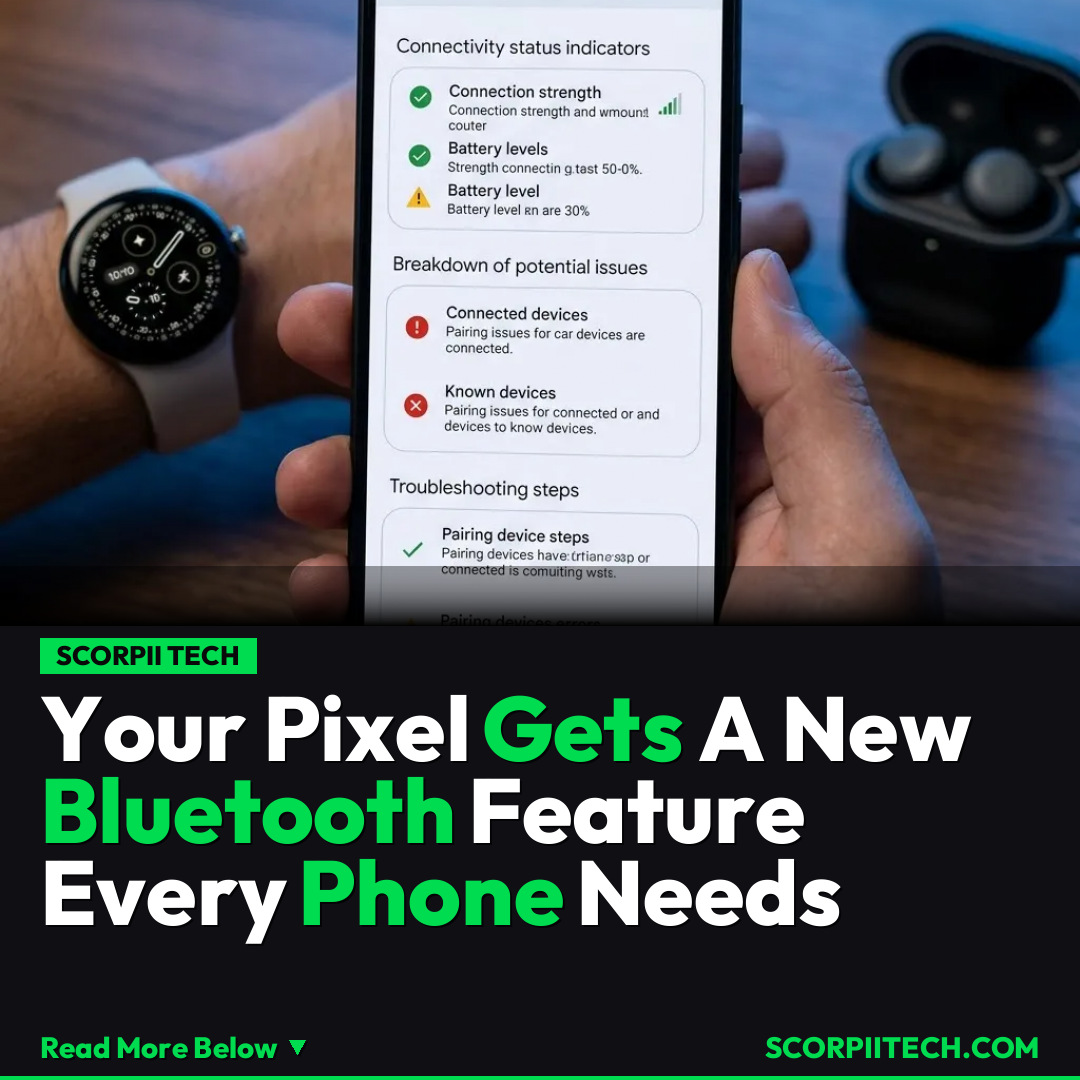
Discover how Google is supercharging your Pixel with a new Bluetooth diagnostics tool. Say goodbye to connection issues and troubleshoot like a pro, making your Android experience smoother than ever.
Editorial Note
Reviewed and analysis by ScoRpii Tech Editorial Team.
In this article
You know the drill: your Bluetooth just won't connect, your headphones keep dropping out, or your smartwatch refuses to sync. It’s a frustrating dance many of us perform daily. Google, ever the tinkerer, is rolling out a game-changing "Bluetooth diagnostics" feature to your Pixel devices. This isn't just another small update; it's a vital tool designed to finally demystify those common connection woes, making your digital life a whole lot smoother as of March 27, 2026.
Key Details
Google is always working to improve the Android platform and its Pixel smartphone lineup in some way, and this new "Bluetooth diagnostics" tool is a prime example of their commitment to enhancing user experience. This isn't just a rumor; it's a confirmed new capability. Imagine being able to actively diagnose why your Pixel 10 — or any supported Pixel device you currently own — isn't playing nice with your connected accessories. This feature is set to become a cornerstone of the Pixel Troubleshooting app experience, giving you unprecedented insight into your device's connectivity health.
Need fast, secure, and affordable hosting for your next website or PHP application? We recommend Hostinger Managed Hosting. Get premium speeds, a free domain, and 24/7 expert support.
Accessing this powerful new diagnostic tool is straightforward. You’ll be able to find it via two main pathways within your Pixel’s operating system. The most direct route is navigating to Settings > Connected Devices > Bluetooth, where you’ll then see the option for 'Bluetooth diagnostics'. Alternatively, Google is integrating it into a more centralized health hub, so you might also locate it through Settings > Device health and support > Bluetooth diagnostics. This dual access ensures that no matter how you typically navigate your phone's settings, this crucial tool will be readily available to you when troubleshooting becomes necessary.
What makes this particularly compelling is its absence on competing platforms. While Samsung's Galaxy devices and Apple's iPhones are fantastic pieces of tech, they currently lack a direct, user-facing Bluetooth diagnostic utility like this. This gives your Pixel a distinct advantage, especially when dealing with common frustrations involving peripherals like the Pixel Watch 4 or the popular Pixel Buds 2a. You'll no longer be forced to blindly restart or re-pair devices, but instead, gain actionable insights into what might be causing your connection hiccups, all within your own device.
Why This Matters
In our increasingly connected world, reliable Bluetooth performance isn't just a convenience; it's a necessity. From streaming audio during your commute with Pixel Buds 2a to tracking your fitness goals with a Pixel Watch 4, countless aspects of your daily routine depend on seamless Bluetooth connectivity. When these connections falter, it disrupts your workflow, entertainment, and even your peace of mind. This "Bluetooth diagnostics" feature empowers you. Instead of feeling helpless or resorting to generic online troubleshooting guides, you'll have a first-party tool specifically designed by Google to help you understand and resolve common issues yourself, saving you time and frustration.
This update significantly elevates the user experience for Pixel owners, further solidifying Google's position in the competitive smartphone market. By providing a built-in solution to a widespread tech headache, Google is showcasing a deep understanding of its users' needs. It differentiates the Android experience on Pixel devices, setting a new standard for user-centric features that directly address pain points. This focus on practical, powerful tools makes the Pixel platform not just innovative, but inherently more reliable and user-friendly compared to other Android handsets and even the iPhone, strengthening your loyalty to the Google ecosystem.
The Bottom Line
Your Google Pixel is about to become an even smarter companion, armed with a vital "Bluetooth diagnostics" feature that will transform how you handle connectivity issues. Don't resign yourself to endless Bluetooth frustration. As this update rolls out, make it a point to explore your Settings > Connected Devices > Bluetooth or Settings > Device health and support sections for the new diagnostic tool. Embrace this new capability to proactively manage your wireless connections, ensuring your Pixel and all its companions — from your Pixel Watch 4 to your Pixel Buds 2a — stay perfectly synced and ready for action.
Originally reported by
BGRWhat did you think?



Stay Updated
Get the latest tech news delivered to your reader.