Your Pixel 10 Pro's Flashlight Might Be Damaging Your Phone
Discover why your Pixel 10 Pro's flashlight could be causing more harm than good, with reports of overheating and burning surfacing from users. Learn what this issue means for your device and how to stay informed.
Editorial Note
Reviewed and analysis by ScoRpii Tech Editorial Team.
In this article
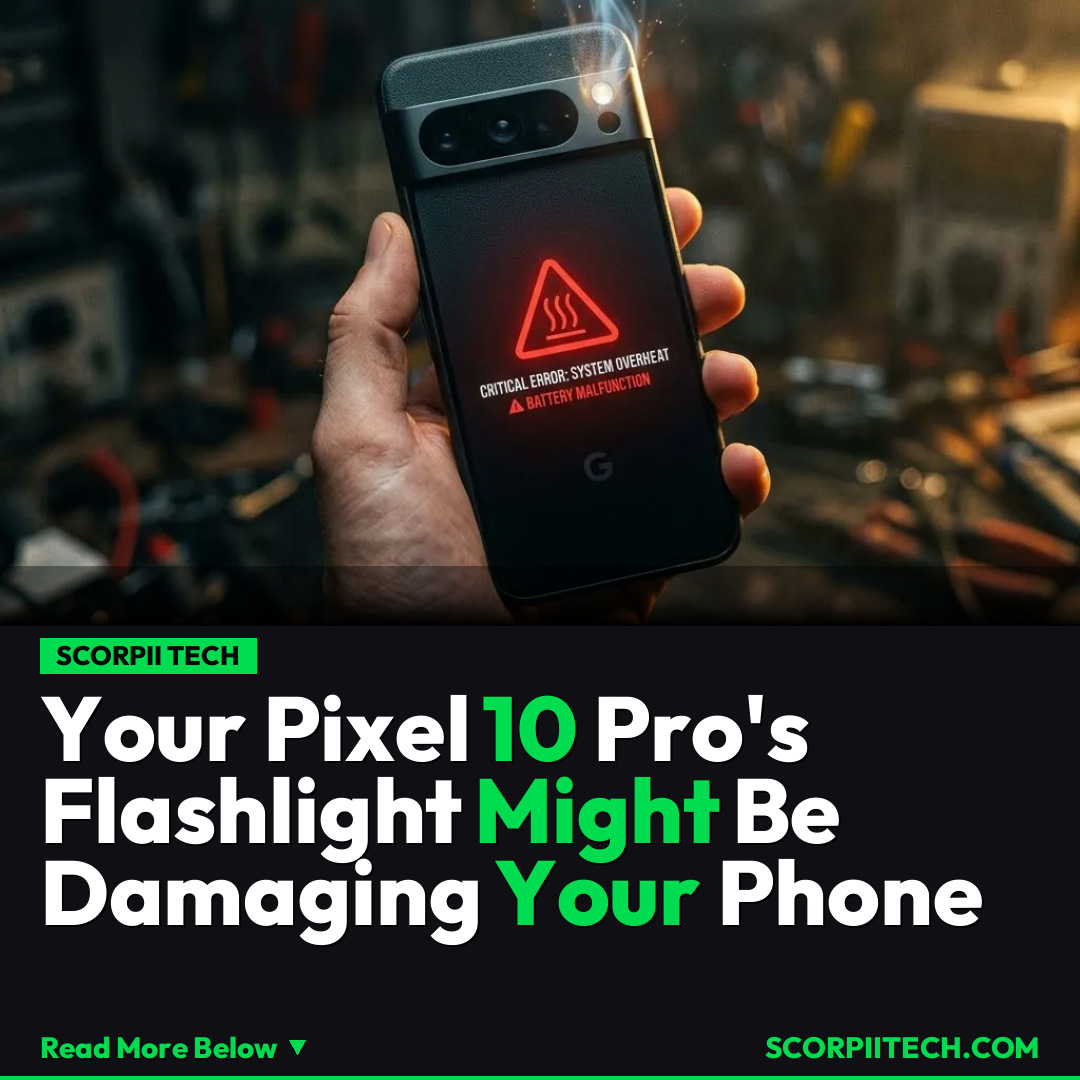
Imagine the unexpected – a simple accidental drop or minor mishap, and instead of just a cracked screen, you're faced with something far more alarming. Unfortunately, for some Pixel 10 Pro owners, even a common accident like that could now potentially cause significant damage to their device. Reports suggest the flashlight on certain Pixel 10 Pro devices may be causing serious issues, including overheating and burning.
Key Details
The controversy surrounding the Pixel 10 Pro's flashlight is rapidly gaining traction, with numerous accounts surfacing across platforms like Reddit. Owners are detailing experiences that go beyond mere inconvenience. Many are reporting instances where simply activating the flashlight feature leads to excessive heat generation, causing their device to become uncomfortably warm to the touch. This isn't just about a hot phone; the issue escalates, with some users even describing visible signs of damage, such as charring or discoloration around the flashlight module.
Need fast, secure, and affordable hosting for your next website or PHP application? We recommend Hostinger Managed Hosting. Get premium speeds, a free domain, and 24/7 expert support.
One particularly concerning account highlights the severity of the problem. A user vividly recounted their experience, stating, "I smelled some smoke, freaked out a bit." This firsthand testimony underscores the potential danger involved, suggesting that the problem isn't just cosmetic or a minor performance quirk, but a genuine safety concern that could impact the longevity and usability of your device. These reports paint a picture of a design or manufacturing flaw that could turn a helpful feature into a liability for Google's flagship phone.
The implication here is profound for Pixel 10 Pro owners. While a device should ideally withstand minor impacts, the current situation suggests that even an "accident like that" — a phrase often used to describe minor drops or bumps — could trigger or exacerbate the flashlight issue, leading to more immediate and severe damage. It shifts the perception of a durable smartphone into one that might be unexpectedly fragile under certain circumstances related to its own built-in features.
Why This Matters
Why should you, a Pixel 10 Pro owner or prospective buyer, care deeply about this unfolding situation? Your smartphone is more than just a gadget; it's an essential tool for communication, work, navigation, and capturing memories. The prospect of your device overheating or, worse, suffering burns due to a built-in function directly impacts its reliability and your daily peace of mind. You expect a premium device from Google to be robust and safe, not a potential fire hazard from its own components. This issue raises significant questions about product quality control and user safety standards that all consumers should be aware of.
Beyond immediate safety concerns, repeated overheating can severely degrade the internal components of any smartphone, drastically shortening its lifespan and diminishing its performance over time. This means your expensive investment could prematurely fail, leaving you needing a replacement much sooner than anticipated. Furthermore, devices exhibiting such issues could face difficulties with resale value and potentially void warranties if the damage is attributed to unusual usage, making this a financial and practical concern for many.
The Bottom Line
So, what's your next move if you own a Pixel 10 Pro? Given the surfacing reports of damage, including overheating and burning attributed to the flashlight, it's prudent to exercise caution. Monitor your device closely for any unusual heat generation or discoloration around the flashlight area, especially after using the feature. If you notice any of these symptoms or experience anything akin to "smelling smoke," cease using the flashlight immediately and consider reaching out to Google support or your retailer for guidance. Staying informed and proactive can help protect your device and, more importantly, your safety.
Originally reported by
BGRWhat did you think?



Stay Updated
Get the latest tech news delivered to your reader.