Here's What Android's 'Continue On' Means For Your Workflow
Get ready for seamless device switching on Android! Google's new 'Continue On' feature, coming with Android 17, brings Apple Handoff-like functionality to your favorite apps for ultimate productivity.
Editorial Note
Reviewed and analysis by ScoRpii Tech Editorial Team.
In this article
You know that sleek feeling of moving seamlessly between your Apple devices, picking up exactly where you left off? "Love it or hate it, the Apple ecosystem has its perks," and for too long, Android users have been watching from the sidelines. That's changing, and it's about to revolutionize your digital life. Android doesn't quite have the same setup... until now.
Key Details
You've probably wished your Android devices could work together more like a symphony, right? Well, Google is finally addressing the lack of true cross-platform compatibility head-on with a brand-new feature called 'Continue On.' This isn't just a rumor; it's officially arriving with Android 17, specifically confirmed in the Android 17 RC1 build. This long-awaited addition promises to bring a level of interconnectedness to your Android experience that has been noticeably absent for years.
Need fast, secure, and affordable hosting for your next website or PHP application? We recommend Hostinger Managed Hosting. Get premium speeds, a free domain, and 24/7 expert support.
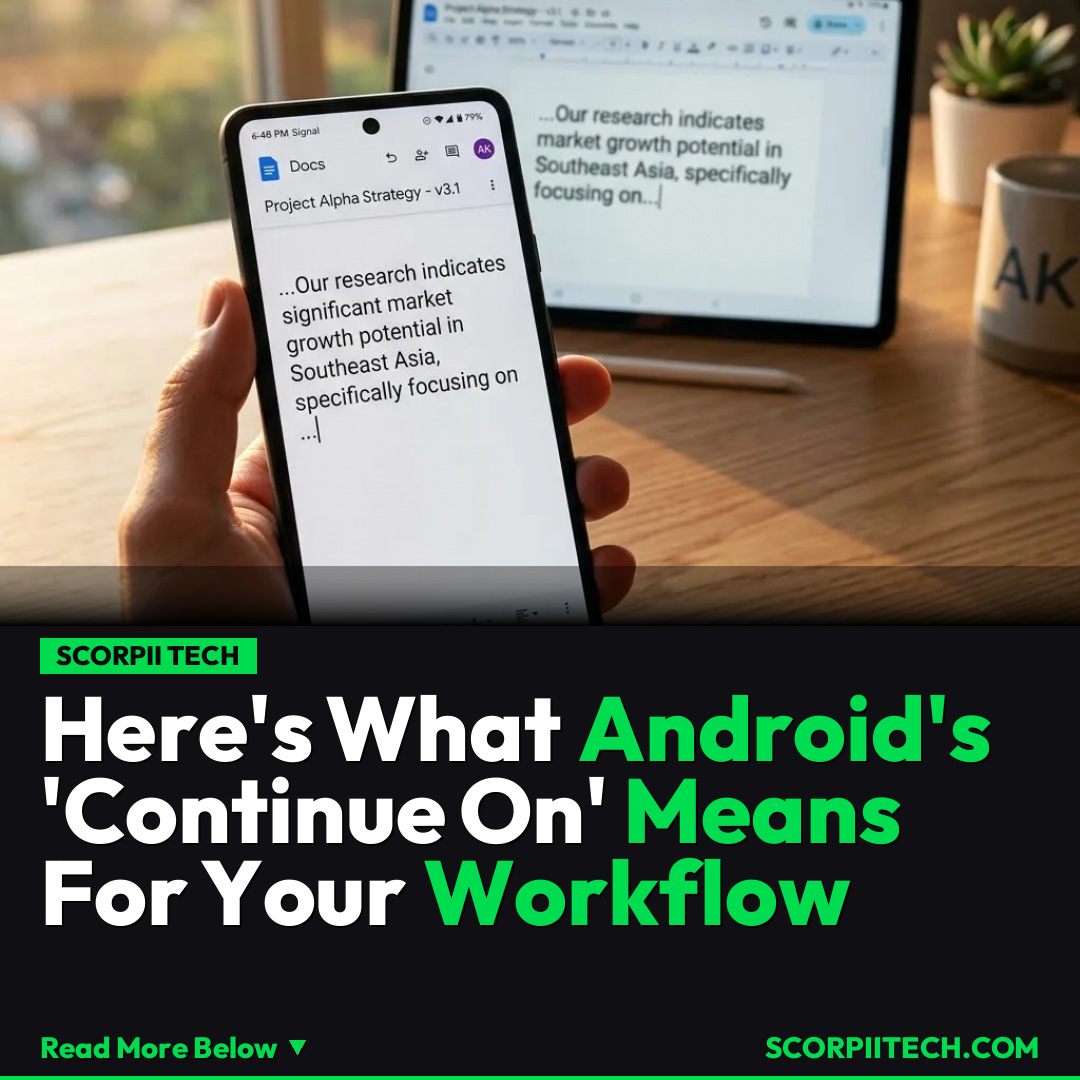
So, what exactly does 'Continue On' do for you? Imagine this: you're drafting an important email in Gmail on your Android smartphone, but then you need the larger screen of your tablet to finish it up. With 'Continue On,' you’ll be able to instantly pick up that exact draft on your tablet without missing a beat. The same seamless transfer is slated for other essential Google services, including intensive work on Google Sheets, document creation in Google Docs, and even browsing sessions in Chrome. Your activity doesn't just sync; it literally continues.
This functionality mirrors Apple's popular 'Handoff' feature, which allows users to start an activity on one Apple device and finish it on another. While Android has had various syncing options, a truly integrated system that hands off tasks in progress has been a glaring omission for many users. Google's 'Continue On' aims to close that gap, offering a native, deeply integrated solution directly within the Android 17 operating system.
Why This Matters
Why should you care about 'Continue On'? Because it tackles one of the most frustrating aspects of using multiple Android devices: the disjointed experience. For years, the lack of robust cross-platform compatibility has been a sticking point for users who juggle between a phone, tablet, and perhaps a Chromebook. You've probably felt the friction of having to manually save, share, or reopen an app just to continue your work on another device. This isn't just about convenience; it's about reclaiming precious seconds and reducing mental overhead in your busy day.
This feature transforms your ecosystem from a collection of individual devices into a truly collaborative workspace. Think about your workday: you start a complex spreadsheet on your commute, get home, and instantly transition to your tablet with its larger display, picking up precisely where you left off. This isn't just an upgrade; it's a fundamental shift in how you interact with your Android devices, making your digital life feel far more fluid and integrated. It’s a promise of greater efficiency and less digital friction.
The Bottom Line
So, what's your next step? Keep an eye out for Android 17, which is bringing 'Continue On' to your devices. While the exact rollout details might vary by manufacturer, knowing this feature is coming allows you to anticipate a significantly smoother, more productive workflow. Get ready to experience true device harmony, because Google is finally giving you the seamless cross-device experience you’ve been waiting for. Your Android devices are about to get a whole lot smarter about working together.
Originally reported by
LifehackerWhat did you think?



Stay Updated
Get the latest tech news delivered to your reader.