Your Android Auto Isn't Connecting? The Fixes You Need.
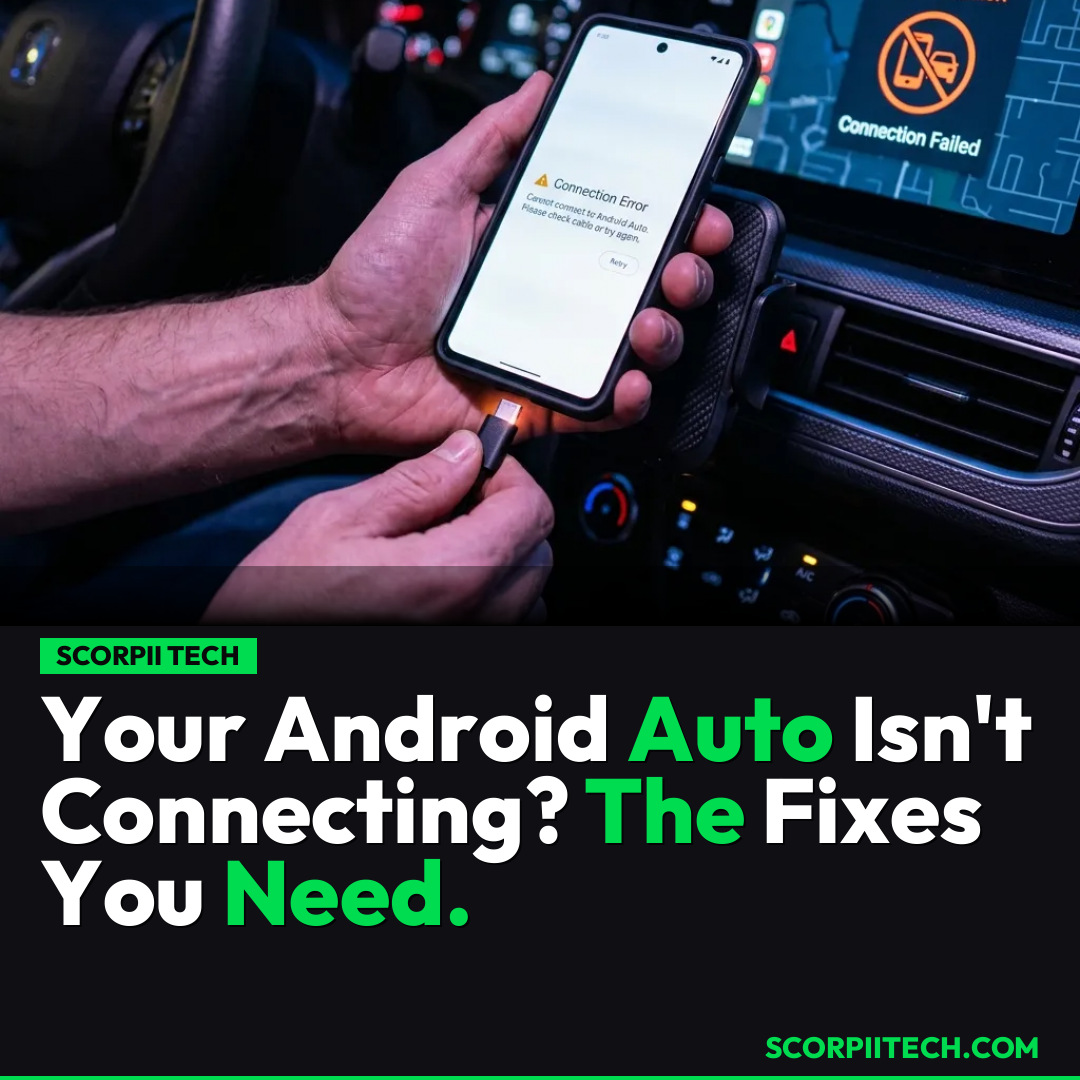
Are your Android Auto connection issues driving you crazy? You're not alone. Discover why your Samsung Galaxy S26 or Pixel might be struggling and what you can do to get back on the road.
Editorial Note
Reviewed and analysis by ScoRpii Tech Editorial Team.
In this article
Imagine sliding into your car, ready for your commute, only to find your Android Auto refusing to connect to your vehicle's infotainment system. That seamless navigation, your favorite podcast, the hands-free calls—all suddenly inaccessible. You’re left staring at a blank screen, or worse, a frustrated error message. This isn't just an inconvenience; it’s a disruption to your daily routine, and a surprisingly common one, according to a surge of recent user reports.
Key Details
You're probably wondering what's going on, and you're right to be concerned. Over the past few weeks, a growing chorus of users has taken to platforms like Reddit and the Samsung Community to voice their frustrations. The core problem? Android Auto simply isn't connecting to their car's infotainment systems. This issue isn't limited to a niche group; it's affecting a broad spectrum of devices, with prominent reports coming from owners of Samsung Galaxy S26 and Pixel phones. The ripple effect means you could be losing out on essential in-car functionalities, turning your smart vehicle into a much "dumber" one.
Deploy your next full-stack application effortlessly. Get $200 in free DigitalOcean credits to host your Laravel or Python APIs.
While an official root cause from Google or Samsung is still pending, the tech community is abuzz with theories. Some speculate that recent system updates, specifically Android 16 or its Advanced Protection security feature, might be playing a role in this connectivity breakdown. These features are designed to enhance your device's security, but in some cases, they might inadvertently interfere with the necessary data transfer required for Android Auto to function smoothly. Troubleshooting steps currently circulating involve basic but critical checks, such as ensuring your USB cable is not faulty or attempting to clear the Android Auto app data on your device. Autoevolution and Android Authority have also highlighted these widespread reports, indicating the severity and reach of this problem across the Android ecosystem.
Why This Matters
For many of you, Android Auto isn't just a gadget; it's an integral part of your driving experience. It's your co-pilot for navigation, your DJ for road trips, and your communication hub while on the move. When it fails to connect, you're not only losing convenience but potentially compromising safety by fumbling with your phone instead of focusing on the road. This issue underscores a larger challenge in the increasingly complex world of connected car technology: the delicate balance between robust security features and seamless user experience. You invest in these smart features for a reason, and when they falter, it erodes trust in the reliability of your mobile and automotive ecosystems. Furthermore, the sheer volume of reports on forums like Reddit and the Samsung Community highlights the widespread reliance on Android Auto and the significant impact these connection issues have on your daily life.
The Bottom Line
So, what should you do if your Android Auto is giving you the silent treatment? First, don't despair—you're not alone, and there are basic troubleshooting steps you can try. Double-check your USB cable for any damage or try a different, high-quality cable, as this is often a surprisingly common culprit. You should also consider clearing the cache and data for the Android Auto app on your phone, which can sometimes resolve software glitches. While these aren't guaranteed fixes for what appears to be a systemic issue, they are good starting points. Keep an eye on official announcements from Google and Samsung; given the widespread nature of these reports, it's likely they are actively investigating and will release updates or guidance soon. Your proactive reporting on community forums also helps engineers track and prioritize a solution. Until then, keep those cables checked and stay patient.
Originally reported by
BGRWhat did you think?



Stay Updated
Get the latest tech news delivered to your reader.