Forget Your Laptop: Android 16 Gives Your Pixel 8 a Desktop Mode
Your Pixel 8 or newer can now get a desktop mode with Android 16! Learn how this feature, similar to Samsung DeX, turns your phone into a portable workstation for productivity and entertainment.
Editorial Note
Reviewed and analysis by ScoRpii Tech Editorial Team.
In this article
For years, your friends with Samsung Galaxy phones have bragged about DeX, effortlessly transforming their devices into desktop-like workstations. Now, if you're rocking a Pixel 8 or newer, prepare to join the club! Google has finally brought a similar, dedicated desktop mode to your Pixel with Android 16, opening up a whole new world of productivity and potential for your powerful pocket computer.
Key Details
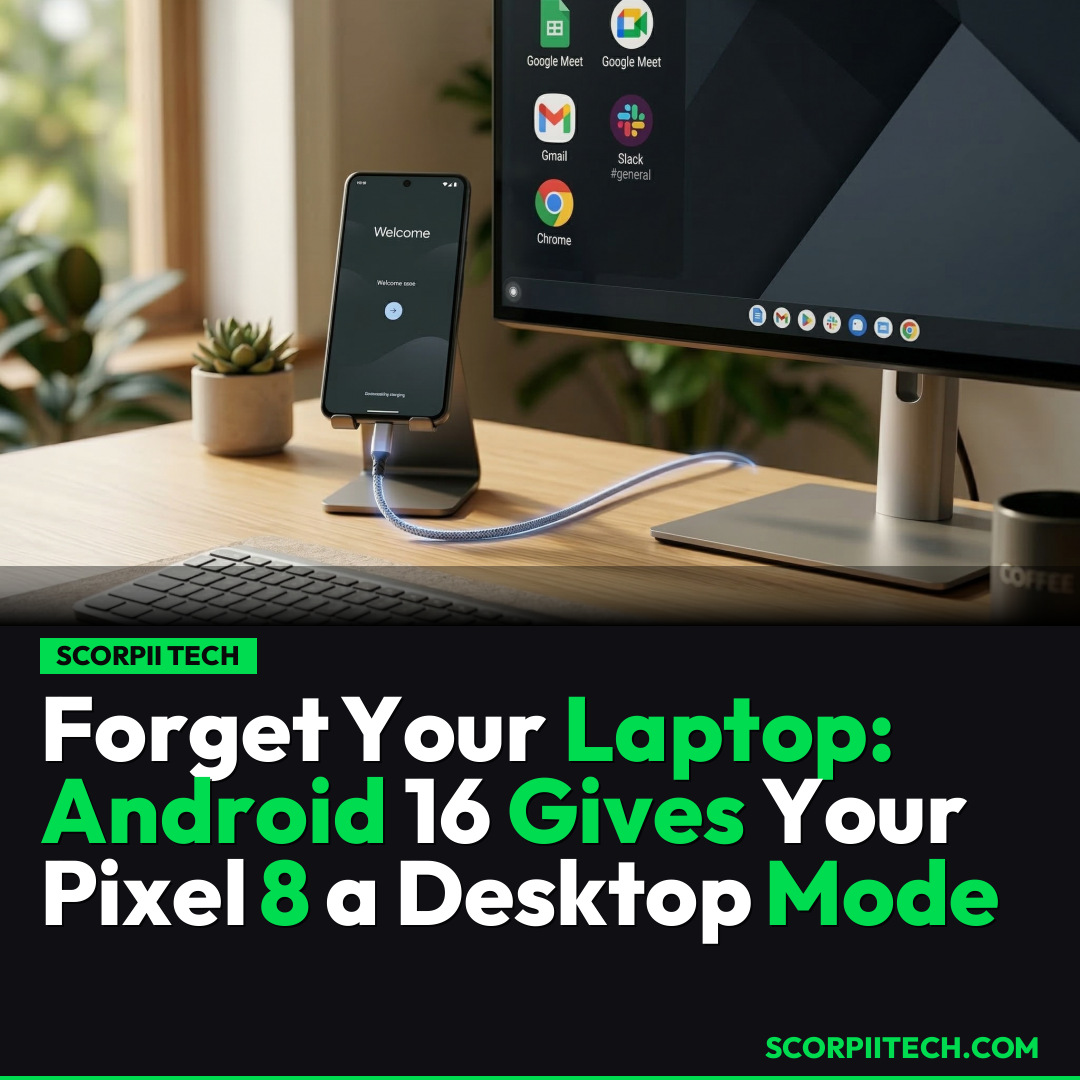
This exciting new capability arrives with Android 16 QPR3, exclusively for your Pixel 8 or any newer Pixel model. The setup is surprisingly straightforward: just connect your Pixel via USB-C DisplayPort to an external monitor, paired with a Bluetooth mouse and keyboard. Once connected, your device projects a desktop-like interface onto the larger screen, allowing you to interact with apps in a more traditional computing environment.
Need fast, secure, and affordable hosting for your next website or PHP application? We recommend Hostinger Managed Hosting. Get premium speeds, a free domain, and 24/7 expert support.
Think about the possibilities. You can seamlessly switch between applications like Slack or Google Docs for productivity. One user even typed out half an article using Google Docs for Android on an external monitor, proving real work is achievable. You can also catch up on Netflix or browse the web, mirroring the utility Samsung DeX users have long enjoyed, bringing versatile functionality to the Pixel.
However, it’s not entirely a seamless replica of a full Windows or macOS experience. Early adopters noted quirks: some apps, like WhatsApp, displayed misaligned buttons and oversized text, indicating they haven't been fully optimized for this new desktop view. Many applications, rather than adopting a true desktop layout, often revert to a standard tablet interface when expanded, so your experience might vary.
Why This Matters
This isn't just a cool party trick for your Pixel; it significantly expands your smartphone's utility, potentially changing how you approach mobile computing. Imagine packing just your Pixel and a portable monitor for a business trip, effortlessly transitioning from email to detailed presentations without a laptop. This new mode underscores Google’s vision for Android as a versatile operating system, bridging the gap for light productivity, media consumption, and quick tasks, giving you the flexibility to leverage your Pixel's power on a larger screen when you need it.
The Bottom Line
So, what's next? If you own a Pixel 8 or newer and have updated to Android 16 QPR3, grab your USB-C DisplayPort cable, Bluetooth mouse, and keyboard. Connect everything up and give this new desktop mode a spin yourself. Set your expectations appropriately; this isn't a full-fledged Windows or macOS replacement, especially given current app optimizations. However, for quick productivity, media consumption, and leveraging your powerful Pixel in a larger format, it's an incredibly useful tool. Your phone just became a whole lot more versatile, ready to tackle tasks on a bigger screen whenever and wherever you need it.
Originally reported by
LifehackerWhat did you think?



Stay Updated
Get the latest tech news delivered to your reader.