Your YouTube Shorts Addiction? There's a New Way to Fight It.
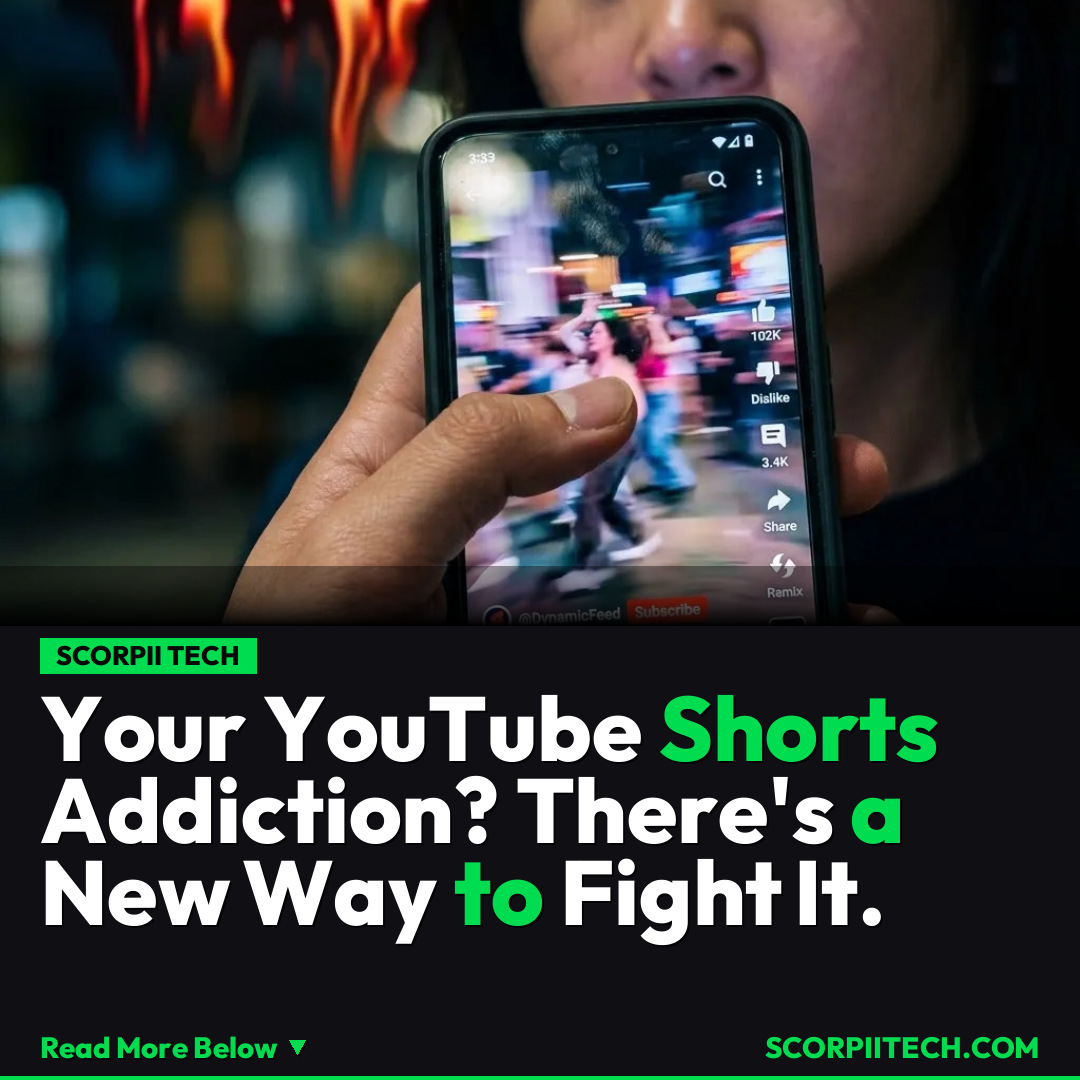
Tired of endless YouTube Shorts? Discover the new in-app feature on iPhones and Androids that lets you limit or even block your Shorts feed, helping you reclaim your time and focus.
Editorial Note
Reviewed and analysis by ScoRpii Tech Editorial Team.
In this article
Do you ever pick up your phone for "just a minute" and suddenly realize an hour (or three) has vanished into the captivating abyss of YouTube Shorts? You’re not alone. The instant gratification and endless scroll of short-form video content have become a silent time thief for many, often hijacking your productive hours and precious sleep, leaving you wondering where your day went.
Key Details
The core problem, as you might already know, is the sheer accessibility of these bite-sized videos. As a YouTube spokesperson, Makenzie Spiller, highlighted, "I have a bit of an issue with short-form content. It's so easy to lose hours scrolling through Instagram Reels at night that I deleted the app, and I only use the Instagram website on my laptop (a categorically worse Instagram experience)." For many, that addiction simply moved. You're greeted with a grid of Shorts as soon as you launch the YouTube app, making it almost impossible not to dive into an endless stream, transforming a quick check into an hours-long scroll fest.
Deploy your next full-stack application effortlessly. Get $200 in free DigitalOcean credits to host your Laravel or Python APIs.
But there’s good news for your digital wellbeing. There’s finally a specific, in-app method to regain some control over this habit on both iPhones and Androids. YouTube has rolled out a "Shorts feed limit" feature designed to help you manage your consumption. To enable this practical feature, you’ll need to open the YouTube app on your device. From there, navigate to your Profile tab, then tap the Settings icon located in the top toolbar. Within the Settings menu, you’ll find and choose the Time Management option. Here’s the crucial part: enable the Shorts feed limit feature, and then pick the new 0 minutes option. This setting is designed to prevent the Shorts grid from appearing automatically, reducing the temptation to scroll.
However, it’s important to understand this isn't a silver bullet. As reported by The Verge, while this new feature is a welcome step, it's not a strict, unyielding block. You might still stumble upon Shorts through other avenues, but this setting significantly reduces the primary, addictive entry point. This new limit works in conjunction with other tools like the UnTrap extension, which offers another layer of control for those serious about digital detoxing from short-form content.
Why This Matters
Why should you care about a "Shorts feed limit" that isn't even a strict block? Because it gives you back agency. In a digital world where algorithms are expertly crafted to keep your eyes glued to the screen, any tool that helps you consciously disengage is incredibly valuable. Losing hours to endless scrolling isn't just about wasting time; it impacts your focus, sleep quality, and even mental health. By proactively setting this limit, you're not just blocking a feed; you're creating a small, crucial barrier between yourself and a potentially draining habit. Think of the tasks you could complete, the books you could read, or the real-world connections you could foster with those reclaimed minutes. This feature empowers you to make intentional choices about how you spend your digital life, rather than being passively pulled along by the currents of content.
The Bottom Line
If you've been struggling to break free from the gravitational pull of YouTube Shorts, this new "Shorts feed limit" feature offers a practical, immediate step you can take. While it may not be an absolute block, setting the limit to 0 minutes will drastically reduce your exposure and the temptation to scroll endlessly. Don't wait for your phone to tell you when to stop; take control today by diving into your YouTube settings and enabling this feature. Reclaim your time, refocus your attention, and put yourself back in the driver's seat of your digital experience, starting now on April 16, 2026.
Originally reported by
LifehackerWhat did you think?



Stay Updated
Get the latest tech news delivered to your reader.