Why Your Router's Blinking Lights Are Trying to Tell You Something
Ever wonder what your router's blinking lights mean? Learn to decode green, red, and other light patterns to troubleshoot your Wi-Fi and Ethernet connection quickly.
Editorial Note
Reviewed and analysis by ScoRpii Tech Editorial Team.
In this article
Wherever you have your home router positioned, a desk, a bookshelf or an entertainment stand, it's hard not to notice all those blinking lights. But have you ever stopped to consider what those rapid flashes or slow pulses are actually communicating? Your router isn't just a silent internet provider; it's constantly sending you signals about your connection status, and understanding them can be a game-changer for your digital life.
Key Details
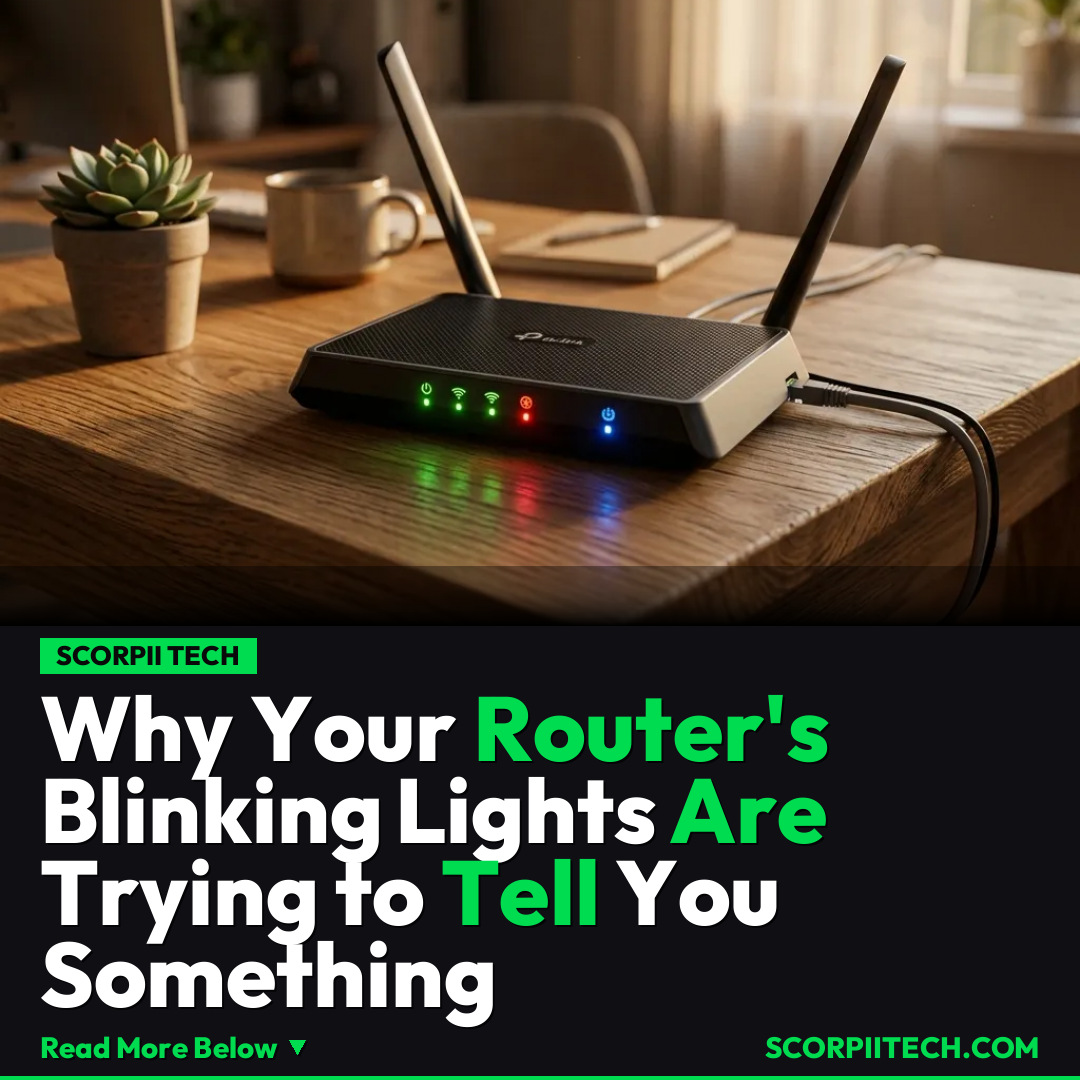
Those seemingly random flashes are actually a sophisticated diagnostic system, built right into your device. Generally, a green light or a white light that is either solid or blinking slowly and steadily is a good sign. This typically indicates a healthy connection, whether it's powering up, actively sending data over Wi-Fi, or has a stable internet connection from your modem. It's your router's way of saying, 'All systems go!'
Deploy your next full-stack application effortlessly. Get $200 in free DigitalOcean credits to host your Laravel or Python APIs.
However, when you see a rapid blinking pattern, or the lights turn colors like red light, orange light, yellow light, or even blue light, your router is likely trying to warn you about an issue. A rapid blink often points to active data transfer, which can be normal, but if it's accompanied by connection problems, it might suggest an overloaded network or an issue with your modem. Red lights are almost universally a sign of a critical error or no internet connection at all, while orange, yellow, or blue lights usually signify a less severe but still important status, such as connecting, firmware updates, or a specific network activity that might not be optimal.
Each of these specific light patterns and colors—from slow and steady blinking to rapid blinking across green, white, red, orange, yellow, and blue lights—corresponds to a particular status or problem. To truly decode what your router is trying to tell you, the single most reliable source of information is your router's user manual. This document, often available online if you can't find your physical copy, provides a detailed legend for every light, explaining exactly what each pattern means for your Wi-Fi, Ethernet, and overall internet connectivity. Don't underestimate its power to pinpoint the exact problem with your Router or Modem.
Why This Matters
Understanding your router's light patterns isn't just about technical curiosity; it's a practical skill that can save you significant time and frustration. Imagine your internet suddenly cuts out. Instead of immediately restarting your modem and router multiple times or calling your internet service provider, a quick glance at your router's lights can often give you an instant diagnosis. If you see a solid red light, you immediately know the issue is likely with the internet connection coming into your home, rather than your Wi-Fi signal or an internal network problem. This clarity helps you troubleshoot far more efficiently.
Moreover, familiarity with these signals helps you distinguish between minor hiccups and major outages. You'll be able to tell if a rapid blinking green light is simply normal data activity during a download, or if a persistent orange light indicates a specific service status that might require a quick adjustment. This proactive knowledge empowers you to take control of your home network, rather than feeling helpless when your Wi-Fi goes down. It's about demystifying the technology that powers so much of your daily life, from streaming to working from home.
The Bottom Line
Ultimately, your router's light patterns are an invaluable, often overlooked, communication tool. Don't just ignore them as background noise. The next time you encounter an internet issue, or even if you're just curious, take a moment to consult your user manual and learn what those green, white, red, orange, yellow, or blue lights, whether slow and steady or rapid blinking, are genuinely indicating. Armed with this knowledge, you can troubleshoot faster, speak more effectively with technical support, and maintain a healthier, more reliable home network. Your router is talking; it's time you started listening.
Originally reported by
BGRWhat did you think?



Stay Updated
Get the latest tech news delivered to your reader.