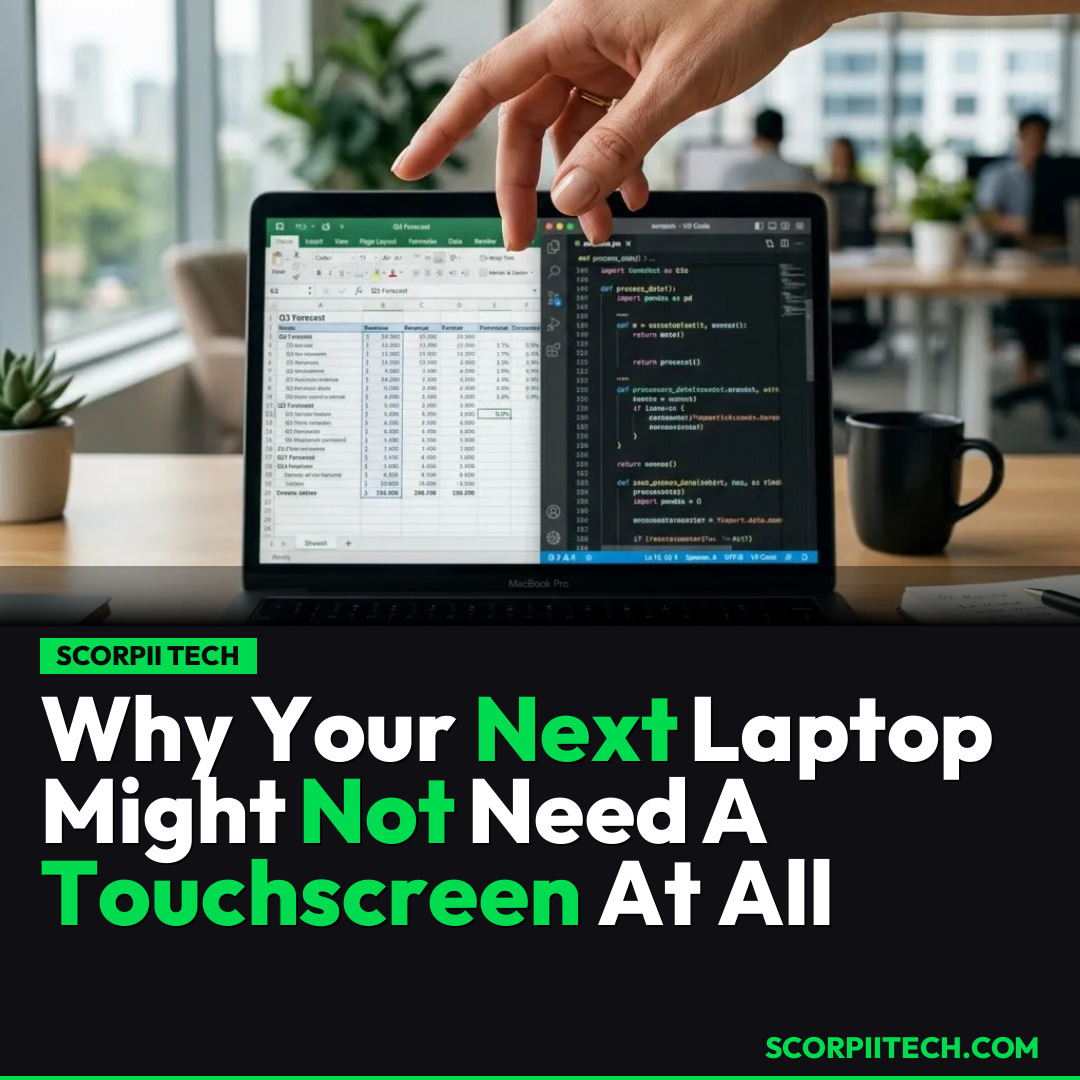
Why Your Next Laptop Might Not Need A Touchscreen At All
Considering a new laptop? You might be surprised to learn why experts are saying there's no need for touchscreen models anymore. Discover the downsides and whether you should skip it.
Editorial Note
Reviewed and analysis by ScoRpii Tech Editorial Team.
In this article
Laptops with touch-sensitive screens aren't new; you've probably seen them everywhere for years. But what if we told you industry experts are now making a very bold claim: that 'there's no point in getting a touchscreen laptop at all'? It's a provocative statement that challenges a feature many consider an upgrade, suggesting its downsides far outweigh any potential upsides for your everyday computing.
Key Details
You might recall that the concept of a touch-sensitive laptop isn't some futuristic dream. In fact, it's been around since 1983! Despite this long history and continuous innovation, like the recent introduction of HP's OmniBook X Flip, touchscreen laptops still only capture a modest 15 to 25 percent of the market. This relatively niche appeal, even after decades, hints at a deeper issue regarding their utility and adoption among consumers.
Deploy your next full-stack application effortlessly. Get $200 in free DigitalOcean credits to host your Laravel or Python APIs.
So, what exactly are these significant downsides that critics are highlighting? While the specifics aren't always explicitly detailed, the consensus among experts, echoing sentiments potentially from outlets like Consumer Reports, suggests a fundamental lack of value. Many argue these models often come with practical drawbacks such as higher cost, potential for screen smudges, and an often awkward user experience that requires you to constantly reach over your keyboard. This can be less efficient and comfortable than simply using a trackpad or an external mouse, especially for prolonged tasks. Apple's steadfast decision to keep touchscreens off their MacBooks is a notable industry counterpoint, suggesting a deliberate design philosophy prioritizing traditional input methods.
Even with this growing skepticism, major players in the laptop arena—including Acer, Asus, and Lenovo—continue to offer touchscreen options across their ranges. This creates a fascinating contradiction in the market: consumers are presented with a feature that a segment of experts deems 'pointless,' yet it persists in popular product lines. It forces you to question whether the touch functionality genuinely enhances your computing experience or if it's simply an added complexity that doesn't deliver on its promise.
Why This Matters
This debate over touchscreen laptops matters directly to you, especially if you're currently in the market for a new device. Why pay extra for a feature if, as experts suggest, its downsides far outweigh its benefits? You're not just buying a gadget; you're investing in a tool that should make your life easier, not introduce unnecessary frustrations or inflate your budget. Understanding this perspective can save you money and ensure you end up with a laptop that genuinely meets your needs without superfluous additions.
Beyond the cost, consider your daily workflow. Do you truly benefit from touching your screen when navigating applications, editing documents, or browsing the web? For most traditional laptop tasks, the trackpad and keyboard remain the most efficient and ergonomic input methods. If you value a clean screen and a smooth, uninterrupted workflow, the perceived 'upgrade' of a touchscreen might actually detract from your overall user experience, making your daily interactions with your device less intuitive and more cumbersome than you anticipate.
The Bottom Line
Before you commit to your next laptop purchase, take a moment to honestly assess your real needs. Don't simply assume that a touchscreen equals an upgrade. As expert opinion suggests, for many users, there's genuinely 'no point' in opting for one. You should prioritize a device that offers robust performance, a comfortable keyboard, and an excellent trackpad. Unless you have a specific, compelling use case for direct screen interaction that a convertible or tablet device couldn't handle better, you'll likely get more value and satisfaction from a traditional, non-touchscreen laptop. Choose wisely, and your wallet (and your screen) will thank you.
Originally reported by
BGRWhat did you think?



Stay Updated
Get the latest tech news delivered to your reader.