Here's What Your Blinking Orange MacBook Charger Is Telling You
If your MacBook charger is blinking orange, it's a sign your device isn't charging. Learn what this specific indicator means for your MacBook and what troubleshooting steps you can take to get your power back.
Editorial Note
Reviewed and analysis by ScoRpii Tech Editorial Team.
In this article
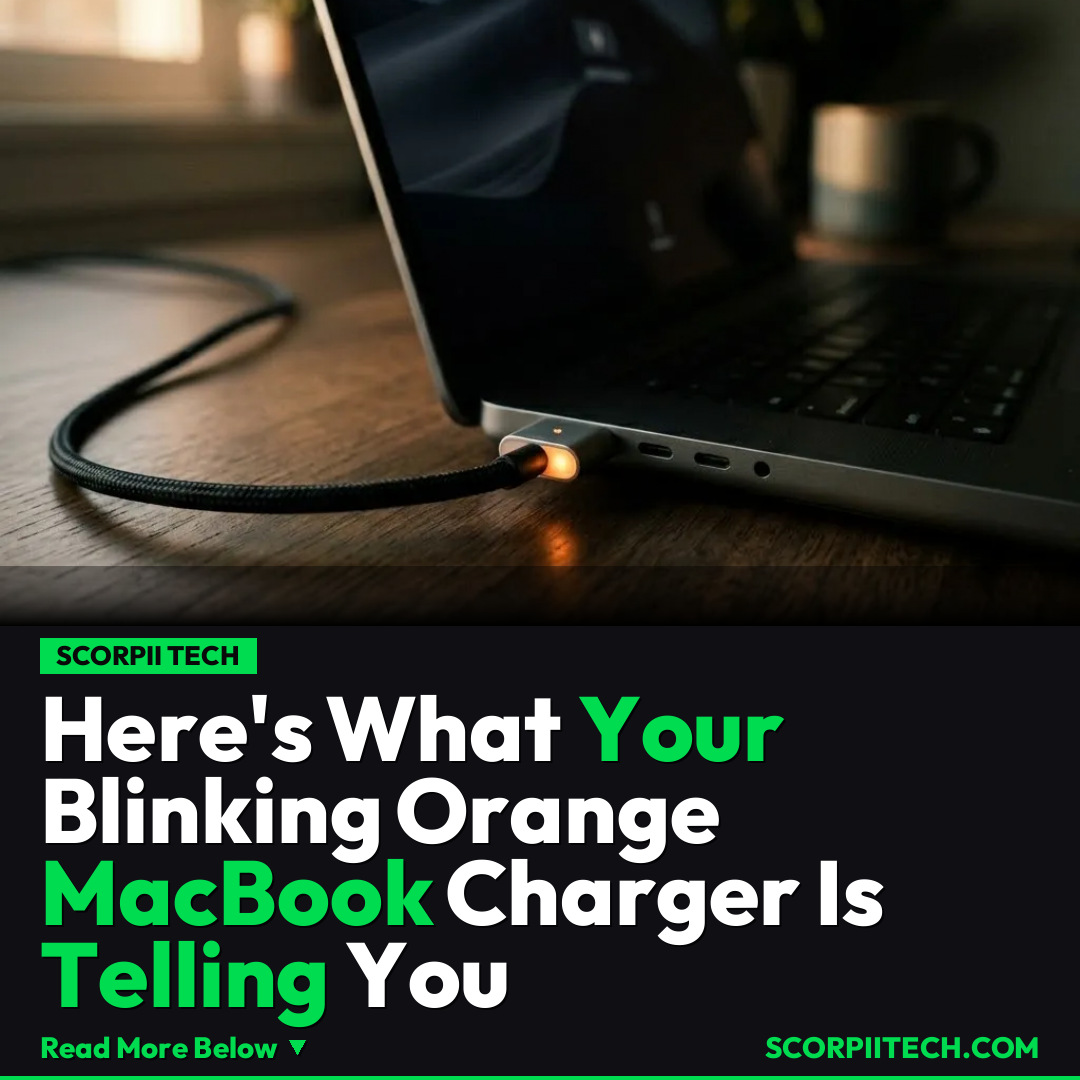
You plug in your MacBook, expect that satisfying charging sound, and instead, you're met with a blinking orange light. That seemingly innocuous blink isn't just a quirky aesthetic; it's a critical signal. When your MacBook charger starts blinking orange, it's effectively telling you one thing: your device isn't charging, and it's time for some immediate troubleshooting.
Key Details
When your Apple MacBook charger starts blinking orange, it's a specific indicator for a persistent issue: your MacBook isn't receiving the power it needs. This isn't merely a slow charge; it means the connection isn't properly engaging to supply power to your MacBook Air, MacBook Pro, or other models. This particular "MacBook charger blinking orange issue" is a clear signal that troubleshooting is immediately required to identify the root cause and hopefully resolve it.
Need fast, secure, and affordable hosting for your next website or PHP application? We recommend Hostinger Managed Hosting. Get premium speeds, a free domain, and 24/7 expert support.
This issue can manifest across various Apple charging technologies. Whether you're using a modern MagSafe 3 cable, an older MagSafe connector, or even a versatile USB-C cable for charging, the blinking orange light indicates a power interruption. It's not exclusive to one type of MacBook or one charging standard; from the sleek MacBook Air to the powerful MacBook Pro, and even the hypothetical MacBook Neo, this indicator points to a fundamental charging problem that needs your attention.
The problem might also relate to your power adapter. Apple MacBooks utilize a range of power adapters, from compact 20-watt or 30-watt versions suitable for lighter-duty tasks to robust 67-watt, 96-watt, or even 140-watt power adapters designed for more demanding MacBook Pro models. Each of these components, including the cable and the power adapter itself, forms a critical link in your MacBook's power delivery system. A blinking orange light suggests a break or fault within this chain, preventing the continuous flow of electricity.
Why This Matters
You rely on your MacBook. Whether it's for work, creative projects, or simply staying connected, a non-charging device can grind your productivity to a halt. A blinking orange light isn't just an annoyance; it's a potential blocker to your daily tasks. If your MacBook isn't charging, you're not just losing battery life; you could be missing deadlines, unable to access crucial files, or cut off from vital communications. Understanding this specific indicator means you can act quickly, preventing your device from running out of power at the worst possible moment. It's about maintaining your operational continuity and protecting your digital workflow.
The Bottom Line
So, the next time your MacBook charger blinks orange, don't ignore it. You now know it means your MacBook isn't charging, and it demands your immediate attention. Your first step should be to initiate troubleshooting: check your MagSafe or USB-C cable for damage, ensure both ends are securely connected, and verify your power adapter is properly seated and functioning. Identifying the specific component causing the "MacBook charger blinking orange issue" is crucial. Take action promptly to diagnose the cause, and you'll be back to full power, uninterrupted, in no time.
Originally reported by
BGRWhat did you think?



Stay Updated
Get the latest tech news delivered to your reader.