Your Samsung Photos Look Bad? Here's How to Fix Them
Boost your Samsung Galaxy photography! Discover 4 critical camera settings to change on your S25, S26, Z Fold 7, or S26 Ultra for stunning, professional-looking photos. Learn to optimize resolution, Pro mode, Scene Detection, and exposure easily.
Editorial Note
Reviewed and analysis by ScoRpii Tech Editorial Team.
In this article
You’ve got a cutting-edge Samsung Galaxy in your hand – perhaps a sleek Galaxy S25, a powerful Galaxy S26, the innovative Galaxy Z Fold 7, or the top-tier Galaxy S26 Ultra. Yet, sometimes your photos just don't quite capture the magic you see with your own eyes, do they? You might be scratching your head, wondering if you need a separate DSLR to get truly stunning shots. Good news: you don't.
Key Details
It turns out, tucked away in the camera settings, there are some things you can change to achieve precisely that – breathtaking photos. You're not just upgrading your phone's capabilities; you're upgrading your ability to capture life as vividly as you experience it. Let's dive into four critical adjustments you can make right now to transform your Samsung Galaxy's photo output, whether you own the Galaxy S25, Galaxy S26, Galaxy Z Fold 7, or the mighty Galaxy S26 Ultra.
Need fast, secure, and affordable hosting for your next website or PHP application? We recommend Hostinger Managed Hosting. Get premium speeds, a free domain, and 24/7 expert support.
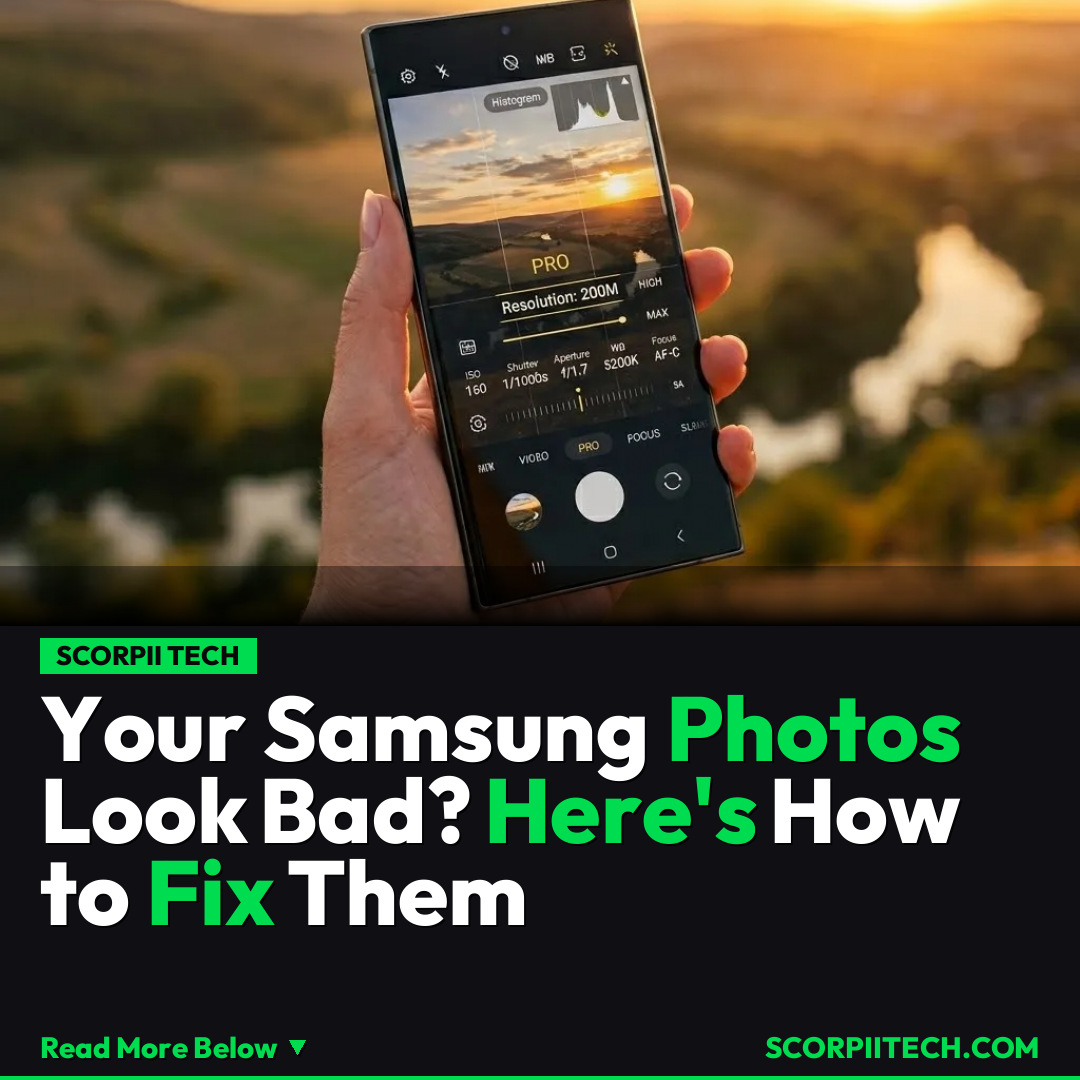
First, you need to crank up your resolution. While your phone might default to a lower setting for file size convenience, you can dramatically increase the detail and clarity of your shots by changing the resolution to either 50M or an incredible 200M. This isn't just a number; it means more pixels, more information, and ultimately, more stunningly crisp images.
Next, it's time to get acquainted with Pro mode. You might have shied away from it, thinking it's too complicated, but it hands you the power a professional photographer wields. Here, you can manually adjust critical elements like ISO (for light sensitivity), shutter speeds (to freeze action or create motion blur), aperture (for depth of field), white balance (for accurate colors), and even focus. Taking control of these settings allows you to adapt to any lighting condition or creative vision you have.
Don't overlook Scene Detection. This smart feature automatically identifies what you're trying to photograph – be it a vibrant landscape, a delicious meal, or a cozy pet – and optimizes your camera settings to best capture it. Enabling this gives your phone an intelligent boost, making everyday shots look professionally enhanced without you lifting a finger. Finally, you can fine-tune your exposure. A simple slider often available in your camera interface allows you to brighten or darken your shot precisely, ensuring your subjects are perfectly lit and your photo isn't over or underexposed.
Why This Matters
Why should you care about these technical tweaks? Because your memories matter. Every photo you take is a moment frozen in time, and you deserve for those moments to look their absolute best. Whether you're documenting a family vacation, capturing a spontaneous laugh with friends, or simply trying to nail that perfect Instagram shot of your morning coffee, these settings elevate your storytelling. You're not just taking pictures; you're crafting visual narratives with clarity, color, and impact that truly reflect what you saw.
In a world where smartphones are often your primary camera, understanding and utilizing these advanced features on your Samsung Galaxy S25, S26, Z Fold 7, or S26 Ultra bridges the gap between casual snapshots and truly impressive photography. You don't need to invest in expensive standalone cameras when the technology to create stunning images is already in your pocket, waiting to be unleashed.
The Bottom Line
So, what’s your next move? You need to go into your Samsung Galaxy's camera settings right now. Take a few minutes to explore the options for resolution, play around in Pro mode, ensure Scene Detection is enabled, and experiment with exposure. You'll be amazed at the immediate difference these small adjustments make. Stop settling for average and start capturing photos that truly shine. Your memories, and your social media feed, will thank you.
Originally reported by
BGRWhat did you think?



Stay Updated
Get the latest tech news delivered to your reader.