Your PC's Ethernet Port Does More Than Just Internet!
Unlock hidden potential! Discover clever uses for your PC's Ethernet port beyond just connecting to a router, from sharing internet in hotels to creating small LANs for NAS devices. Enhance your tech versatility.
Editorial Note
Reviewed and analysis by ScoRpii Tech Editorial Team.
In this article
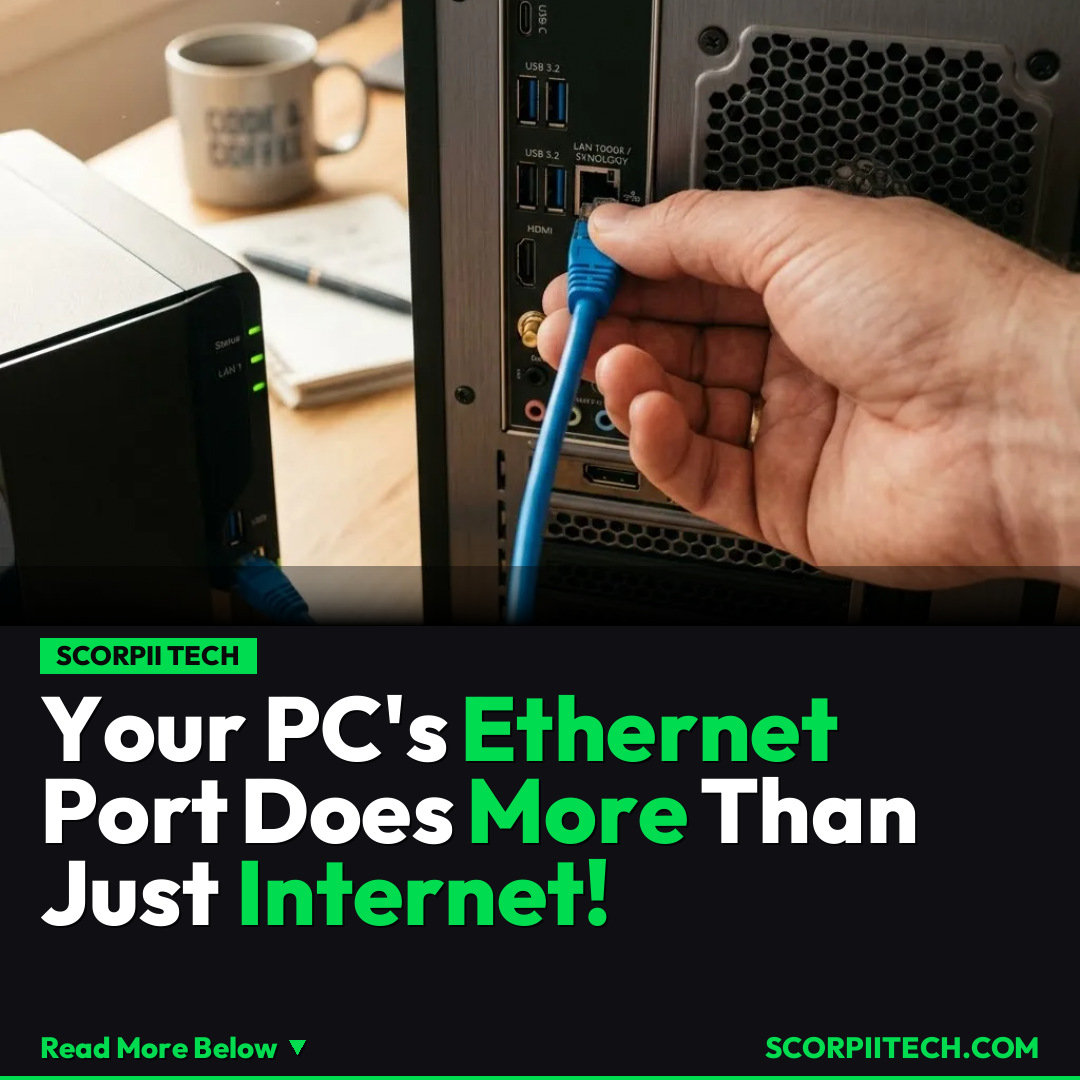
You probably think of your PC's Ethernet port as a one-trick pony, mainly there to connect you to the internet via your router. And honestly, who could blame you? That’s its most common gig. But what if we told you that little port on the back of your computer holds a surprising amount of untapped potential? It's time to unlock some clever uses that can transform your PC into a versatile network hub.
Key Details
One of the most intriguing capabilities of your PC's Ethernet port is its ability to share your computer's internet connection. Imagine being in a hotel or office where you only have one Ethernet connection or Wi-Fi login, but multiple devices need to get online. Your PC can bridge that gap. You can configure your network adapter settings, navigate to its Properties, and on the 'Sharing' tab, check the option that says, "Allow other network users to connect through this computer's internet connection." This instantly turns your computer into a gateway, sharing its internet access with other devices connected via its Ethernet port.
Deploy your next full-stack application effortlessly. Get $200 in free DigitalOcean credits to host your Laravel or Python APIs.
Beyond internet sharing, your Ethernet port is your ticket to creating small, robust local area networks (LANs). You can directly connect your PC to another computer or even a Network Attached Storage (NAS) device using a simple Ethernet cable. This direct connection is fantastic for lightning-fast data transfers or for setting up a private network for specific tasks without needing a router. For these direct setups, you might manually assign IP addresses, like 192.168.1.100 to your PC and 192.168.1.101 to your other device, both using a subnet mask of 255.255.255.0. If you need to connect more than two devices, a small, inexpensive 5-port network switch can extend your mini-LAN, acting as a central hub for all your local connections.
These alternative uses aren't just theoretical; they're incredibly practical in various real-world scenarios. In a hotel room, your laptop can become the central access point, sharing its single wired internet connection with your tablet, smartphone, or even a streaming device. In an office environment, you could set up a quick, secure, high-speed connection to a local server or another workstation for transferring large files, bypassing slower Wi-Fi or congested office networks. Your PC, armed with its Ethernet port, effectively becomes a highly adaptable networking tool.
Why This Matters
Understanding these hidden capabilities of your PC's Ethernet port empowers you with greater control and flexibility over your digital environment. It means you’re not solely reliant on external hardware like routers for every networking need. This knowledge can save you money by negating the need for extra devices in certain situations, and it can significantly enhance your productivity by facilitating direct, high-speed connections for data-intensive tasks, such as backing up to a NAS or direct file transfers between computers.
Moreover, these uses can be a lifesaver when dealing with connectivity challenges. Limited Wi-Fi access in a new location, the need for a more secure connection for sensitive data, or simply wanting to maximize the speed of local network transfers—your PC can rise to the occasion. It transforms your computer from just a user of a network into an active participant and even a creator of one, giving you an edge in both personal and professional tech setups.
The Bottom Line
Your PC's Ethernet port is far more versatile than you might have assumed. By delving into your network adapter settings and understanding basic networking principles, you can transform your computer into a powerful hub for internet sharing, direct device connections, and creating small, efficient local networks. On April 13, 2026, it’s clear that leveraging these features offers enhanced flexibility, security, and performance, ensuring you get the most out of your existing hardware. So go ahead, explore the hidden power of your Ethernet port – your tech setup will thank you.
Originally reported by
BGRWhat did you think?



Stay Updated
Get the latest tech news delivered to your reader.