Microsoft Is Rolling Back Copilot: What It Means For Your Windows 11
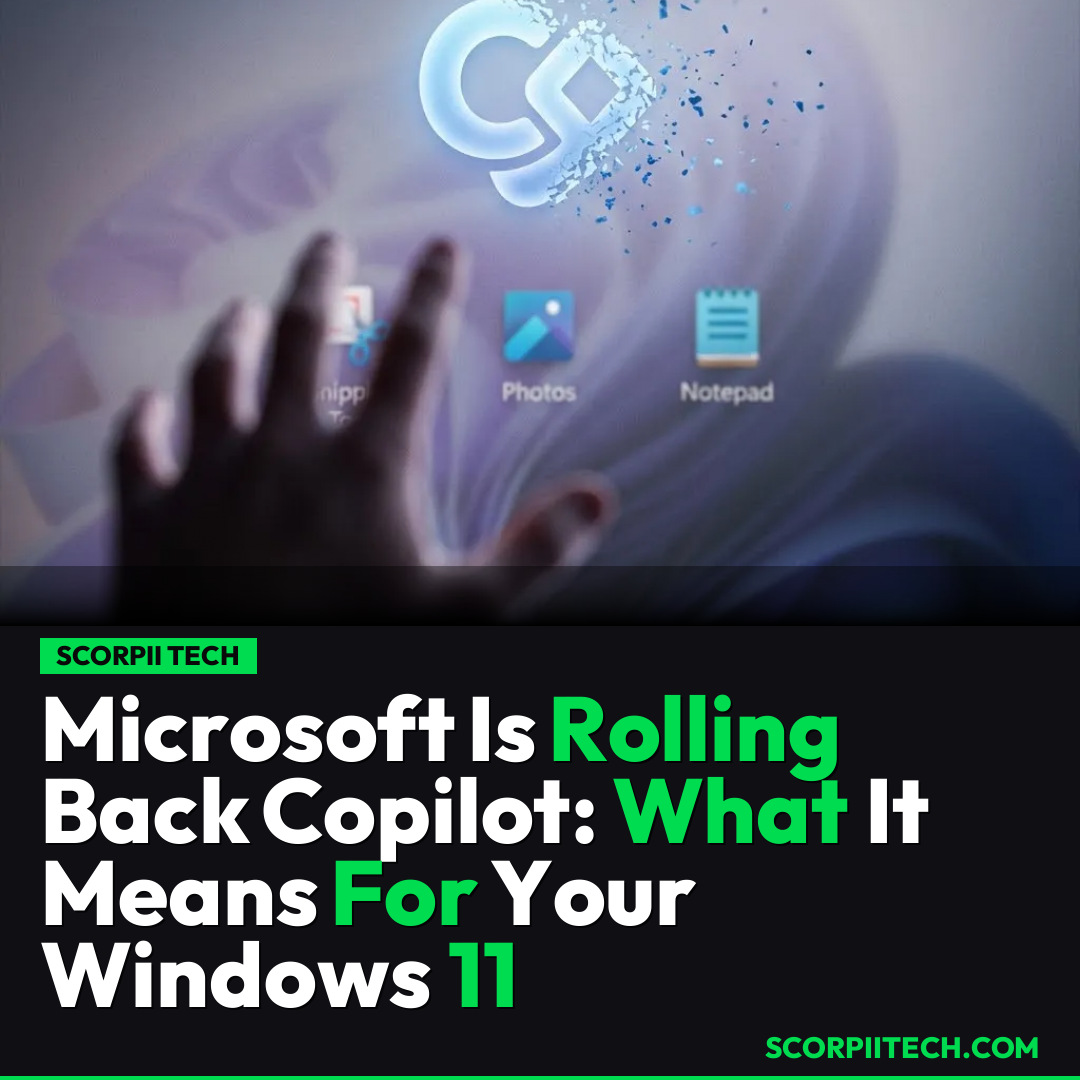
Microsoft is removing 'unnecessary' Copilot features from Windows 11 apps like Snipping Tool and Notepad. Discover why this matters for your daily tech experience.
Editorial Note
Reviewed and analysis by ScoRpii Tech Editorial Team.
In this article
You’ve probably felt it – that creeping sensation of AI being integrated (some might say shoved) into every corner of your digital life. For years, Microsoft seemed determined to embed Copilot into every single Windows application, regardless of whether you wanted it there or not. Now, in a surprising turn, Microsoft has made a significant discovery: perhaps users *don't* want Copilot crammed into everything.
Key Details
You might be surprised to hear that after a prolonged period of aggressive integration, Microsoft is actively pulling back on its Copilot strategy within Windows 11. The tech giant has announced it's removing what it deems 'unnecessary' Copilot features from several core Windows applications. This move directly addresses widespread user complaints about Copilot being relentlessly crammed into tools where its presence wasn't welcome or useful.
Deploy your next full-stack application effortlessly. Get $200 in free DigitalOcean credits to host your Laravel or Python APIs.
Specifically, you'll find Copilot's footprint shrinking in familiar apps like the Snipping Tool, Photos, Widgets, and Notepad. This isn't just a minor tweak; it's a direct response to a vocal user base that felt overwhelmed by an AI assistant that was often "on by default" and constantly evolving. The sentiment, articulated by Pavan Davuluri, President of Windows & Devices, is telling: "I hate the process by which they are cramming it into every single tool, changing it on an almost daily basis and leaving most of the features on by default." This powerful quote, revealed in a Windows Blog post, signals a significant internal shift at Microsoft regarding its AI integration philosophy.
Why This Matters
So, why should you care about Microsoft taking Copilot out of your Snipping Tool? This isn't just about removing a few AI buttons; it's a significant win for user control and a potential shift in how big tech approaches AI integration. For you, it means a less cluttered, more focused experience in applications where you simply want to perform a specific task without an AI layer you didn't ask for. It signals that user feedback, even when expressed as widespread annoyance on platforms like Reddit, can indeed prompt change from a tech behemoth.
This development is important because it sets a precedent. It suggests that future AI rollouts might be more thoughtful, more opt-in, and less about forcing new functionalities onto users. You might find your daily workflow feeling less interrupted and more streamlined, as Microsoft seems to acknowledge that sometimes, less *is* more when it comes to feature saturation. It's a testament to the power of collective user voice shaping the very tools you use every day on your Windows 11 device.
The Bottom Line
The bottom line for you is this: If you’ve been feeling frustrated by Copilot’s pervasive presence, you can breathe a sigh of relief. Microsoft is actively responding to user sentiment by streamlining Windows 11. While the full extent of these changes will roll out over time, it's a clear indication that your voice, and the voices of millions of other users, are being heard. Keep an eye on official Windows updates for when these changes arrive on your system, and continue to provide feedback – it clearly makes a difference.
Originally reported by
LifehackerWhat did you think?



Stay Updated
Get the latest tech news delivered to your reader.