Your iPhone Repair: Here's What You're Doing Wrong
Thinking of fixing your iPhone yourself? Learn from former technician Doug McDonald about common mistakes to avoid, from battery disconnections to screw placements, to prevent further damage.
Editorial Note
Reviewed and analysis by ScoRpii Tech Editorial Team.
In this article
You’ve got a cracked screen, a dying battery, or some other pesky iPhone problem. The thought of a costly trip to the Apple Genius Bar or waiting for Apple Support might push you towards a DIY fix. But before you grab a screwdriver, listen up: a former technician who's seen it all says you might be doing more harm than good. In fact, you could be making a lot more damage to an already broken iPhone.
Key Details
Doug McDonald, a former technician and current Slashgear contributor, recently shared with BGR the most common blunders he’s witnessed over the years when people attempt to repair their iPhones. These aren't just minor slip-ups; they're critical errors that can escalate a small problem into a costly catastrophe for your device. If you're leveraging Apple's self-service repair program, which is available in the U.S. and Europe, understanding these pitfalls is absolutely crucial.
Deploy your next full-stack application effortlessly. Get $200 in free DigitalOcean credits to host your Laravel or Python APIs.
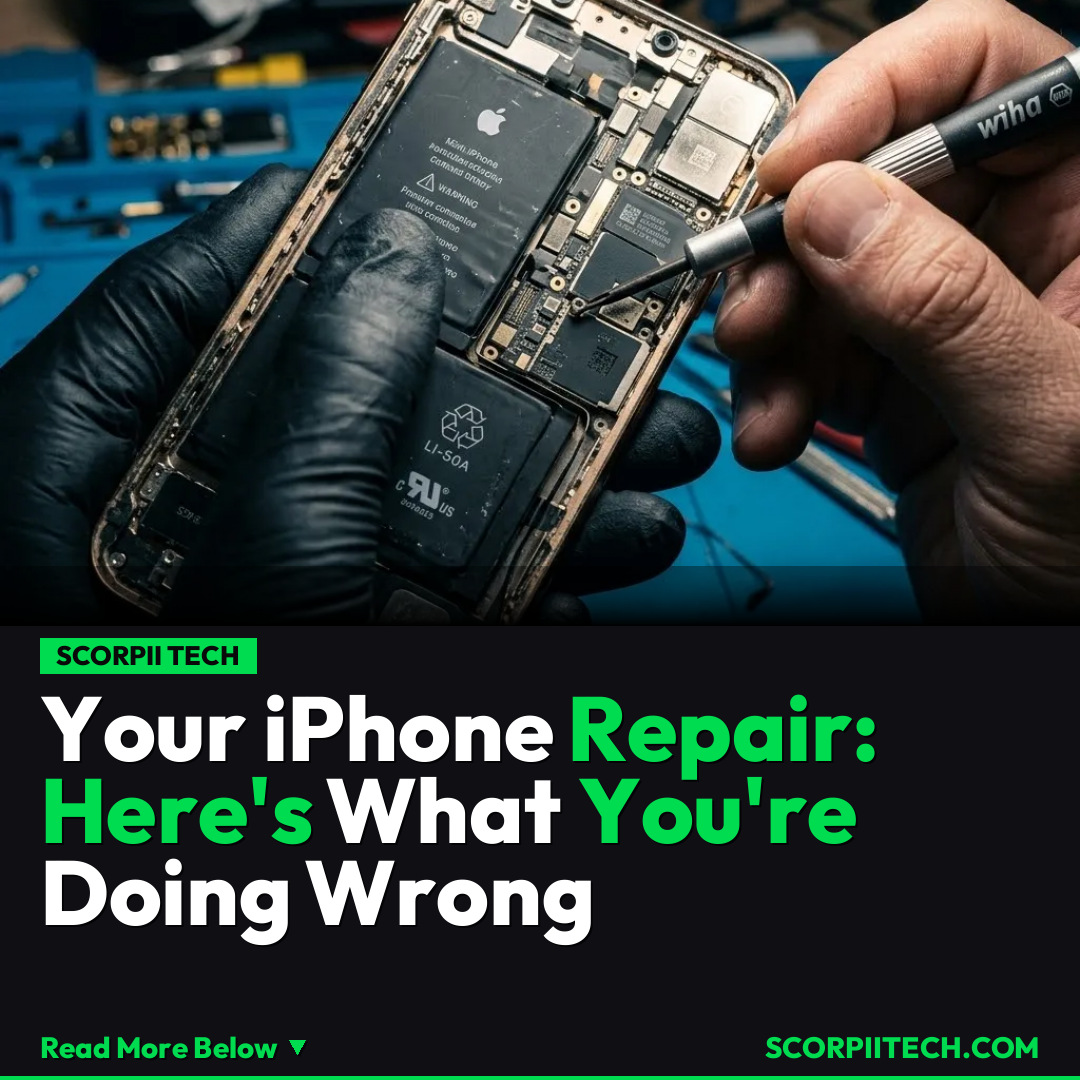
You might think you’re saving time and money, but McDonald highlights key technical details you need to master. One of the most frequently forgotten steps is disconnecting the battery before you even think about replacing a display. Failing to do this can lead to short circuits and permanent damage. Another common mistake involves the tiny, precise screws within your iPhone: not putting the same screws back into the hole from which they came can cause internal damage. You also need to ensure you’re using the right tools, like pentalobe screwdrivers, thin plastic picks, or other specific opening tools, rather than improvised implements. Furthermore, you should discharge the battery below 25% before starting any repair work to minimize safety risks, and always avoid abrasive chemicals and metal tools near delicate components.
Organizations like BGR and Slashgear have highlighted McDonald's insights, and even iFixit, a strong advocate for the right to repair, would likely echo the sentiment that proper knowledge and tools are non-negotiable. The intent behind Apple's self-service repair program is to empower you, but it comes with a steep learning curve that many underestimate.
Why This Matters
The potential for damaging your iPhone further or, worse, causing safety issues when attempting repairs without proper knowledge or tools is a significant concern. You might start with a cracked screen and end up with a completely unresponsive device, or even a fire hazard if a lithium-ion battery is mishandled. What begins as an attempt to save a few dollars can quickly balloon into a much larger expense, forcing you to buy a new iPhone or pay for extensive professional repair anyway.
This isn't about discouraging you from trying to fix your own devices. It’s about arming you with the critical information you need to make an informed decision and proceed with caution. The controversy surrounding the ease and safety of DIY repairs, even with Apple’s support, underscores the need for thorough preparation. You’re dealing with sophisticated, delicate electronics, and a lack of precision can have immediate and lasting consequences for your beloved iPhone.
The Bottom Line
Before you dive into a DIY iPhone repair, take McDonald's warnings seriously. You need to thoroughly understand each step, have the correct specialized tools, and meticulously follow instructions from reliable sources. If you're not confident in your technical prowess or your ability to source the exact parts and tools, your best bet is to still consider professional assistance from authorized service providers. You might save yourself a headache, a damaged iPhone, and a chunk of change in the long run by recognizing when a job is beyond your current skill set. Your iPhone — and your wallet — will thank you.
Originally reported by
BGRWhat did you think?



Stay Updated
Get the latest tech news delivered to your reader.