"Just AirDrop It"? How Your Pixel Can Too!
Discover which Google Pixel phones support AirDrop-like file sharing with Quick Share. Learn how you can effortlessly transfer files between devices and why this feature matters for your daily tech use.
Editorial Note
Reviewed and analysis by ScoRpii Tech Editorial Team.
In this article
You’ve heard it countless times from your iPhone-toting friends: "Just AirDrop it to me!" That seemingly magical, effortless way to share photos, videos, and documents instantly has long been a hallmark of Apple devices. But what if we told you that this convenient, fast file-sharing experience isn't exclusive to the Apple ecosystem anymore? Get ready, Pixel users, because your Google smartphone is stepping up its game.
Key Details
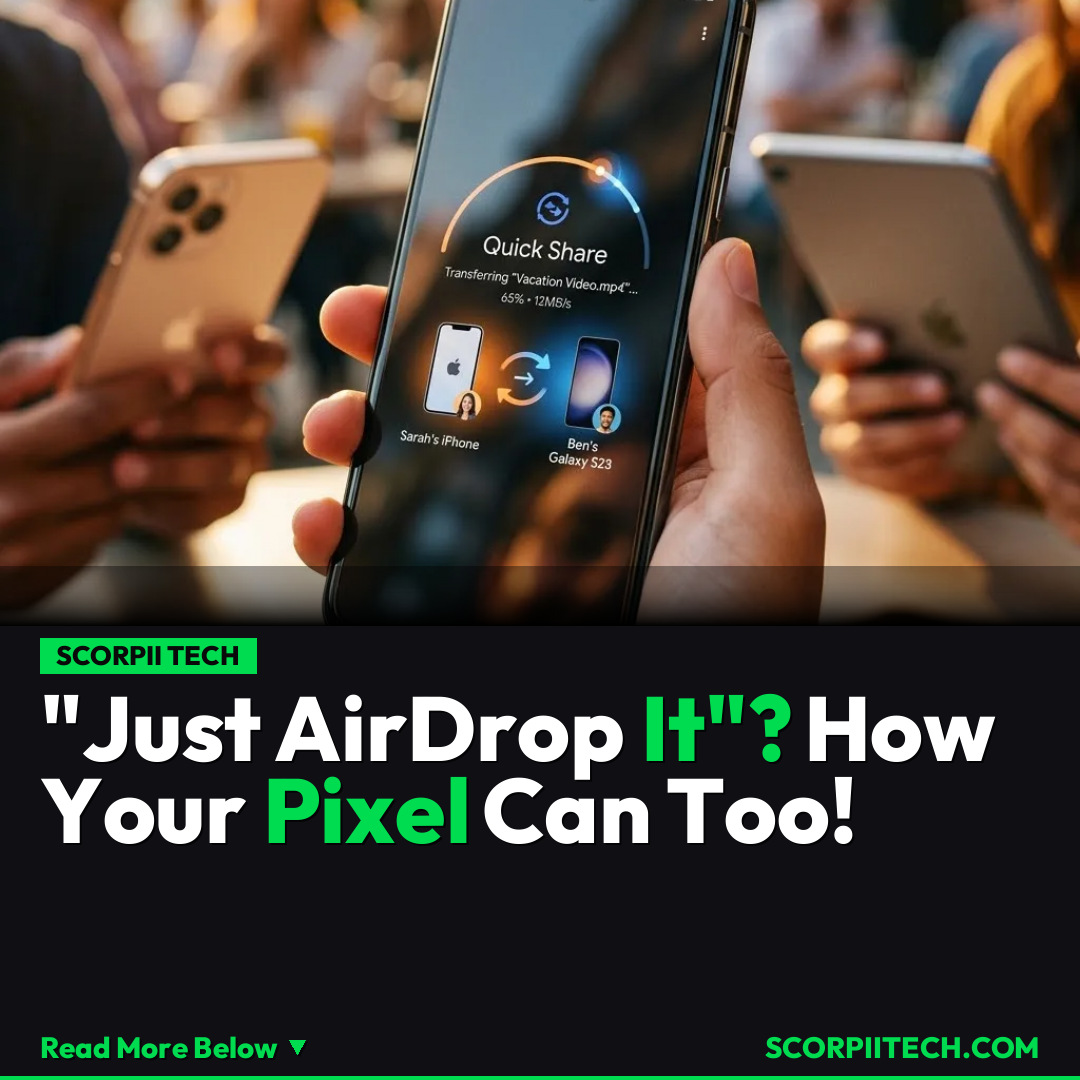
You might be surprised to learn that the seamless, direct device-to-device file transfer capability, often associated solely with Apple's AirDrop, is now a reality for many Google Pixel users. This isn't Apple AirDrop itself, of course, but rather Google's powerful equivalent: Quick Share. This feature allows your Pixel to share files with other compatible devices in much the same way AirDrop functions, making those frustrating moments of emailing files to yourself or relying on slow cloud services a thing of the past.
Need fast, secure, and affordable hosting for your next website or PHP application? We recommend Hostinger Managed Hosting. Get premium speeds, a free domain, and 24/7 expert support.
So, which Google smartphones are getting this much-anticipated capability? You'll find this fantastic functionality on a range of Google's Pro and Fold devices. Specifically, if you own a Pixel 9 Pro, Pixel 9 Pro XL, or the innovative Pixel 9 Pro Fold, you're already set to experience enhanced file sharing. The good news extends to the next generation too: the Pixel 10 Pro, Pixel 10 Pro XL, and Pixel 10 Pro Fold also fully support Quick Share, ensuring future-proofing for these premium devices.
However, it's not a universal rollout across the entire Pixel lineup. It’s critical for you to know that the more budget-friendly Pixel 9a, for example, does not currently support this Quick Share functionality. This distinction is important when you're considering your next device or wondering why your friend's Pixel might be able to 'AirDrop' a photo to you while yours can't. This specific hardware or software limitation means the "Just Quick Share it to me" experience isn't available on all Pixel models.
Why This Matters
For you, the end-user, this integration of Quick Share across a growing number of Google Pixel devices is a massive quality-of-life upgrade. It means you can quickly share large video files from your holiday, a batch of high-resolution photos from a recent event, or important work documents with colleagues and friends, without the hassle of compression or slow upload/download times. The convenience factor alone is a game-changer, especially if you frequently interact with a mix of Android and even some other compatible devices. It removes a significant friction point that has long been a competitive edge for Apple's ecosystem.
This move by Google with Quick Share solidifies the Pixel's position as a premium smartphone offering an increasingly comprehensive and user-friendly experience. You're no longer just getting a fantastic camera and pure Android; you're gaining the kind of seamless interoperability that defines modern mobile convenience. It’s about more than just moving files; it’s about making your digital life smoother, faster, and more integrated, allowing you to focus on creating and sharing, rather than troubleshooting transfers.
The Bottom Line
In short, if you're a proud owner of a high-end Google Pixel device like the Pixel 9 Pro, Pixel 9 Pro XL, Pixel 9 Pro Fold, or any of the 10 Pro series, you can now enjoy effortless, fast file sharing thanks to Quick Share. While the Pixel 9a is unfortunately left out for now, this development signals Google's commitment to bringing top-tier features to its flagship phones. So, next time someone asks for a file, you can confidently tell them to "Just Quick Share it to me" – your Pixel is ready.
Originally reported by
MashableWhat did you think?



Stay Updated
Get the latest tech news delivered to your reader.