Chrome Just Changed Your Tabs — Here's What You Need To Know
Google Chrome is finally adopting vertical tabs, a feature you've likely seen in other browsers. Discover how this major update impacts your browsing and how to enable it today.
Editorial Note
Reviewed and analysis by ScoRpii Tech Editorial Team.
In this article
For years, your browser tabs have probably felt like a chaotic mess, a horizontal strip of tiny favicons that makes finding anything a chore. If you've ever wished for a better way to manage your digital workspace, get ready for a significant shift. After a long wait and some stubborn resistance, Google Chrome is finally embracing vertical tabs, a move that could fundamentally change how you interact with your web browser.
Key Details
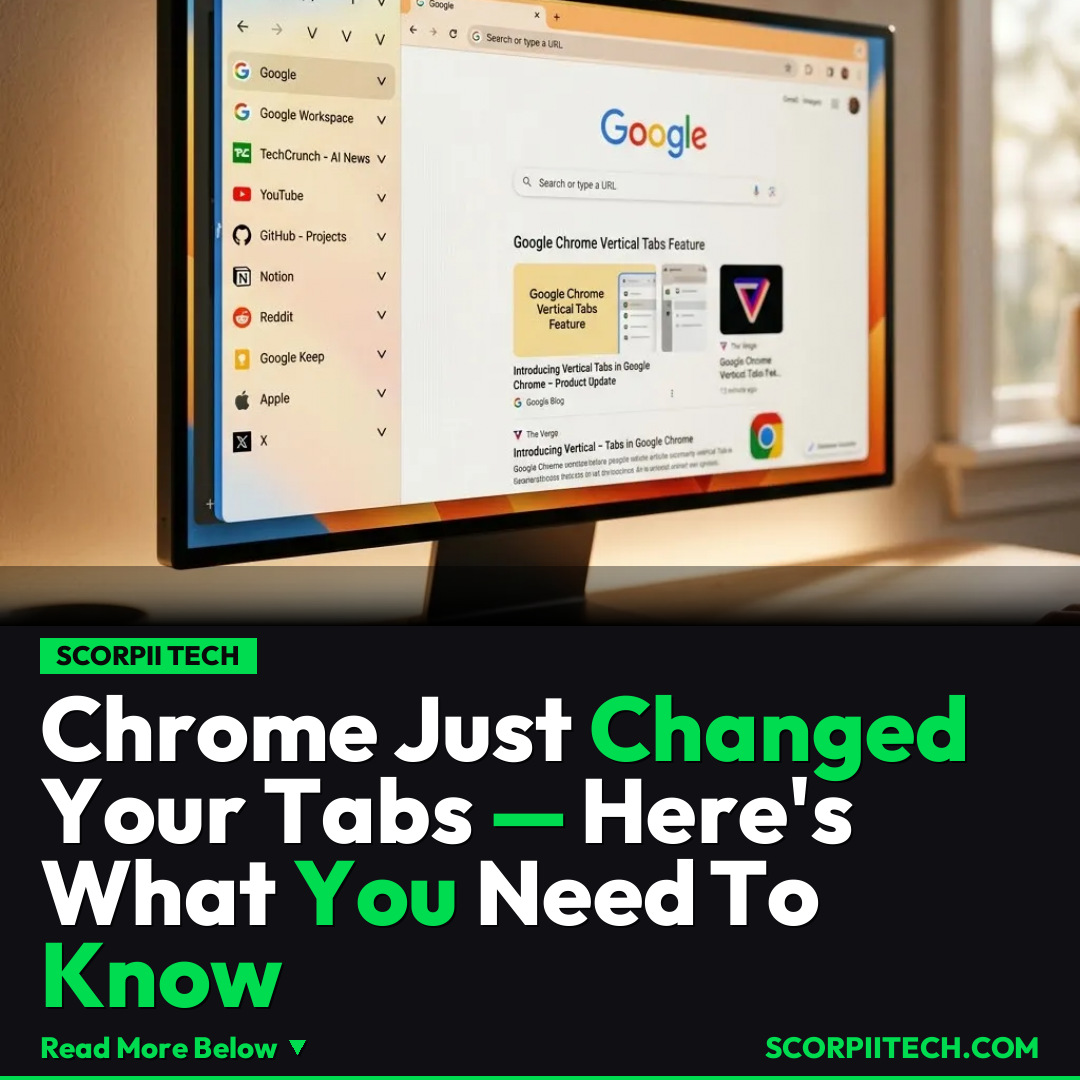
You've probably noticed that when you open too many tabs, Google Chrome's familiar horizontal strip quickly becomes unmanageable. The names disappear, and you're left with a guessing game of tiny icons. This frustration isn't new, and for years, other browsers have offered a compelling alternative. Now, Chrome is catching up, integrating a feature that allows you to "Show Tabs Vertically" directly within your browser window.
Deploy your next full-stack application effortlessly. Get $200 in free DigitalOcean credits to host your Laravel or Python APIs.
This isn't just a minor cosmetic update; it's a fundamental rethinking of tab management within the world's most popular browser. While this might feel revolutionary for long-time Chrome users, the concept of vertical tabs isn't novel. In fact, this approach was significantly popularized by innovative browsers like Arc, which has made waves with its user-centric design, and its predecessor, the AI-powered browser Dia. These platforms demonstrated the clear advantages of a vertical layout, offering a much more organized and visually intuitive way to navigate multiple open webpages.
Implementing this new feature is remarkably straightforward. When you're in a Chrome window, you simply need to right-click on an empty space in the tab bar or directly on a tab. From the context menu that appears, you'll find the option to "Show Tabs Vertically." Selecting this will instantly transform your horizontal tab layout into a sleek, vertical sidebar, giving you a clear, scrollable list of all your open tabs, complete with their full titles. This direct integration means you won't need to hunt for experimental flags or third-party extensions to access a feature that many power users have been clamoring for.
Why This Matters
For you, the everyday Chrome user, this update isn't just a novelty; it's a potential productivity booster. Think about your workflow: how often do you have dozens of research tabs, social media windows, and work documents open simultaneously? With horizontal tabs, this quickly becomes an exercise in frustration, forcing you to constantly click and scroll just to find the right page. Vertical tabs, however, provide a full overview, allowing you to quickly scan titles, group related tabs visually, and switch between tasks with unprecedented ease.
This move by Google, after "years of resisting" a feature popular elsewhere, also signals a broader trend in browser development. It suggests that even market leaders like Chrome are paying attention to user feedback and the innovations emerging from smaller, agile competitors like Arc and Dia. By incorporating features that prioritize user experience and efficiency, Chrome is acknowledging that the future of browsing isn't just about speed, but about intelligent organization and intuitive interaction. It's about giving you more control over your digital workspace, making your daily online life less cluttered and more productive.
The Bottom Line
The arrival of vertical tabs in Google Chrome is more than just an update; it's an invitation to reclaim your browsing sanity. If you've been grappling with tab overload or simply curious about a more efficient way to manage your online activity, now is the time to explore this new feature. Right-click, select "Show Tabs Vertically," and experience a cleaner, more organized digital workspace. You might just find that this small change makes a massive difference in your daily online routine, proving that sometimes, the best innovations come from looking at things from a different angle.
Originally reported by
TechCrunchWhat did you think?



Stay Updated
Get the latest tech news delivered to your reader.