Here's How Google Workspace AI Could Revolutionize Your Workflow
Google Workspace just got a massive AI upgrade with Gemini, promising to transform your productivity in Docs, Sheets, and more. Discover how these new features can simplify your daily tasks.
Editorial Note
Reviewed and analysis by ScoRpii Tech Editorial Team.
In this article
Hold on to your hats, because even if you're like me – someone who's had a few gripes about the rise of AI-generated text and the potential erosion of our writing abilities – you're about to see something genuinely useful. Google is rolling out significant new AI upgrades across its Workspace suite, and these aren't just minor tweaks; they're designed to fundamentally change how you interact with your digital workspace.
Key Details
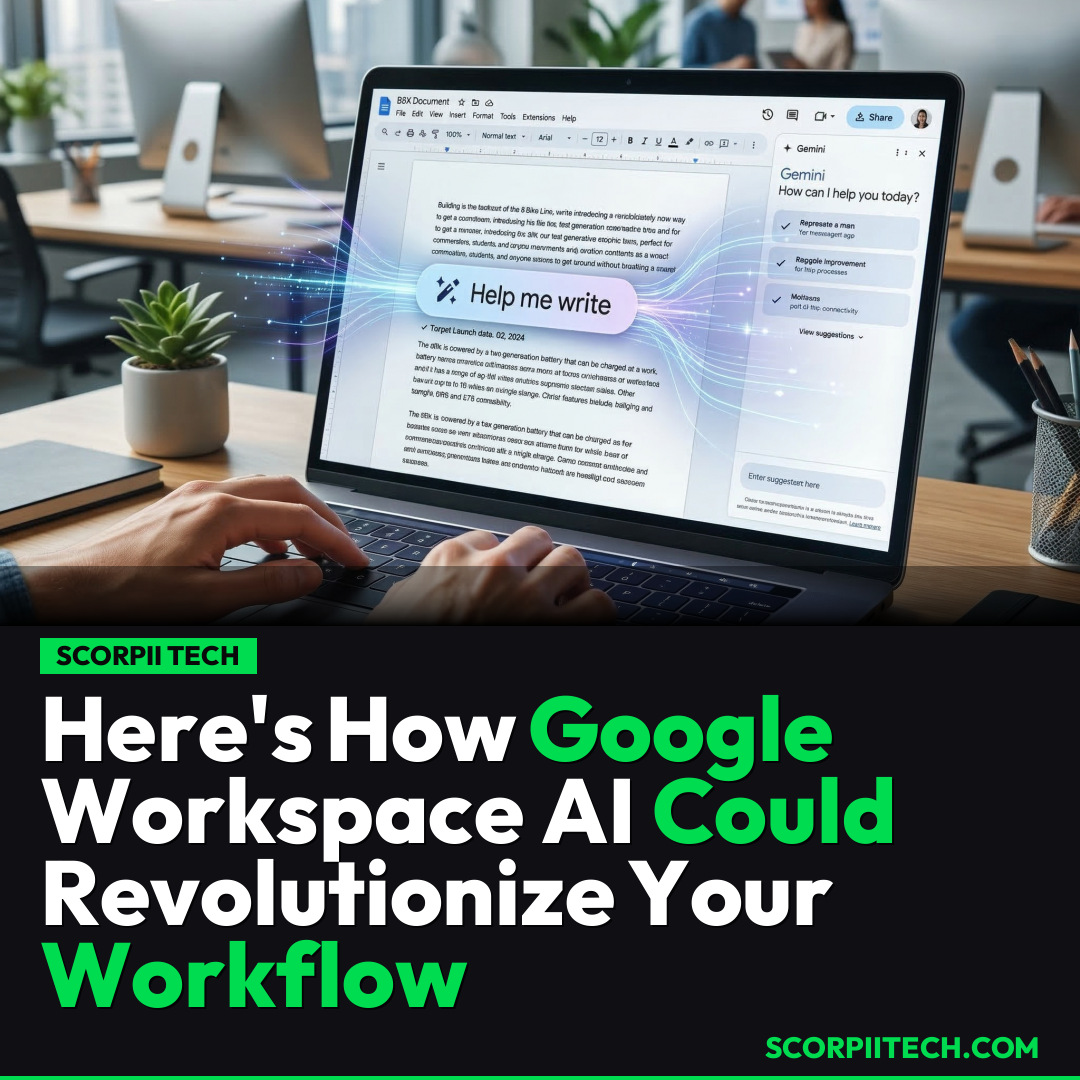
Imagine effortlessly generating text or even having an AI assistant adapt to your unique writing style. That’s exactly what Google is bringing to your fingertips with the integration of Gemini across Google Workspace. You’ll find a new, intuitive Gemini bar making its way into essential applications like Google Docs, Google Sheets, and Google Slides. This isn't just about basic text generation; it's about providing a powerful co-pilot that understands context and can help refine your output to match specific needs and tone.
Deploy your next full-stack application effortlessly. Get $200 in free DigitalOcean credits to host your Laravel or Python APIs.
One of the most exciting advancements is the new style matching feature. This means if you’ve developed a particular voice for your reports or emails, Gemini can learn and apply that style to the content it helps you create. Say goodbye to generic AI output; instead, you get content that sounds genuinely like you, a game-changer for maintaining consistency.
Beyond text generation, the new features boast impressive data integration capabilities. Picture this: you can now import crucial data directly from Google Drive, Google Chat, and Gmail, right into your active documents. Need to pull information from an email into a Google Doc, or integrate data from a Google Sheet into a presentation? You can even draw information from the broader web without leaving your current application. This seamless data flow, primarily available to users in the U.S., is set to drastically cut down on context switching and manual copy-pasting, making your workflow incredibly efficient.
Why This Matters
Why should you care about these new Google Workspace AI features? In today's fast-paced digital environment, efficiency isn't just a bonus; it's a necessity. These upgrades are designed to free up your mental bandwidth from mundane tasks, allowing you to focus on the higher-level, creative aspects of your work. Think about the time saved by not having to manually search for information across multiple tabs or meticulously reformat AI-generated text to fit your style. This isn't just about doing things faster; it's about doing them smarter, with greater consistency and less effort.
While the discussion around AI's impact on human skills, particularly writing, is valid and ongoing – with some arguing for the erosion of our abilities – these particular tools offer a compelling counter-narrative. They aren't replacing your intelligence; they're augmenting it. By handling the repetitive, time-consuming parts of content creation and data management, Google is empowering you to elevate your own output. It’s about leveraging technology to enhance your productivity, not diminish your creativity.
The Bottom Line
Ultimately, Google Workspace's new AI features, powered by Gemini, represent a significant leap forward in productivity tools. Whether you’re crafting reports in Google Docs, analyzing data in Google Sheets, or building presentations in Google Slides, these upgrades are poised to streamline your workflow like never before. It's time to explore how the Gemini bar, style matching, and seamless data importing can transform your daily tasks. Don't just observe; engage with these tools. Test them out, see how they fit into your existing processes, and discover how they can help you reclaim precious time and focus on what truly matters in your work. Your digital workspace is about to get a whole lot smarter – are you ready to use it?
Originally reported by
LifehackerWhat did you think?



Stay Updated
Get the latest tech news delivered to your reader.