Here's What Chrome's New AI Coworker Means For Your Workday
Google is turning your Chrome browser into an AI coworker for Workspace users, offering 'Shadow IT risk detection' and requiring your human oversight. Discover what this means for your daily work and privacy.
Editorial Note
Reviewed and analysis by ScoRpii Tech Editorial Team.
In this article
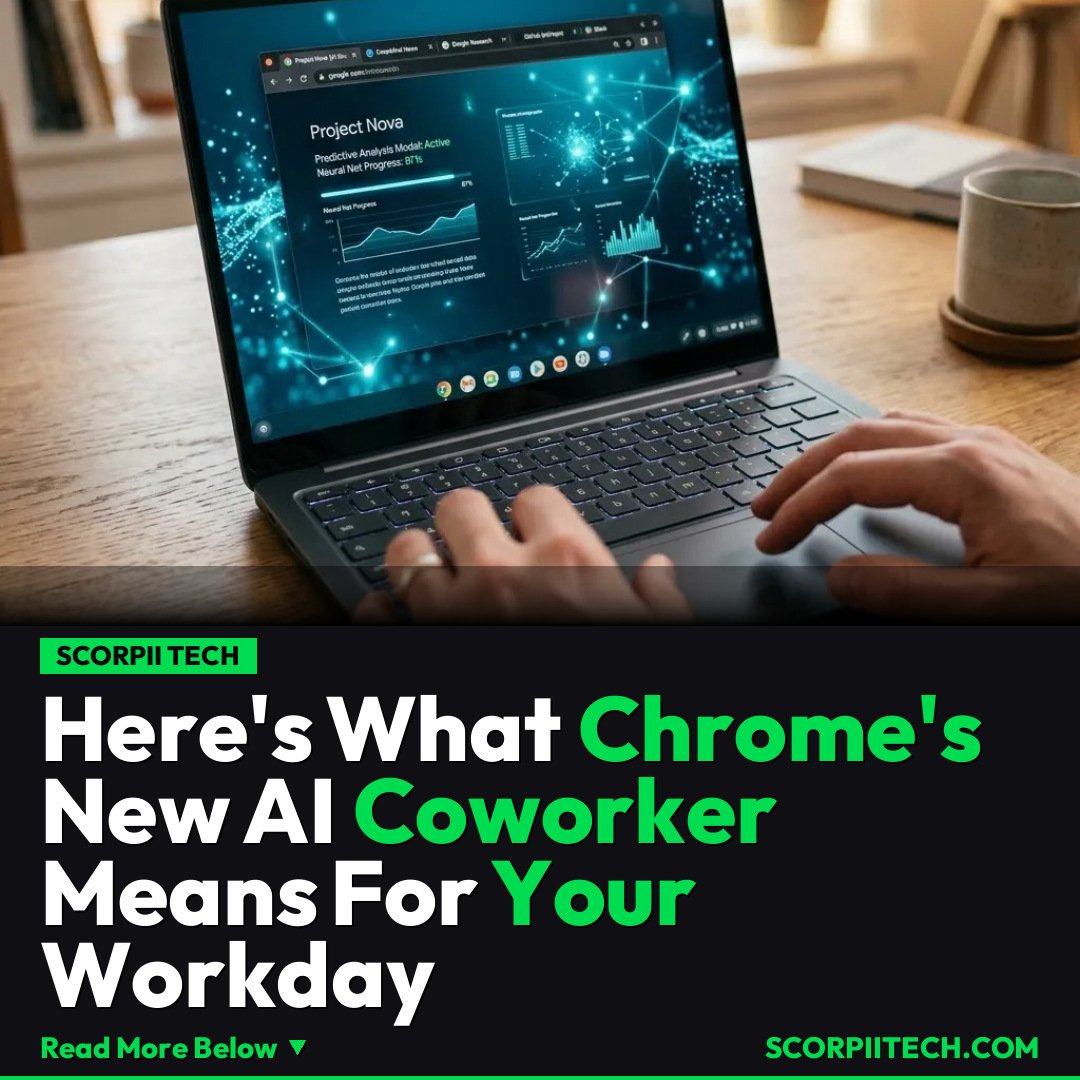
Imagine your web browser, the digital portal you navigate countless times a day, suddenly becoming an active participant in your workflow, watching for risks and offering AI-powered assistance. That's precisely what Google is rolling out for its Chrome Enterprise users, transforming your go-to browser into an “AI coworker.” This move aims to inject artificial intelligence directly into your most-used application, giving your IT teams unprecedented visibility.
Key Details
You’ve likely used Chrome for years, but get ready for a significant evolution within your digital workspace. Google is deeply infusing its powerful AI, the intelligence behind Gemini, directly into the Chrome browser for Google Workspace users in the U.S. This isn't just about smarter search; it’s Google Cloud’s strategic push to make your browser an intelligent assistant within your daily work environment, available initially in the U.S. and activated via an IT policy.
Deploy your next full-stack application effortlessly. Get $200 in free DigitalOcean credits to host your Laravel or Python APIs.
This new capability, somewhat ominously dubbed “Shadow IT risk detection” by Google, is designed to give your IT teams unprecedented visibility. It will monitor and report on the usage of both sanctioned and unsanctioned generative AI and SaaS sites across your organization. Imagine your browser actively providing an extra layer of security and compliance oversight, helping your company navigate the complex landscape of new digital tools. This level of insight is a game-changer for organizations wrestling with the proliferation of AI and SaaS, potentially reducing risks that tools from companies like Okta or Microsoft might also address in different contexts.
The good news? Despite this advanced monitoring, you won’t be out of the picture. Google emphasizes that its workflows will still require a “human in the loop.” This means you’ll always have to manually review and confirm the AI’s input before any final action takes place, ensuring you maintain control and oversight. Plus, Google states explicitly that your organization’s prompts won’t be used to train its AI models, addressing a critical privacy and data security concern for many businesses and users.
Why This Matters
This isn't just a technical upgrade; it’s a fundamental shift in how you might interact with your primary work tool. For IT teams, gaining visibility into “Shadow IT” usage is incredibly valuable, allowing them to better manage security risks and data compliance in a world where employees often adopt new tools faster than IT can sanction them. It offers a new layer of control over the sprawling digital footprint of an organization. However, for you, the individual user, it raises interesting questions about the nature of productivity and autonomy.
You might anticipate that an AI coworker would streamline your tasks and reduce your workload. Yet, here's where the real-world impact gets complicated. In practice, studies have consistently shown that AI isn’t always reducing work; it’s often intensifying it. Rather than truly automating tasks away, AI can introduce new layers of review, verification, and adaptation, pushing you to engage with more data and make more decisions. So, while Chrome’s new AI aims to assist, its true impact on your daily productivity and workload remains a crucial point of discussion and practical experience.
The Bottom Line
So, what does this mean for your workday? Google’s integration of AI into Chrome for Workspace users signals a future where your browser is not just a portal, but an active, intelligent partner – or overseer. While it offers undeniable benefits for organizational security and compliance, you should be prepared for a nuanced experience. Embrace the tools for what they offer in terms of visibility and initial assistance, but remain acutely aware of the "human in the loop" requirement and the potential for increased engagement, rather than just reduced effort. Your role as the final decision-maker remains paramount, making your critical judgment more valuable than ever.
Originally reported by
TechCrunchWhat did you think?



Stay Updated
Get the latest tech news delivered to your reader.