The Simple Trick That Turns Your Android Tablet Into A Second Monitor
Unlock new levels of productivity by turning your Android tablet into a portable monitor for your Windows PC. Discover how SuperDisplay can give you more screen space and reduce app-switching for a better workflow.
Editorial Note
Reviewed and analysis by ScoRpii Tech Editorial Team.
In this article
You know the struggle: a hundred tabs open, multiple applications vying for your attention, and not nearly enough screen real estate. Constantly switching between windows is a productivity killer, slowing you down and breaking your focus. What if you could instantly double your digital workspace using a device you already own? Prepare to transform your Android tablet from a consumption device into a powerful productivity tool.
Key Details
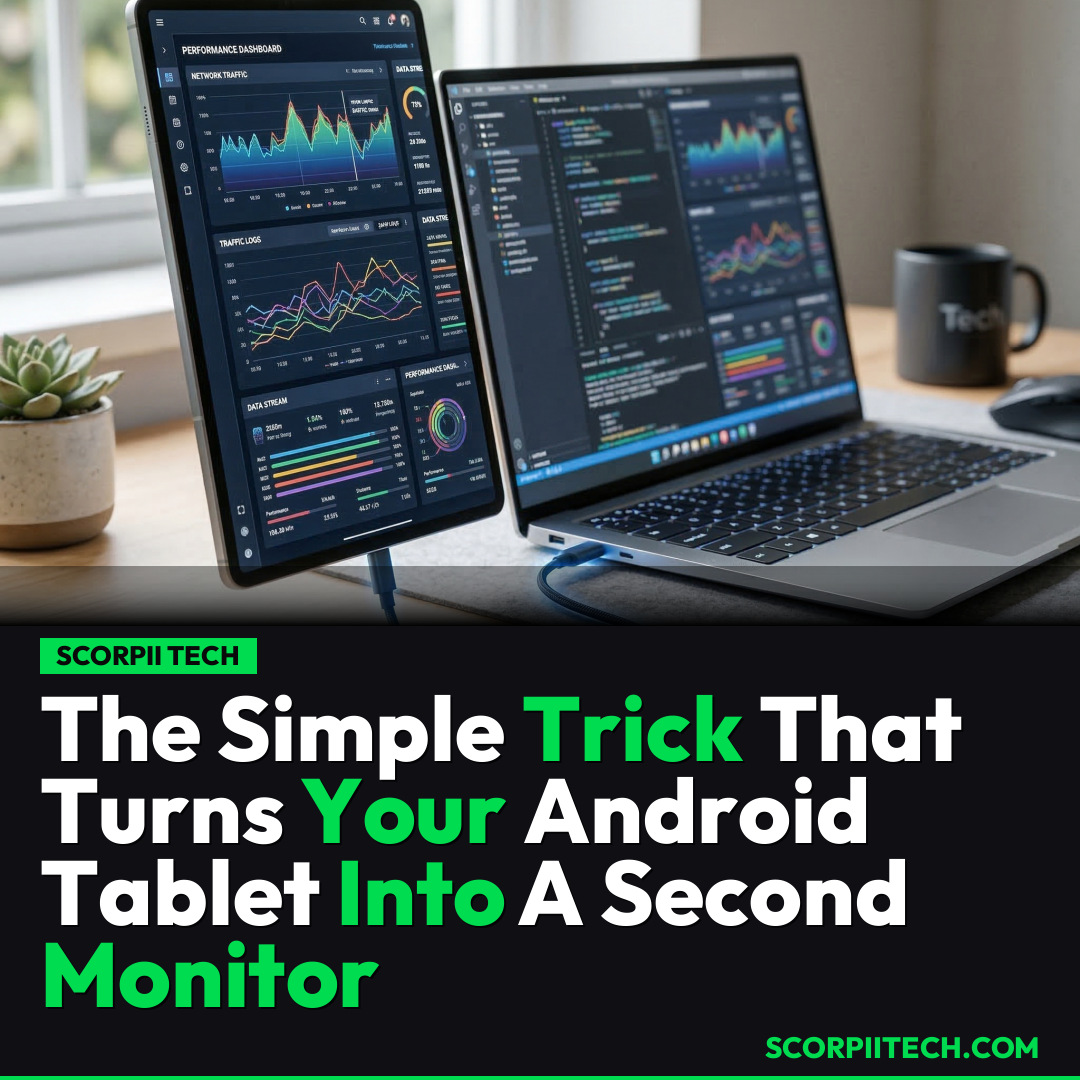
This isn't about buying another bulky monitor; you can turn your existing Android tablet into a fully functional, portable second monitor for your Windows PC with a clever app called SuperDisplay. This isn't just screen mirroring; it truly extends your desktop, allowing you to drag and drop windows across devices as if they were one seamless display. Imagine the possibilities for multitasking, whether you're managing spreadsheets, coding, or getting creative with design software like Adobe Photoshop.
Need fast, secure, and affordable hosting for your next website or PHP application? We recommend Hostinger Managed Hosting. Get premium speeds, a free domain, and 24/7 expert support.
The magic happens thanks to SuperDisplay, which you can easily find and download from the Google Play Store. Once installed on your Android device (running Android 5.0 or later), you'll pair it with a companion application on your Windows PC (which needs to be a 64-bit version of Windows 10 version 1703 or later). This broad compatibility means many users already have the necessary hardware.
You have the flexibility to connect your devices either via a standard USB cable for a reliable, low-latency connection, or wirelessly for ultimate freedom. While the app itself costs a modest $14.99, this one-time purchase unlocks a versatile tool that can significantly enhance your workflow, transforming devices like the Galaxy Tab S11 into a dedicated workspace.
Why This Matters
In today's fast-paced digital world, efficiency is paramount. Studies consistently show that having more screen space directly correlates with increased productivity, as you have more information in view, reducing the need for constantly switching between apps. This mental overhead quickly adds up, leading to frustration and lost time. By extending your desktop, you keep all your critical information front and center for a smoother, more focused workflow.
This solution is especially impactful for those who are always on the go. You don't need to lug around an extra, dedicated portable monitor. Your Android tablet, which likely travels with you anyway, now serves a dual purpose. For students, remote workers, or digital nomads, this means a powerful, ergonomic setup is always within reach, maximizing the utility of your existing tech to create a more efficient and comfortable digital environment.
The Bottom Line
If you're constantly feeling confined by your laptop's display, consider giving SuperDisplay a try. For a one-time investment of $14.99 and a simple setup, you can unlock a world of enhanced productivity by repurposing your Android tablet. It’s a practical, affordable, and highly effective way to expand your digital workspace, reduce app-switching fatigue, and reclaim your focus. Stop battling your screen real estate and start enjoying a more expansive, efficient computing experience today.
Originally reported by
BGRWhat did you think?



Stay Updated
Get the latest tech news delivered to your reader.