Your PC's Hidden Threat: How Often Should You Back Up?
Don't risk losing your invaluable digital life. Discover why regular PC backup frequency is crucial, learn about methods like the 3-2-1 rule, and protect your Mac or Windows data from sudden failure.
Editorial Note
Reviewed and analysis by ScoRpii Tech Editorial Team.
In this article
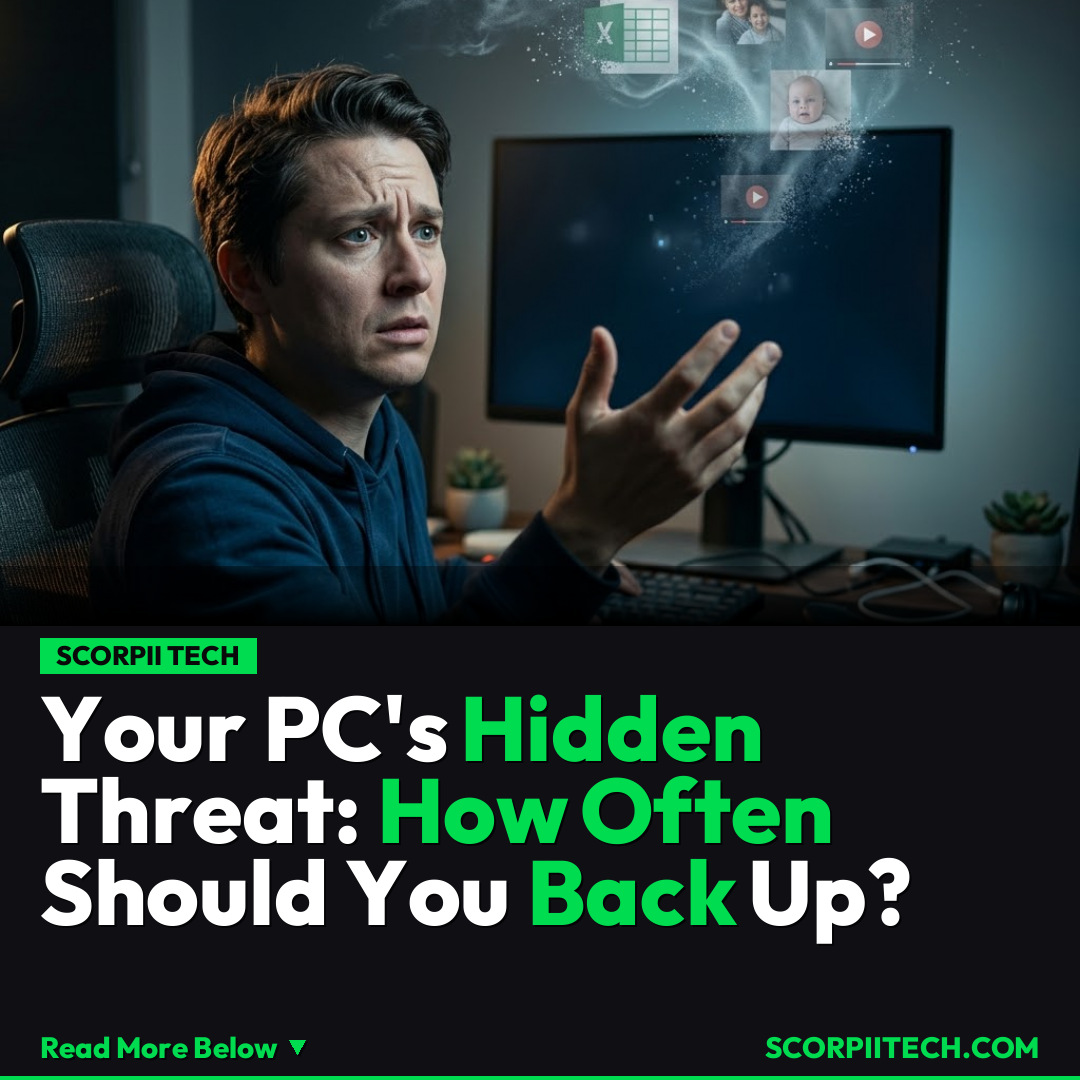
You probably don't think about it until it's too late, but your computer is a treasure trove. From cherished family photos and crucial work documents to your entire offline music collection, your digital life lives on your device. The harsh truth, though, is that your storage device can fail at any time. When it does, years of memories and vital information could vanish in an instant, leaving you scrambling.
Key Details
So, how often should you back up your PC? The short answer is: more often than you think. While there's no universal magic number, the consensus among experts leans towards frequent, automated backups to safeguard your invaluable data. This is especially true given that both your Mac and Windows computers are susceptible to hardware failures, accidental deletion, or even malicious attacks.
Deploy your next full-stack application effortlessly. Get $200 in free DigitalOcean credits to host your Laravel or Python APIs.
To effectively protect your digital assets, you should familiarize yourself with the industry-standard 3-2-1 rule: keep at least three copies of your data, store them on two different types of media, and keep one backup copy offsite. For Windows users, creating a system image can be a lifesaver, capturing an exact snapshot of your entire operating system and files. Mac users have a powerful, built-in solution in Time Machine, which effortlessly backs up your system and personal files to an external drive.
Beyond local backups, cloud services offer another layer of protection. Platforms like iCloud, OneDrive, and Google Drive provide convenient, offsite storage, often with automatic synchronization. When choosing a cloud solution, always prioritize services that offer end-to-end encryption. This ensures that your data is encrypted before it leaves your device and remains encrypted until it reaches its destination, accessible only by you. This combination of local and cloud backups drastically reduces your risk of catastrophic data loss, ensuring that your photos, documents, and videos are protected, no matter what happens to your primary device.
Why This Matters
You might think, "It won't happen to me." But the stark reality is that data loss due to storage device failure isn't a rare occurrence; it's a common and devastating event that affects countless individuals and businesses every day. Imagine the sheer panic of logging into your computer only to find a blank screen, or worse, your most important project files corrupted beyond repair. For students, it could mean losing a semester's worth of research. For professionals, it could be critical client data or years of creative work. The emotional and financial toll of such an event can be immense, far outweighing the effort of setting up a robust backup system.
Your digital footprint has grown exponentially. Your computer isn't just a tool; it's the repository of your memories, your productivity, and often, your identity. Ignoring PC backup frequency is like driving without a seatbelt – you hope for the best, but the consequences of an accident can be severe. Understanding and implementing a solid backup strategy is not just about protecting files; it's about safeguarding your peace of mind and ensuring the continuity of your digital life, whether for personal enjoyment or professional necessity. This isn't just tech news; it's fundamental digital hygiene.
The Bottom Line
Ultimately, the question isn't whether your storage device will fail, but when. Don't wait for disaster to strike. You should actively implement a consistent PC backup frequency plan today. Utilize a combination of local backups, like Time Machine for Mac or system images for Windows, alongside cloud solutions like iCloud, OneDrive, or Google Drive, always prioritizing end-to-end encryption for privacy. Take control of your digital destiny; set up your backup routine now, and regularly verify its effectiveness. Your future self will thank you for preserving your invaluable digital life.
Originally reported by
BGRWhat did you think?



Stay Updated
Get the latest tech news delivered to your reader.