Your Galaxy's Hidden Power: 7 Settings Other Androids Lack
Unlock the full potential of your Samsung Galaxy! Discover seven exclusive One UI settings you won't find on other Android phones, from display tweaks to memory boosts. Maximize your phone's unique capabilities.
Editorial Note
Reviewed and analysis by ScoRpii Tech Editorial Team.
In this article
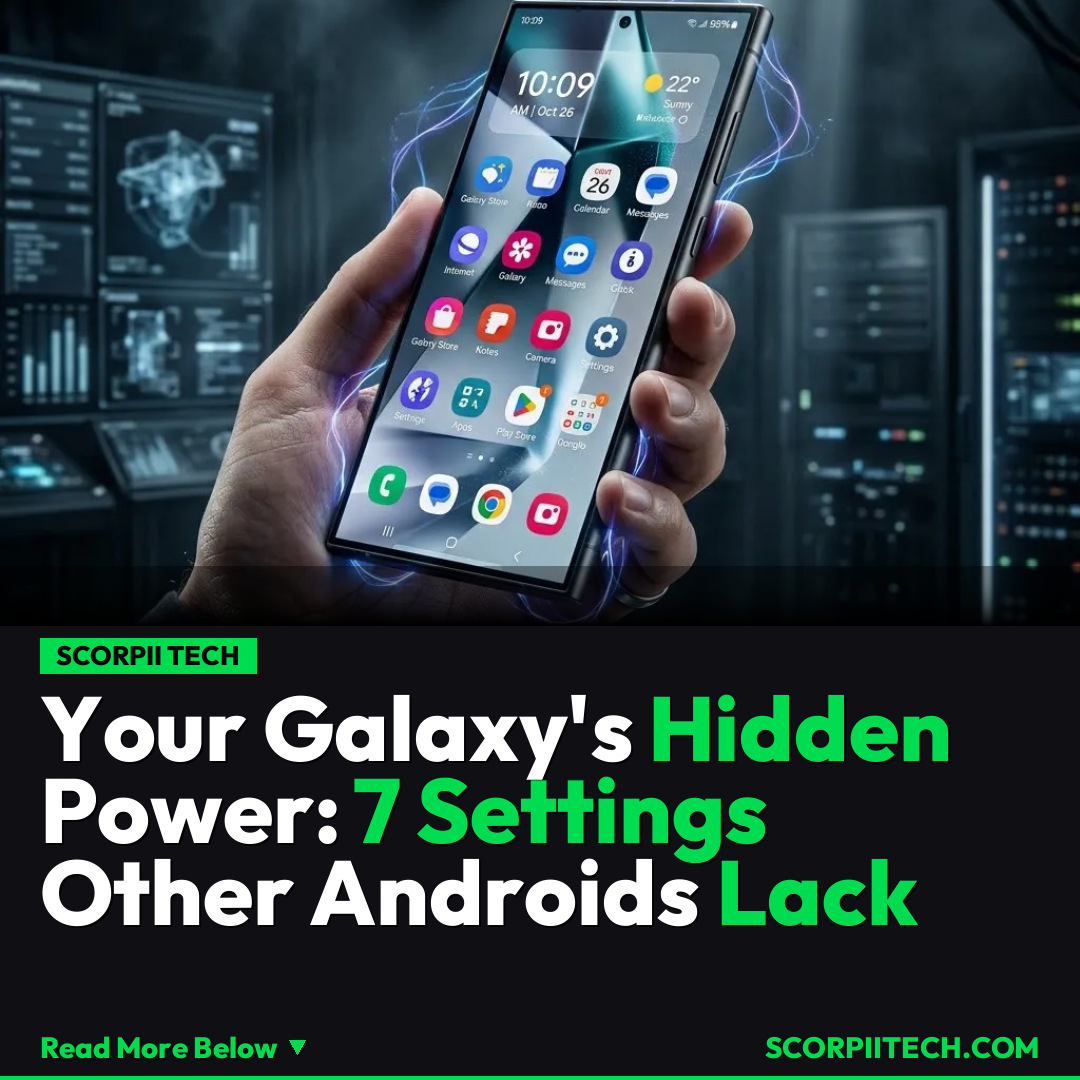
When you choose a Samsung Galaxy phone, you're not just getting another Android device; you're stepping into an exclusive ecosystem. Forget the standard, generic Android experience you find on phones from Google or Nothing. Your Galaxy comes pre-loaded with One UI, Samsung's distinctive take on Android, which wraps your phone in a unique visual style, powerful AI features, and an array of deep, exclusive tweaks designed just for you.
Key Details
Your Samsung Galaxy isn't content with just running Android; it takes the core operating system and injects it with a 'superpower' – One UI. This isn't merely a cosmetic skin; it’s a fundamental rethinking of how you interact with your device, offering functionalities and customizations that are simply unavailable on other Android phones. As the experts say, "The Edge panel that's available on Samsung phones is a real superpower for One UI," highlighting just one example of this exclusivity.
Deploy your next full-stack application effortlessly. Get $200 in free DigitalOcean credits to host your Laravel or Python APIs.
What does this exclusivity look like in practice? It manifests in several key areas where your Samsung Galaxy grants you control and capabilities beyond the reach of standard Android. For instance, delve into your phone's 'Settings > Display > Screen mode' and 'Advanced settings'; these aren't just boilerplate options. You'll find bespoke controls designed specifically to enhance your Galaxy's display experience in ways you won't see on a Pixel or any other non-Samsung device. These are tailored to leverage Samsung's unique hardware.
The unique features extend to performance and user interface customization as well. Think about 'Device care > Memory > RAM Plus,' a feature that intelligently expands your phone’s memory to optimize performance – a brilliant Samsung innovation you won't find outside of One UI. Then there's 'Advanced features > Side button,' allowing you to customize its actions far beyond basic power functions. And, of course, the celebrated 'Display > Edge panels' offer quick access to apps and tools, truly living up to its 'superpower' status. Even 'Device care > Auto optimization' and specific 'Connections > Wi-Fi' settings are fine-tuned exclusively for your Galaxy, providing a seamless and optimized experience unique to Samsung.
Why This Matters
Why should you care that your Samsung Galaxy boasts these exclusive settings? Because they fundamentally enhance your daily interaction with your device, offering a level of personalization and performance optimization that sets your phone apart. While Google provides the foundation, Samsung's One UI layers on an extra dimension of utility. This means you're not just getting an Android phone; you're getting a phone where features like advanced display control or extended RAM management are integrated directly into the core experience, making your device more powerful and more tailored to your needs. This isn't just about bells and whistles; it's about genuine utility.
The Bottom Line
So, what's your next step? Dive into your Samsung Galaxy's settings. Explore 'Settings > Display > Screen mode,' customize your 'Side button,' and activate those 'Edge panels.' You've invested in a device that offers more than the average Android phone; it’s time to unlock its full, exclusive potential. Don't let these unique One UI superpowers go to waste. Start exploring today, April 16, 2026, and truly make your Samsung Galaxy work for you.
Originally reported by
LifehackerWhat did you think?



Stay Updated
Get the latest tech news delivered to your reader.