Here's What Your Keyboard Switch Colors Really Mean
Ever wonder what your mechanical keyboard switch colors mean? Uncover the secrets behind red, blue, brown, black, and yellow switches, and how they impact your typing or gaming experience.
Editorial Note
Reviewed and analysis by ScoRpii Tech Editorial Team.
In this article
Are you endlessly tweaking your tech setup, always on the hunt for that perfect feel? You might already know that mechanical keyboards offer unparalleled customization, letting you fine-tune nearly every aspect of your typing and gaming experience. But if you’re looking at a rainbow of switch colors and wondering what they actually do beyond aesthetics, you’re about to unlock a crucial secret to keyboard nirvana.
Key Details
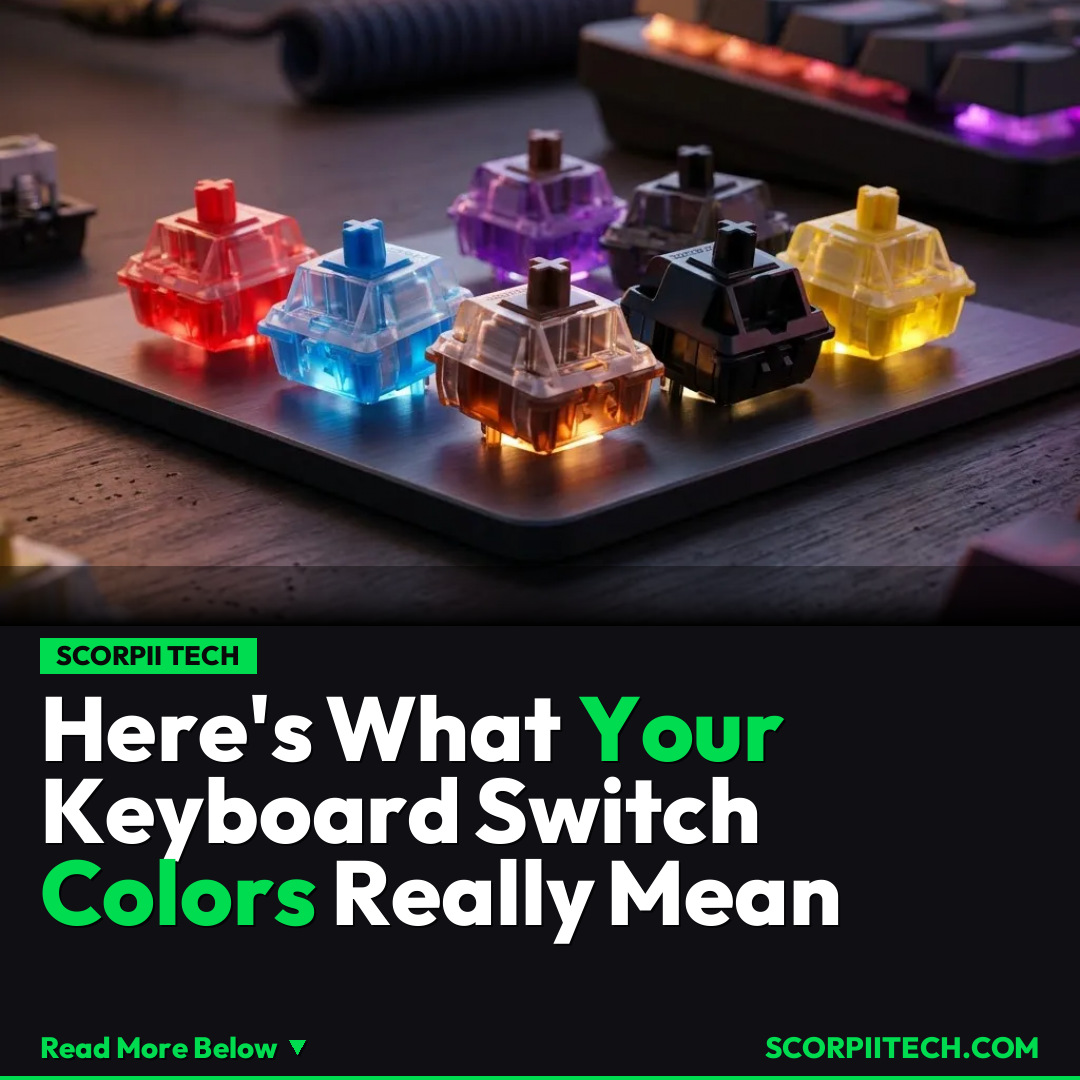
Those vibrant red, blue, brown, black, and yellow colors aren't just for flair; they're vital indicators of the switch type beneath your fingertips. Each color corresponds to a specific feel, falling into one of three categories: linear, clicky, or tactile. Understanding these differences is key to choosing the right switch for your needs, whether you're typing up a storm or engaged in a high-stakes gaming session.
Deploy your next full-stack application effortlessly. Get $200 in free DigitalOcean credits to host your Laravel or Python APIs.
Linear switches (red, black, yellow) offer a smooth, consistent keystroke without any tactile bump or audible click. Red switches are often light, popular for fast gaming. Black switches typically require a slightly heavier touch for a more deliberate feel. Yellow switches also offer consistent, smooth linear travel. These linear types generally operate within a 45-60 gram actuation force range, providing unhindered movement.
Then you have tactile switches, like brown, which provide a noticeable "bump" partway through the key press, signaling actuation without needing to bottom out. This feedback is favored by many typists for its responsiveness and quiet operation. Lastly, clicky switches, most famously blue, combine a tactile bump with a distinct, audible "click" sound. While loved by some for their clear feedback, their sound might not be ideal for shared spaces.
Why This Matters
Why should you care about mechanical keyboard switch colors? Your choice profoundly impacts your daily interaction with your computer. Just as precise input matters on a device like the Steam Deck, selecting the right keyboard switch can significantly enhance your speed, accuracy, and overall comfort. A lighter linear switch might give you a competitive edge in fast-paced games, while a tactile or clicky switch could improve your typing accuracy. It’s about personalizing your tools to match your unique usage patterns and environment, optimizing your digital life one keystroke at a time.
The Bottom Line
Ultimately, decoding the spectrum of mechanical keyboard switch colors is about making an informed choice for your personal computing setup. Don't settle for a generic typing experience. Think about your primary use case – gaming, typing, or a mix – and what kind of feedback you prefer. Experiment with different switch types if you can. By understanding what red, blue, brown, black, and yellow really signify, you'll be well on your way to discovering the perfect keystroke that elevates your entire digital interaction.
Originally reported by
BGRWhat did you think?



Stay Updated
Get the latest tech news delivered to your reader.