Unlock Stunning Android Photos: 3 Simple Tricks You Need
You don't need a fancy camera to take amazing photos. Discover three easy-to-implement tips for your Android phone to capture vibrant, professional-looking pictures that impress.
Editorial Note
Reviewed and analysis by ScoRpii Tech Editorial Team.
In this article
It wasn't too long ago that flip-phone cameras were considered a luxury, and simply capturing a spontaneous moment was a feat in and of itself. Fast forward to May 31, 2026, and the camera in your pocket — your Android phone — is capable of producing truly stunning, vibrant images. You might think you need expensive gear or advanced photography skills, but the truth is, unlocking your phone’s full potential is surprisingly simple.
Key Details
You already carry a powerful camera every day, but are you making the most of its built-in features? We're going to dive into three straightforward tricks that will immediately elevate your Android phone photography from casual snaps to genuinely eye-catching shots. These aren't obscure settings; they're accessible tools designed to help you capture better moments without a steep learning curve.
Deploy your next full-stack application effortlessly. Get $200 in free DigitalOcean credits to host your Laravel or Python APIs.
First up is your camera's HDR mode. HDR stands for High Dynamic Range, and it’s a game-changer for scenes with both very bright and very dark areas, like a sunset over a city skyline or a shaded portrait on a sunny day. When enabled, your phone takes multiple photos at different exposures and intelligently merges them into one, creating a balanced image where both highlights and shadows retain detail. You'll find this setting often labeled simply as "HDR" within your camera app. Toggle it on, especially when you're shooting landscapes or outdoor portraits, and watch your photos gain incredible depth and realism.
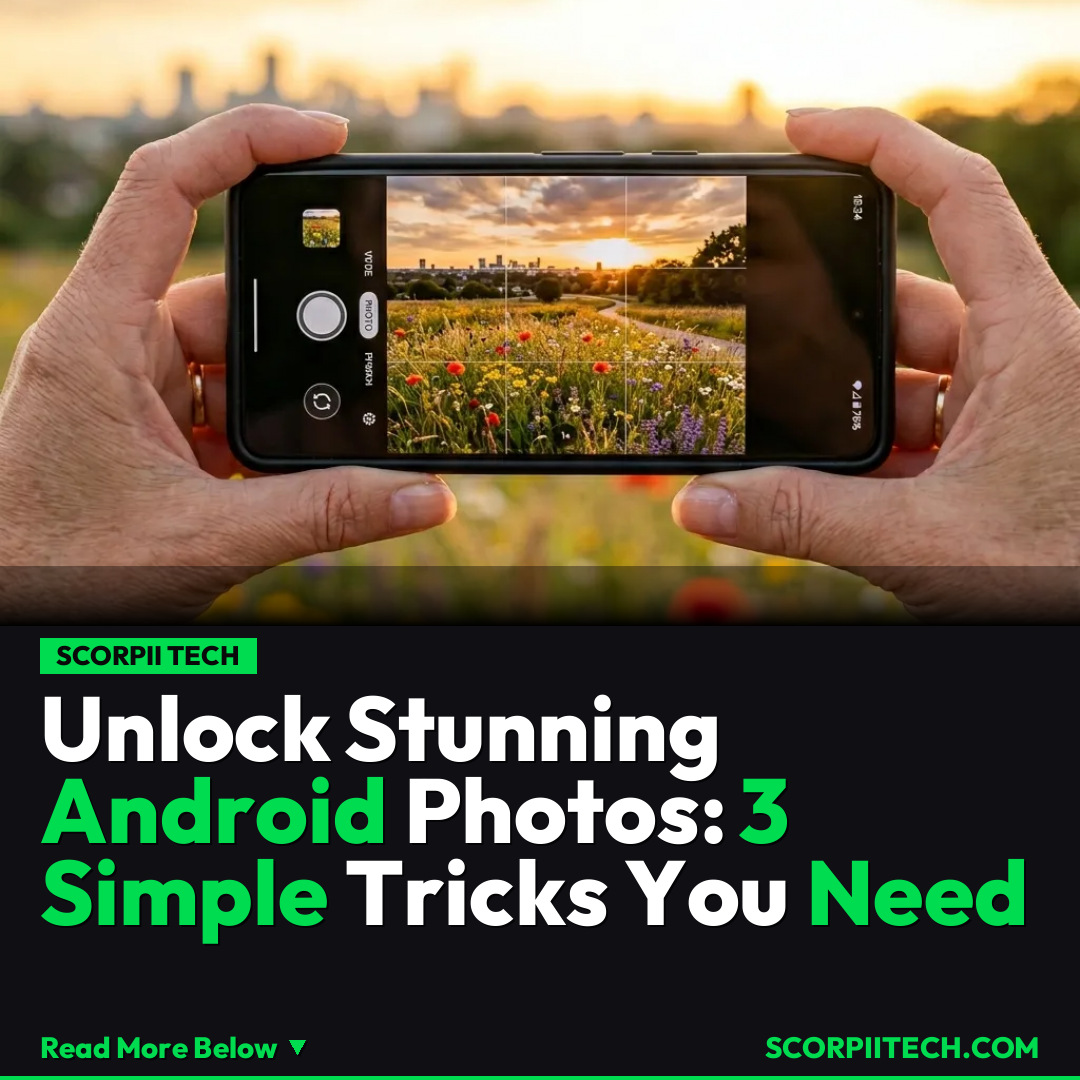
Next, let's talk about gridlines. You might have noticed an option for "gridlines" in your camera settings and perhaps ignored it. Don't! Gridlines overlay a set of intersecting lines on your camera's viewfinder, often dividing the screen into nine equal sections (the "rule of thirds"). This isn't just for aesthetics; it’s a powerful composition tool. By aligning key elements of your shot along these lines or at their intersections, you naturally create more balanced and engaging photos. They also help you keep horizons straight and ensure your subject is perfectly centered or artfully off-center, leading to visually pleasing results every time you tap the shutter button.
Finally, a trick so simple you might overlook it: lens cleaning. Your Android phone spends a lot of time in your pocket, bag, or in your hands, accumulating fingerprints, dust, and smudges on its camera lens. Even a tiny smudge can drastically reduce image clarity, vibrancy, and sharpness, leading to hazy or dull photos. Before you take any critical picture, take a moment to gently wipe your phone's camera lens with a soft, clean cloth (a microfiber cloth is ideal). This takes mere seconds but makes an enormous difference, ensuring every shot you capture is as crisp and vibrant as possible.
Why This Matters
You might wonder why these seemingly minor adjustments make such a significant impact. In a world saturated with visual content, standing out means capturing quality. Your personal memories, shared moments with friends, or quick snapshots for social media all benefit from looking their best. These tricks democratize good photography, putting professional-level results within reach without requiring expensive equipment or complex software. You’re not just taking a picture; you’re preserving a moment with clarity, balance, and artistic composition that truly reflects what you saw.
By integrating these simple habits into your routine, you’ll find yourself more confident behind the lens and prouder of the images you create. It’s about leveraging the incredible technology you already own to enhance your everyday experiences and memories, ensuring they are captured with the vibrancy and detail they deserve. Your phone isn't just for calls and texts; it's a powerful creative tool waiting to be fully utilized.
The Bottom Line
So, what’s your next step? You don’t need to be a photography expert or invest in a new gadget to drastically improve your Android phone photos. Start by enabling HDR mode in challenging lighting, turn on those gridlines for better composition, and most importantly, get into the habit of cleaning your lens before every shoot. These three simple tricks are readily available to you, cost nothing, and will empower you to capture truly vibrant, professional-looking pictures that you'll be excited to share. Go ahead, give them a try – your photo gallery will thank you!
Originally reported by
BGRWhat did you think?



Stay Updated
Get the latest tech news delivered to your reader.