Your Smart TV's Hidden Trick: Multitask Like Never Before
Unlock your smart TV's full potential with Picture-in-Picture technology. Discover how you can multitask, from gaming to streaming and mobile sharing, with this handy feature.
Editorial Note
Reviewed and analysis by ScoRpii Tech Editorial Team.
In this article
You probably think of Picture-in-Picture (PiP) as a relic from an older TV era, but prepare for a pleasant surprise: this classic consumer tech feature is making a powerful comeback right on your smart TV. Forget simply switching inputs; you can now unlock a whole new level of multitasking, transforming your viewing experience and making your big screen even more versatile than you imagined.
Key Details
Modern smart TVs are quietly bringing back and significantly enhancing Picture-in-Picture technology, often under names like 'Multi View' or 'Twin Picture.' This isn't just a tiny window in the corner; you're getting robust functionality that allows you to display two or more different sources simultaneously on your high-resolution 4K HDR screen. Imagine having your main content front and center while a secondary feed keeps you updated or entertained without ever needing to leave the primary viewing experience.
Deploy your next full-stack application effortlessly. Get $200 in free DigitalOcean credits to host your Laravel or Python APIs.
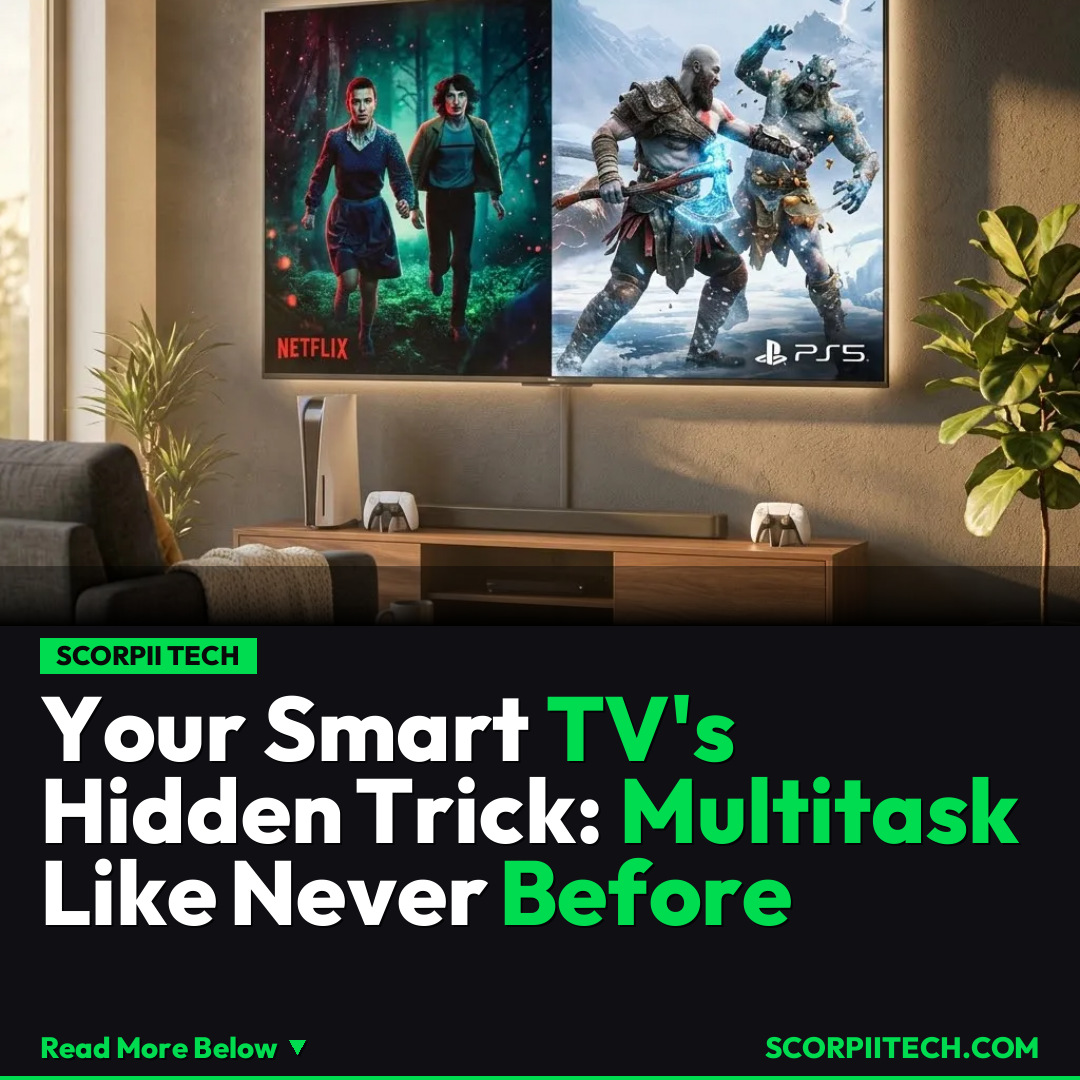
What does this mean for your daily tech use? You can now, for instance, have your favorite Netflix show running on the larger part of your screen while you keep an eye on a guide or a live stream from your PlayStation 5 in a smaller window. But it goes beyond just two TV sources. Many smart TVs from leading brands like Samsung, LG, TCL, and Sony support bringing in external HDMI inputs side-by-side with internal TV apps. Even better, some models allow for seamless mobile screen sharing, letting you cast your iPhone or Android device's display directly onto your TV next to another app, opening up incredible possibilities for productivity or dual-screening fun.
These advanced implementations go far beyond the basic PiP of yesteryear. You’re not sacrificing image quality for convenience, as these features are built to handle today's crisp 4K HDR content. The ability to manage multiple visual streams concurrently turns your TV into a command center, perfect for gamers who need a walkthrough, sports fans who want multiple games at once, or anyone who just loves to maximize their screen real estate. It's about bringing a level of digital dexterity to your living room that was previously only available on desktop computers.
Why This Matters
In a world where we're constantly juggling multiple screens and information streams, your smart TV's Picture-in-Picture functionality isn't just a gimmick; it's a practical evolution. It addresses a real pain point: the need to constantly switch between devices or inputs to keep up with different content. Think about it—no more fumbling with remotes to check a gaming guide on your phone, then back to the game. No more missing a key moment in a show because you quickly wanted to look up an actor. This feature enhances your ability to consume media and interact with your tech ecosystem more efficiently.
This resurgence of PiP technology signals a broader trend in consumer tech: the push for seamless integration and enhanced multitasking across devices. By enabling you to combine sources from your PlayStation 5, Netflix, or even your mobile device directly on your TV, these manufacturers are making your smart TV the true hub of your digital entertainment and productivity. It's about offering you more control and flexibility, allowing you to tailor your viewing environment precisely to your immediate needs, whether those are entertainment, information, or a blend of both.
The Bottom Line
So, what should you do with this information? First, dive into your smart TV's settings – whether you own a Samsung, LG, TCL, or Sony, look for features like 'Multi View' or 'Twin Picture.' Explore how you can combine HDMI inputs, internal TV apps, and even mobile screen sharing. You'll quickly discover how this revitalized Picture-in-Picture technology can elevate your everyday entertainment, making your smart TV not just a display, but a powerful, personalized multitasking machine. It’s time to truly utilize your smart TV's full, underappreciated potential.
Originally reported by
BGRWhat did you think?



Stay Updated
Get the latest tech news delivered to your reader.