Here's How Samsung Just Boosted Your Windows 11 Experience
Discover how Samsung is enhancing your workflow by bringing its 'Continue on other devices' feature to more Windows 11 PCs. Seamlessly connect your Galaxy and PC experience.
Editorial Note
Reviewed and analysis by ScoRpii Tech Editorial Team.
In this article
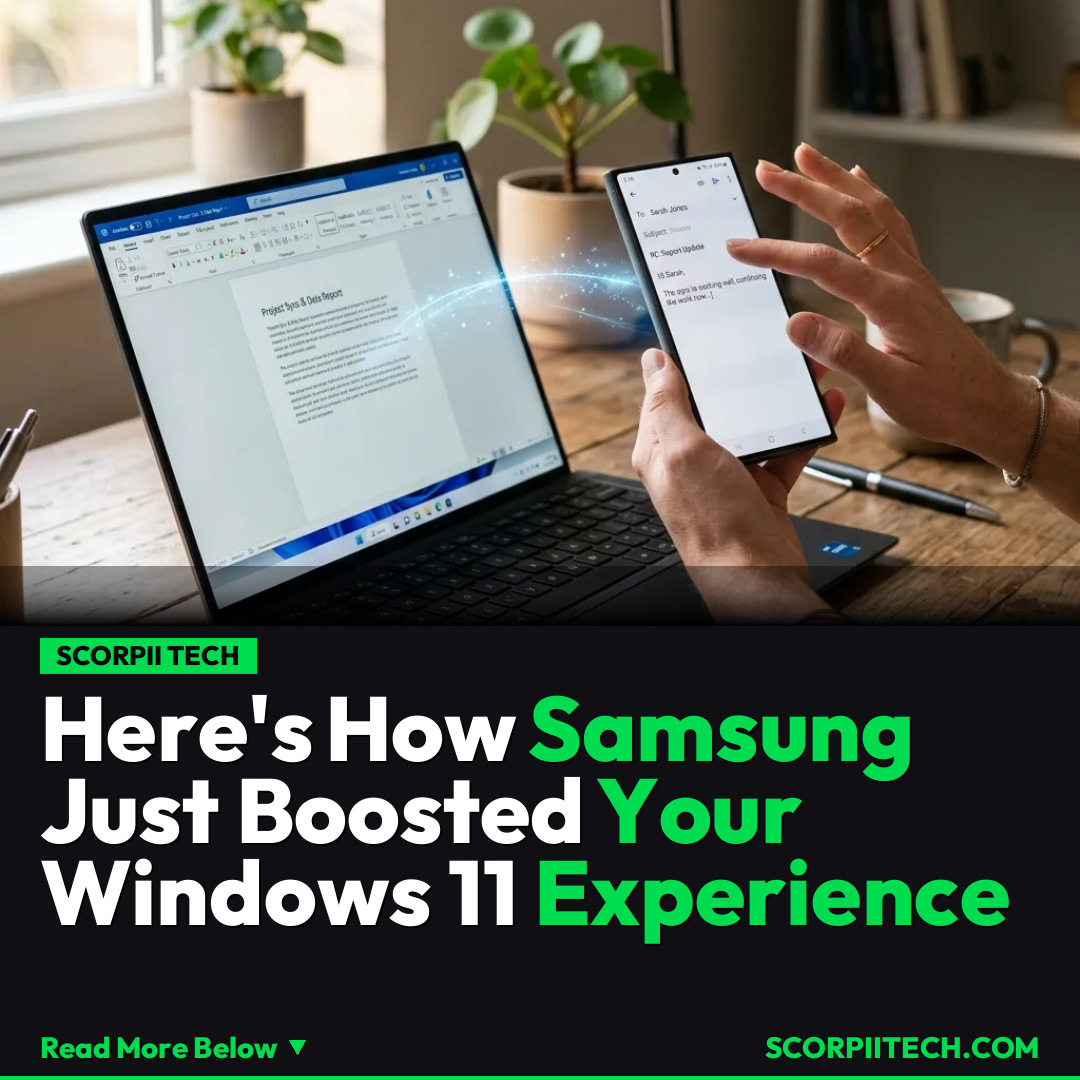
You know that moment when you're midway through an email on your phone, then think, 'Ugh, I wish I could just finish this on my PC?' Or maybe you're browsing the web and want to seamlessly transfer that tab? For Samsung Galaxy users, that dream just got a lot more universal. Samsung is rolling out its beloved 'Continue on other devices' feature to a much broader range of Windows 11 PCs, making your cross-device life smoother than ever before.
Key Details
If you're a Samsung Galaxy user, you know the magic of seamless integration. The ability to "Continue on other devices" has been a core perk, letting you effortlessly switch tasks between your Galaxy phone, tablet, and other compatible devices. Now, Samsung is dramatically expanding this best-in-class feature to a much wider array of Microsoft's Windows 11 PCs, making your cross-device workflow smoother than ever before.
Deploy your next full-stack application effortlessly. Get $200 in free DigitalOcean credits to host your Laravel or Python APIs.
Previously, this coveted functionality, part of the broader Galaxy Connect ecosystem, was largely confined to Intel-based x64 PCs. This meant users with AMD-based x64 PCs or newer ARM-based Windows 11 machines were missing out on truly fluid transitions. That barrier has now been lifted. You can now download Galaxy Connect directly from the Microsoft Store, enabling this powerful "Continue on other devices" feature on a significantly broader range of hardware, instantly bringing your Galaxy phone and Windows PC closer together regardless of your processor type.
Why This Matters
Why should this technical upgrade matter to you? Simply put, it's about eliminating daily friction and boosting your productivity. Imagine you're drafting an important email on your Galaxy phone during your commute. Upon arriving at your desk, you can seamlessly open that same draft on your Windows 11 PC — whether it's AMD or ARM-powered — and finish it on a larger screen with a full keyboard. Or perhaps you're deep-diving into an article on your phone, and with a tap, it appears on your desktop, ready for more in-depth research.
This expansion isn't just a convenience; it's a strategic move that strengthens the Samsung-Microsoft partnership and democratizes premium cross-device functionality. For years, Apple has been praised for its ecosystem's tight integration. Now, Samsung is further leveling the playing field, ensuring that your investment in a Galaxy device provides a truly unified experience across a diverse range of Windows 11 hardware. This means your devices work smarter together, freeing you to focus on what matters, rather than wrestling with compatibility.
The Bottom Line
The bottom line is simple: if you're a Samsung Galaxy user with a Windows 11 PC — especially one with an AMD or ARM processor — you're missing out if you haven't enabled this. Head to the Microsoft Store today, search for Galaxy Connect, and unlock a new level of productivity and convenience. Your workflow is about to become significantly smoother, allowing you to transition between devices with the kind of effortlessness you've always wanted. Don't let your devices operate in silos any longer; embrace the power of seamless connection.
Originally reported by
BGRWhat did you think?



Stay Updated
Get the latest tech news delivered to your reader.