Your Pixel Isn't Just for Photos: Unlock Its Video Power
Discover how to supercharge your Google Pixel's video capabilities. You're sitting on a hidden video studio with advanced settings like 8K resolution, Video Boost, and Super Res Zoom.
Editorial Note
Reviewed and analysis by ScoRpii Tech Editorial Team.
In this article
You bought a Google Pixel for its legendary camera, right? Most of you rave about its "point-and-shoot" simplicity and stunning photo quality across the Android smartphone landscape. But what if we told you your Pixel is also a secret video powerhouse, packed with advanced settings you might not even know exist? It’s time to move beyond casual clips and unlock its full cinematic potential.
Key Details
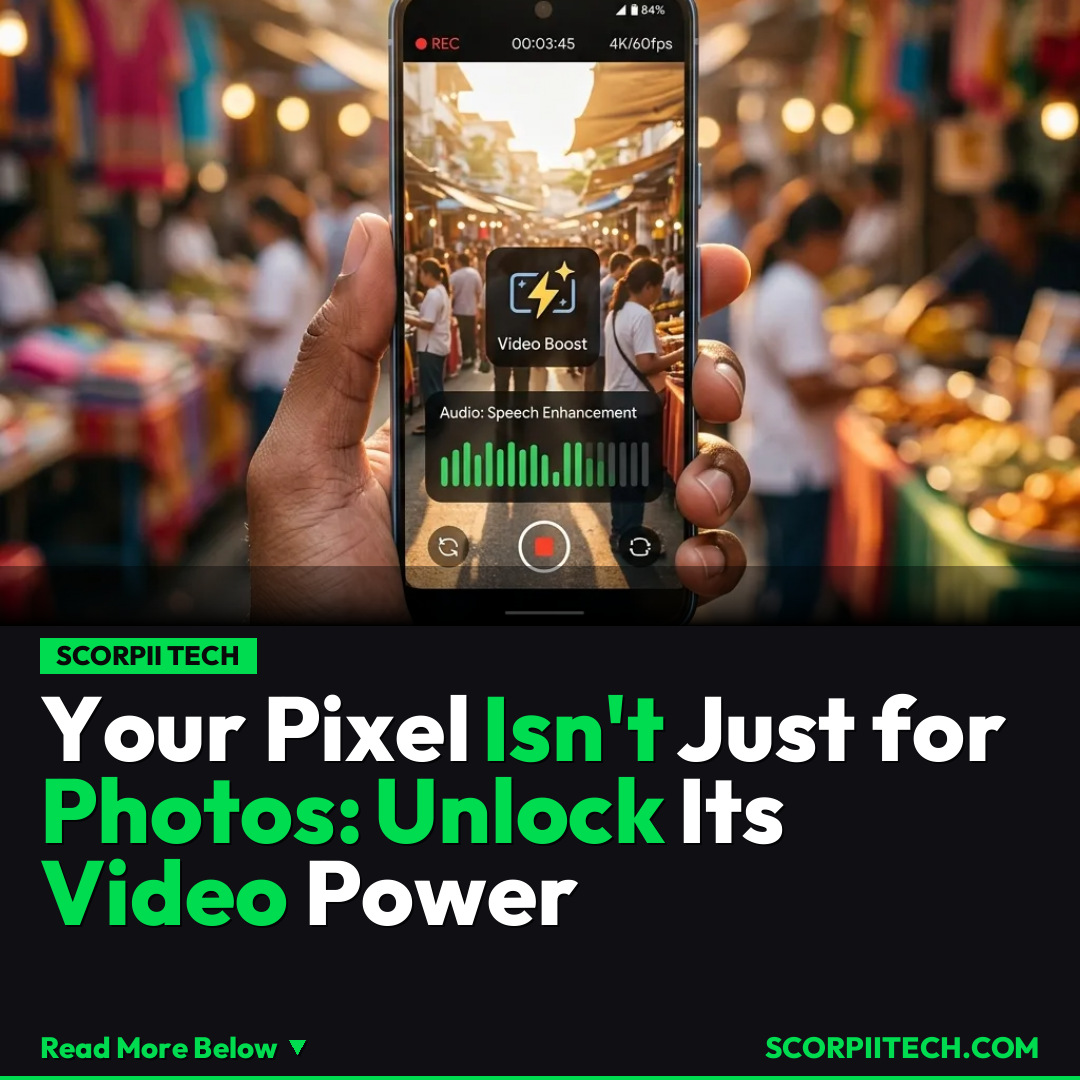
While your Google Pixel, from the Pixel 10 to the mighty Pixel 10 Pro XL, effortlessly captures incredible stills, its video capabilities are often overlooked. You're not just limited to basic recordings; these devices, powered by the impressive Google Tensor G5 chip, are equipped to shoot in breathtaking 4K resolutions at a buttery smooth 60 frames per second. For those seeking the ultimate in detail, some models even offer mind-blowing 8K resolution, all enhanced with vibrant 10-bit HDR for incredibly rich and true-to-life colors.
Deploy your next full-stack application effortlessly. Get $200 in free DigitalOcean credits to host your Laravel or Python APIs.
But visual fidelity is only half the story. Google has integrated sophisticated audio features to ensure your videos sound as good as they look. You'll find tools like Speech Enhancement, which intelligently isolates voices to make dialogue crystal clear, even in noisy environments. Then there's Audio Zoom, a game-changer that lets your microphone focus on the subject you're zooming in on, minimizing ambient distractions and bringing distant sounds closer. These aren't just gimmicks; they're professional-grade tools designed to elevate your content.
And let's not forget about reach. Your Pixel isn't shy when it comes to getting close to the action, even from afar. The renowned Super Res Zoom isn't exclusive to photos; you can leverage its power for videos, reaching up to 20x Super Res Zoom on many models. For the ultimate long-distance capture, some high-end devices like the Google Pixel 10 Pro XL even boast an incredible 100x Pro Zoom, allowing you to capture details previously impossible with a smartphone. Imagine the possibilities for capturing wildlife, sporting events, or distant architectural marvels in motion.
Why This Matters
In a world increasingly driven by visual content, the ability to produce high-quality videos directly from your pocket is invaluable. You no longer need to invest in expensive dedicated cameras or complex editing suites to create compelling footage. Your Google Pixel, armed with these advanced settings, transforms into a powerful mobile studio. Whether you’re documenting family milestones, creating content for your social media channels, or pursuing a passion project, these features empower you to tell your story with professional polish and impact.
Understanding and utilizing these hidden capabilities isn't just about technical prowess; it's about unlocking your creative potential. You have the tools at your fingertips to capture moments with clarity, depth, and cinematic flair that truly stand out. It means your travel vlogs can have studio-quality sound, your quick clips can boast vibrant HDR, and those distant concert shots can actually be usable. Stop just watching and start creating with the full power of your Pixel.
The Bottom Line
You’re already holding one of the best smartphone cameras out there, but its video capabilities are often left untapped. Take some time this week, perhaps on May 4, 2026, to dive into your Pixel's camera settings. Experiment with 4K/60fps, enable Video Boost, and play with Speech Enhancement and Audio Zoom. Your Google Pixel 10 series device is more than a "point-and-shoot"; it's a versatile video production tool waiting for you to unleash its full potential. Start exploring, and watch your videos transform from good to absolutely great.
Originally reported by
BGRWhat did you think?



Stay Updated
Get the latest tech news delivered to your reader.