Oblivion Android Trojan: How This $300 Malware Can Hack Your Phone
A new Android Remote Access Trojan called Oblivion is targeting your phone, bypassing security on brands like Samsung and Xiaomi. Learn how this $300 malware abuses Accessibility Services.
Editorial Note
Reviewed and analysis by ScoRpii Tech Editorial Team.
In this article
Oblivion: A Remote Access Trojan Targeting Your Android
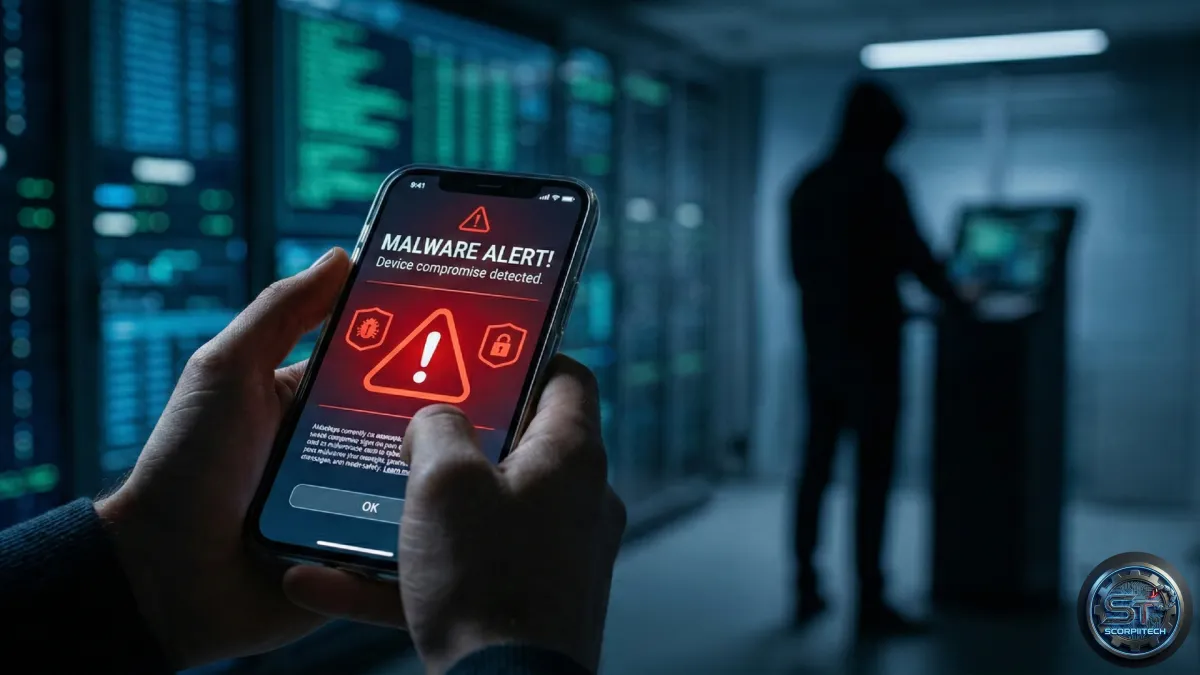
You could be unknowingly sharing access to your Android phone with hackers. A new Remote Access Trojan (RAT) called Oblivion is actively targeting devices running Android 8 through 16, including popular brands like Samsung, Xiaomi, and Oppo. This isn’t a theoretical threat; it’s a commercially available tool putting your data and privacy at risk.
Oblivion doesn’t rely on complex exploits. Instead, it abuses Android’s built-in Accessibility Service. This feature is designed to help users with disabilities interact with their devices, but malicious apps can hijack it to gain extensive control – potentially without you realizing what’s happening.
Deploy your next full-stack application effortlessly. Get $200 in free DigitalOcean credits to host your Docker containers, Laravel, or Python APIs.
How Oblivion Works & Why It's So Dangerous
The Accessibility Service allows Oblivion to mimic user interactions, effectively letting attackers control your phone as if they were you. This includes accessing sensitive data like messages, photos, and banking information. It can also activate your microphone and camera, track your location, and even install additional malware.
Sizing Your Single-Box VPS Architecture?
Calculate exact vCPU cores, RAM GB, NVMe storage, and estimated monthly budget for your traffic before migrating away from high-cost cluster providers.
What sets Oblivion apart is its accessibility to attackers. According to reports, a subscription to this malware costs as little as $300. This low price point dramatically lowers the barrier to entry for cybercriminals, meaning more people can purchase and deploy it.
from social engineer commented on this accessibility, stating, "Its commercial accessibility means that even attackers with minimal expertise can achieve persistent control over devices." This commercial model significantly expands the potential reach of Oblivion and the number of devices it could compromise.
What This Means For You: Protecting Your Android
You need to be incredibly vigilant about the apps you install. While the Google Play Store has security measures, malicious apps sometimes slip through the cracks. Even legitimate apps can request excessive permissions, creating vulnerabilities.
The key is to carefully review the permissions an app requests *before* you install it. Pay special attention to any app asking for access to your Accessibility Service. Granting this permission to an untrusted app is like handing over the keys to your digital life. Think twice – and if you’re unsure, don’t install it.
Here's a quick checklist to protect yourself:
- Review App Permissions: Scrutinize what each app is asking to access.
- Stick to Official App Stores: Download apps only from the Google Play Store.
- Keep Your Software Updated: Ensure your Android operating system and apps are up to date with the latest security patches.
- Install a Mobile Security App: Consider using a reputable mobile security app for an extra layer of protection.
The Bottom Line
Oblivion is a serious threat, but you can protect yourself. By understanding how it works and taking proactive steps to secure your device, you can significantly reduce your risk. Don't underestimate the power of careful app selection and permission management. Your digital security depends on it.
Originally reported by
Tech RadarWhat did you think?


Stay Updated
Get the latest tech news delivered to your reader.