Your MacBook Trackpad: Unleash Its Hidden Powers Now
Unlock your MacBook trackpad's full potential. Discover advanced features like Force Touch and Three-Finger Drag that will transform your navigation and boost your productivity.
Editorial Note
Reviewed and analysis by ScoRpii Tech Editorial Team.
In this article
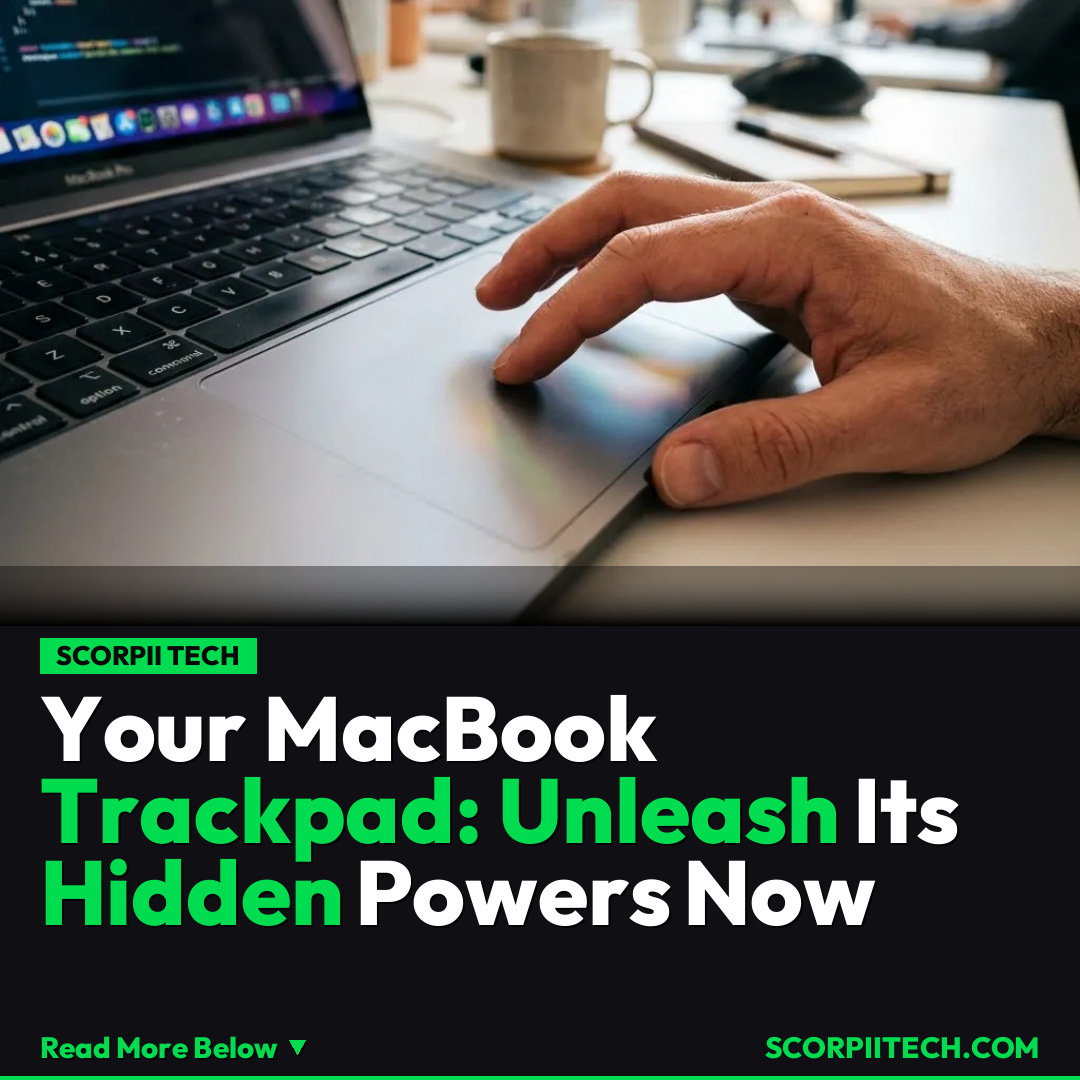
You already know your MacBook is a powerful machine, but are you truly harnessing its full potential? For many, the trackpad has become the de facto default pointing device for laptops, and when it comes to quality and innovation, Apple's MacBook trackpad is widely regarded as the best in the business. It’s more than just a surface; it's a sophisticated interface designed to intuitively respond to your every command.
Key Details
What sets the MacBook trackpad apart from the competition, including those found on Lenovo ThinkPads or other Windows machines, isn't just its smooth glass surface. It’s the underlying technology and integrated software features that truly elevate your interaction. At its core, the MacBook trackpad incorporates Force Touch technology, a revolutionary advancement that registers not just touch, but also pressure sensitivity. This means it can differentiate between a light tap and a deeper press, opening up an entirely new dimension of control.
Need fast, secure, and affordable hosting for your next website or PHP application? We recommend Hostinger Managed Hosting. Get premium speeds, a free domain, and 24/7 expert support.
Complementing Force Touch is a sophisticated haptic feedback motor. This motor provides tactile responses, mimicking the feeling of a physical click or providing subtle vibrations for certain actions. You get tangible feedback for your digital interactions, making the experience incredibly intuitive and engaging. This isn't just about moving a cursor; it’s about experiencing your commands.
Beyond the hardware, Apple has integrated powerful gestures that streamline your workflow. You might already use some, but others are often overlooked. For instance, the classic Three-Finger Drag allows you to move windows around with ease. Then there’s Mission Control, a gesture that lets you quickly see all open windows and desktops, giving you a birds-eye view of your entire workspace. App Exposé takes this a step further, showing you all open windows for a specific application. And for those times you need quick information, the Look Up feature, often a firm click on a word, provides definitions and more, all without leaving your current task. As the experts say, "you can transform the way you navigate your MacBook using the trackpad," and these features are the key.
Why This Matters
In a world where every second counts, knowing these advanced MacBook trackpad features isn't just a party trick; it's a productivity superpower. You might be accustomed to a mouse, but embracing these integrated gestures means you're working more efficiently, reducing unnecessary clicks, and keeping your hands on the device, where they belong. This seamless interaction is precisely why the MacBook trackpad is the de facto standard, setting a benchmark that other laptops struggle to meet.
The Bottom Line
So, what’s your next move? Take a moment today, March 26, 2026, to explore these essential MacBook trackpad features. You’ll be amazed at how quickly you can transform your workflow and unlock the true potential of your Apple MacBook. Stop just moving your cursor and start truly navigating your digital world with precision and power.
Originally reported by
BGRWhat did you think?



Stay Updated
Get the latest tech news delivered to your reader.