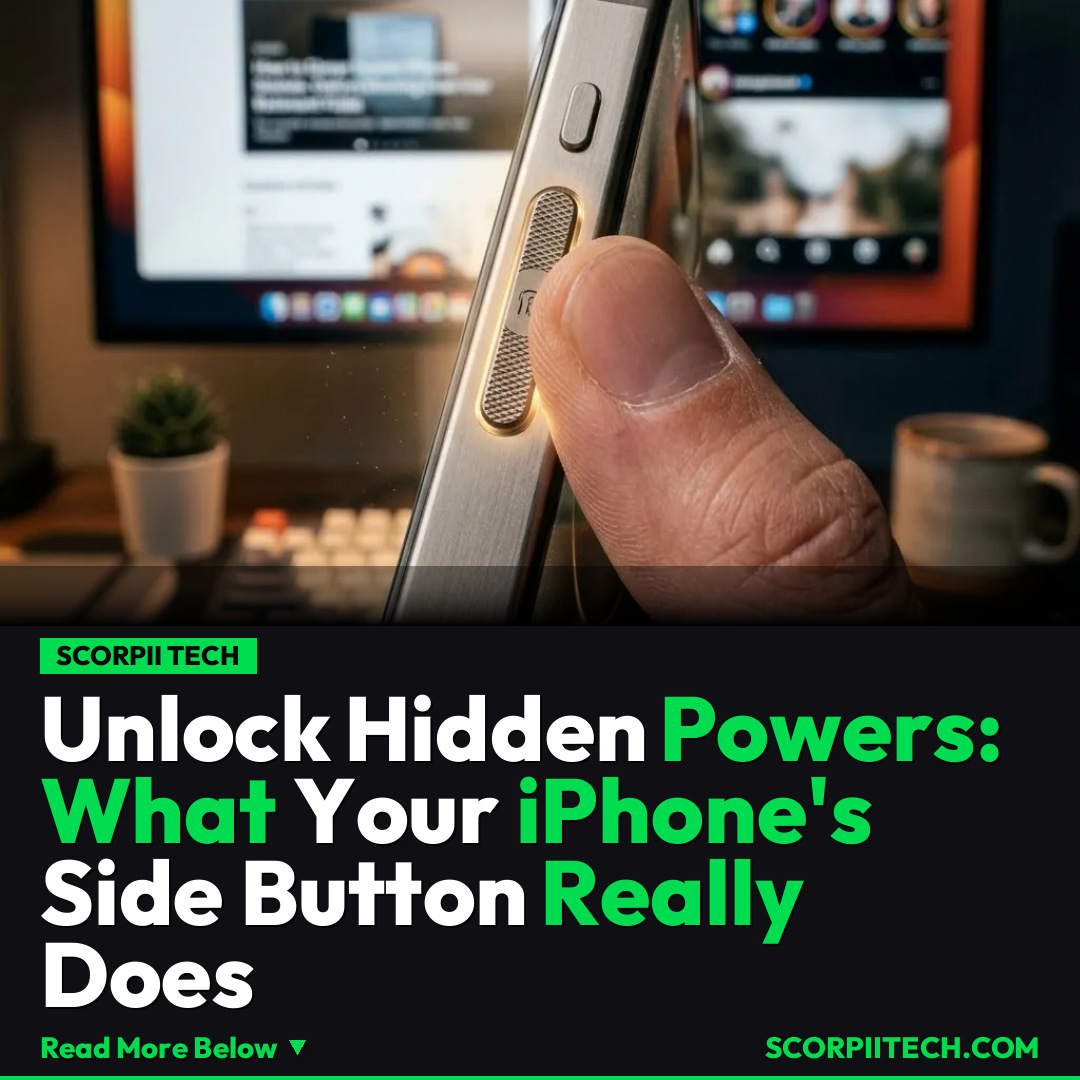
Unlock Hidden Powers: What Your iPhone's Side Button Really Does
Discover the secret functions of your iPhone's side button beyond just power. Learn how to decline spam calls, mute, and activate accessibility features you never knew existed.
Editorial Note
Reviewed and analysis by ScoRpii Tech Editorial Team.
In this article
You use your iPhone's side button every single day, right? You probably think of it as just the power button—the trusty switch for turning your device on, off, or simply locking and unlocking it. But what if we told you that little button is secretly a Swiss Army knife, packed with hidden powers you're likely missing out on? You're about to unlock some serious iPhone wizardry.
Key Details
Let's face it, nothing's more annoying than a phone call from yet another spam number claiming you owe the IRS some taxes. Well, your iPhone offers you a swift counter-attack with that familiar side button. You can quickly double-press the power button to decline an incoming call, sending those unwanted interruptions straight to voicemail without even looking at your screen. For those times when you just need a moment of quiet without outright rejecting a call, a single press of the same button will instantly mute the ringer, giving you control over your audio environment.
Need fast, secure, and affordable hosting for your next website or PHP application? We recommend Hostinger Managed Hosting. Get premium speeds, a free domain, and 24/7 expert support.
But the capabilities of your side button extend far beyond managing phone calls. Apple has integrated powerful accessibility features that you can trigger with a simple triple-press. This rapid triple-press can activate a range of helpful tools, depending on how you've set up your device in the Settings app. You could instantly turn on background sounds, which play calming noises to help you focus or relax. Alternatively, it can activate Live Speech, allowing your iPhone to speak typed text aloud, aiding communication for those who need it. It can also launch Guided Access, a fantastic feature for keeping your focus on a single app—perfect for preventing accidental taps by children or staying on task.
While the side button is typically associated with basic device control and features like Face ID, these specific actions for calls and accessibility are often overlooked. You might not stumble upon them by accident, but knowing these combinations can significantly streamline your daily interactions with your iPhone. From quickly managing communication to enabling crucial accessibility tools, your side button is ready to do more work for you.
Why This Matters
Imagine never having to look at your phone screen to dismiss an infuriating spam call again. This simple double-press feature saves you precious seconds and reduces the mental load of dealing with unwanted solicitations, letting you maintain your peace of mind. It’s a small tweak to your routine that offers a surprising amount of control and convenience in a world increasingly plagued by unsolicited calls. This isn't just about saving time; it's about reclaiming your focus and avoiding unnecessary stress.
Furthermore, the triple-press accessibility shortcuts demonstrate Apple’s commitment to making the iPhone a truly inclusive device. For you, background sounds might be a neat trick to enhance focus while working on a project in Safari, or help you relax before bed. For others, Live Speech can be a vital communication tool, breaking down barriers. Guided Access can be invaluable for parents who lend their iPhone to a child to play a game on Instagram, ensuring they stay within that single application. These aren't just niche features; they're powerful tools designed to adapt your iPhone to your specific needs and improve your overall experience.
The Bottom Line
Your iPhone's side button is far more versatile than you probably ever realized. You're holding a powerful, multi-functional tool right in your hand, and you can unlock its full potential with a few simple presses. Take a moment today, April 14, 2026, to explore these features in your Settings app and customize them to fit your life. Whether it’s dodging annoying IRS spam calls or empowering your accessibility, mastering these simple button presses will make your iPhone even more indispensable. Go ahead, give it a try—you might just wonder how you ever lived without them!
Originally reported by
BGRWhat did you think?



Stay Updated
Get the latest tech news delivered to your reader.