Your DualSense Controller Does MORE Than You Think: 4 New Connections
Discover how to unlock the full potential of your Sony DualSense controller. Connect it to devices like your PC, Mac, Steam Deck, Android, and iOS to expand your gaming options beyond the PlayStation 5.
Editorial Note
Reviewed and analysis by ScoRpii Tech Editorial Team.
In this article
You adore your DualSense controller, don't you? That sleek design, those immersive haptics, the adaptive triggers… it’s a masterpiece for your PlayStation 5. But what if we told you this incredible wireless gamepad doesn't need to be exclusively used with just one console? You're sitting on a secret weapon for multi-platform gaming that’s far more versatile than you might realize.
Key Details
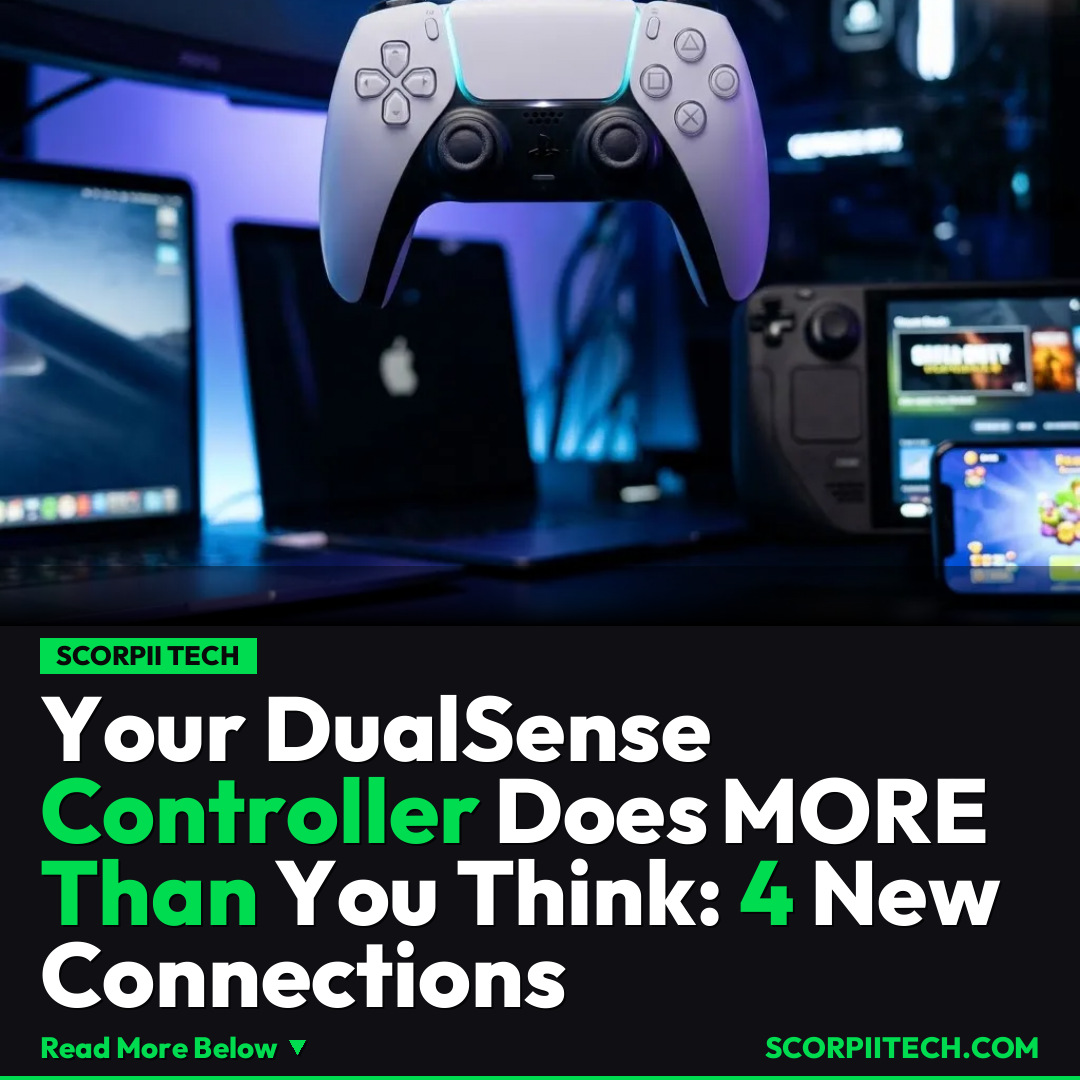
Your DualSense is ready to elevate your gaming across several other devices, extending its utility beyond the PlayStation 5. First up, your personal computers. You can effortlessly connect your DualSense to your PC, provided it's running Windows 10 64-bit or higher. This connection can be made wirelessly via Bluetooth or directly using a USB-C cable, instantly opening up a vast library of PC games from platforms like Valve's Steam, and enabling access to cloud gaming services such as Xbox Game Pass (on PC) or Nvidia GeForce Now.
Need fast, secure, and affordable hosting for your next website or PHP application? We recommend Hostinger Managed Hosting. Get premium speeds, a free domain, and 24/7 expert support.
Mac users aren't left out of the fun either. If your Apple computer is updated to Big Sur 11.3 or higher, you can easily pair your DualSense controller, bringing that premium PlayStation feel to your macOS gaming experience. For those who enjoy portable PC gaming, Valve's Steam Deck is another perfect match. Your DualSense connects seamlessly, offering an alternative input method that many prefer for its ergonomic design and advanced features during on-the-go sessions.
But the versatility extends even further to your handheld devices and smart TVs. Your Android phone or tablet, running Android 12, can pair with your DualSense via Bluetooth. Similarly, iOS devices, iPad OS devices, and even tvOS devices (all requiring version 14.5 or higher) can all connect. This means your LG, Samsung, or Google phone, tablet, or smart TV can transform into a serious gaming rig, allowing you to use your favorite Sony controller for mobile titles or streaming services like Amazon Luna.
Why This Matters
Why does this matter for you? Simply put, it dramatically expands your gaming horizons without needing to invest in multiple specialized controllers. You already own a fantastic piece of tech from Sony; now you can maximize its value across a wider ecosystem of devices you already possess. Whether you're streaming games from Amazon Luna on your tablet, diving into PC titles with Valve's Steam, or enjoying mobile games on your Android or iOS device, your DualSense provides a consistent, high-quality input experience you're intimately familiar with. This cross-device compatibility enhances convenience, boosts portability, and ensures you always have a top-tier gamepad ready for action, no matter which screen you're playing on this March 29, 2026.
The Bottom Line
So, what's your next move? Unlock the full potential of your DualSense controller today. Check the operating system on your non-PlayStation 5 devices – ensure you have Windows 10 64-bit, Big Sur 11.3, Android 12, or iOS/iPad OS/tvOS 14.5 – and get ready to reconnect. Your DualSense controller is a powerhouse waiting to be unleashed across various platforms. Grab your controller, connect it via Bluetooth or USB-C, and dive into a richer, more flexible gaming world. You’ve got this.
Originally reported by
BGRWhat did you think?



Stay Updated
Get the latest tech news delivered to your reader.