Your Apple Pencil: The Hidden Features Changing Your Workflow
Discover the powerful, hidden features of your Apple Pencil. You'll learn how to switch tools quickly, boost productivity in apps like Notes and Freeform, and transform your iPad experience.
Editorial Note
Reviewed and analysis by ScoRpii Tech Editorial Team.
In this article
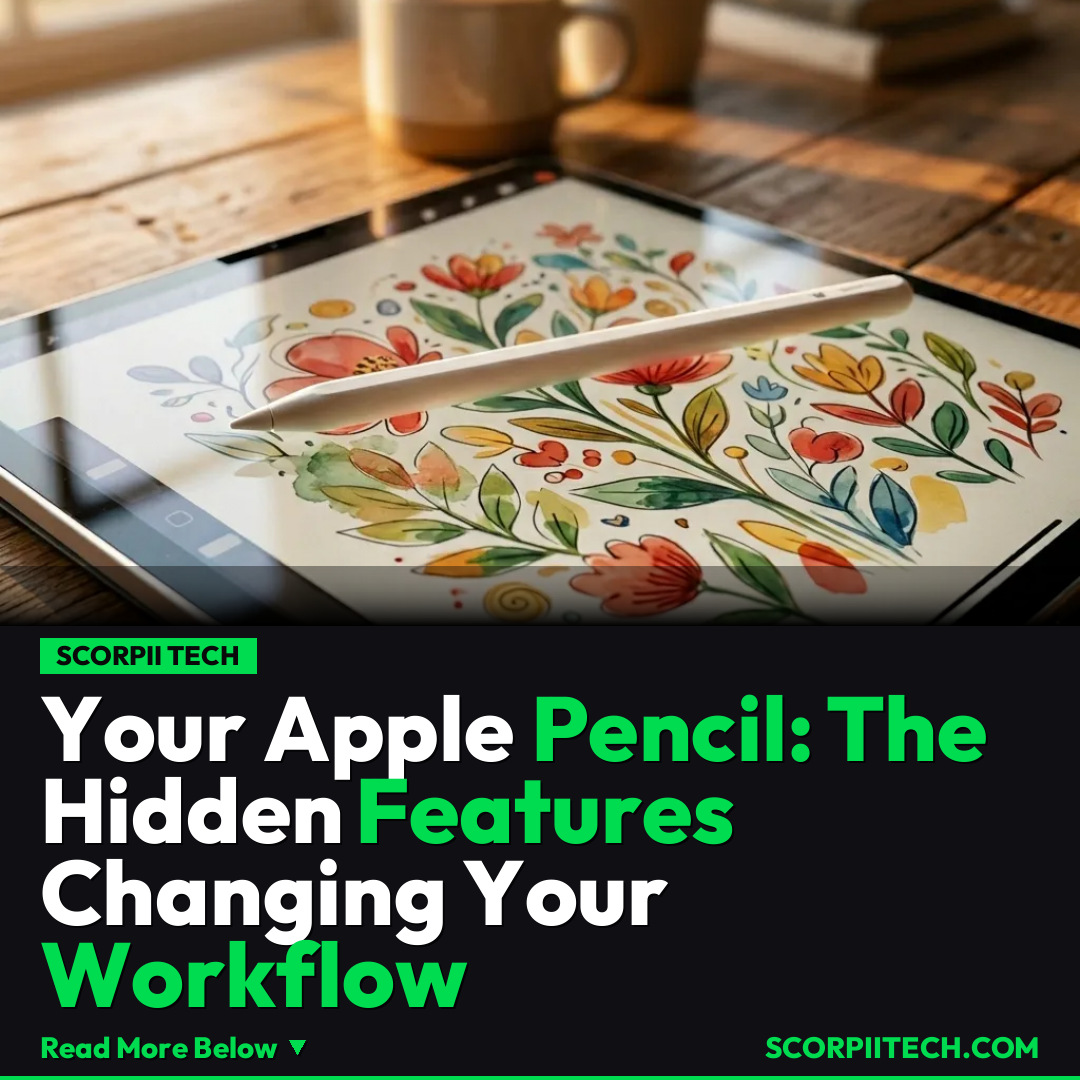
You already know your Apple Pencil is the perfect companion for your iPad, transforming it into a digital canvas or notebook. But what if we told you it's capable of so much more than you realize? Your Pencil is packed with features designed to streamline your workflow and unlock productivity you didn't even know existed. Prepare to elevate your iPad experience and discover the true power in your hand.
Key Details
You might be overlooking some of the most intuitive ways your Apple Pencil can boost your efficiency. One standout feature is the double-tap gesture, which allows you to quickly "Switch Between Current Tool and Last Used." Imagine you're sketching and need to erase, then switch back to your pen instantly without breaking your creative flow. This functionality is a game-changer for many, and you can customize it by navigating to Settings > Apple Pencil > Double Tap on your iPad. It turns your Pencil into a more dynamic and responsive extension of your thoughts, making digital work feel as fluid as working with physical tools.
Deploy your next full-stack application effortlessly. Get $200 in free DigitalOcean credits to host your Laravel or Python APIs.
Beyond quick tool switching, your Apple Pencil seamlessly integrates with a host of Apple apps, transforming how you interact with your device. You can jot down ideas in the Notes app with unparalleled precision, or brainstorm collaboratively in Freeform, where your Pencil truly shines. Even apps like Safari and Messages offer enhanced functionality, allowing you to mark up screenshots or add quick sketches to conversations. The Quick Notes feature, accessible with your Pencil, ensures that inspiration is never more than a tap away, letting you capture thoughts instantly without interrupting your current task.
Whether you're using the versatile Apple Pencil with USB-C charging or the advanced Apple Pencil Pro, these features are designed to integrate deeply with your Apple ecosystem, complementing devices like your iPad, Mac, and even your Magic Keyboard setup. While primarily an iPad accessory, certain functionalities can even extend to your Mac when paired correctly over a Wi-Fi network and linked to your Apple ID, creating a more unified workspace. It’s worth noting that Apple is constantly refining its offerings, and exploring Settings > Accessibility > Apple Pencil can reveal even more ways to tailor its behavior to your specific needs, ensuring maximum comfort and utility for your unique workflow.
Why This Matters
Why should you care about these seemingly small features? Because they collectively eliminate friction points in your daily digital interactions. When you can instantly switch tools or jot down a Quick Note without fumbling through menus, you reclaim precious moments and maintain focus. This isn't just about saving seconds; it's about preserving your mental flow, allowing you to stay immersed in your creative endeavors, problem-solving, or communication without irritating interruptions. It means you can be more productive, more creative, and ultimately, more effective with your time.
Understanding these capabilities also means you're maximizing the investment you've made in your Apple Pencil and iPad. You're not just buying a stylus; you're investing in a powerful input device that, when fully utilized, can transform your entire digital workflow. These features empower you to take control of your digital environment, making your interactions more intuitive and natural, whether you're a student taking detailed lecture notes, an artist refining a masterpiece, or a professional collaborating on complex projects.
The Bottom Line
Your Apple Pencil is far more capable than you might think. Don't let its potential go untapped. Take a moment today to dive into your iPad's settings, experiment with the double-tap gesture, and explore its integration with your favorite apps. By unlocking these hidden features, you’ll not only streamline your workflow but also discover a more intuitive and powerful way to interact with your digital world. Your creativity and productivity will thank you.
Originally reported by
BGRWhat did you think?



Stay Updated
Get the latest tech news delivered to your reader.