Here's What Apple's M5 Max Means For Your Multi-Monitor Setup
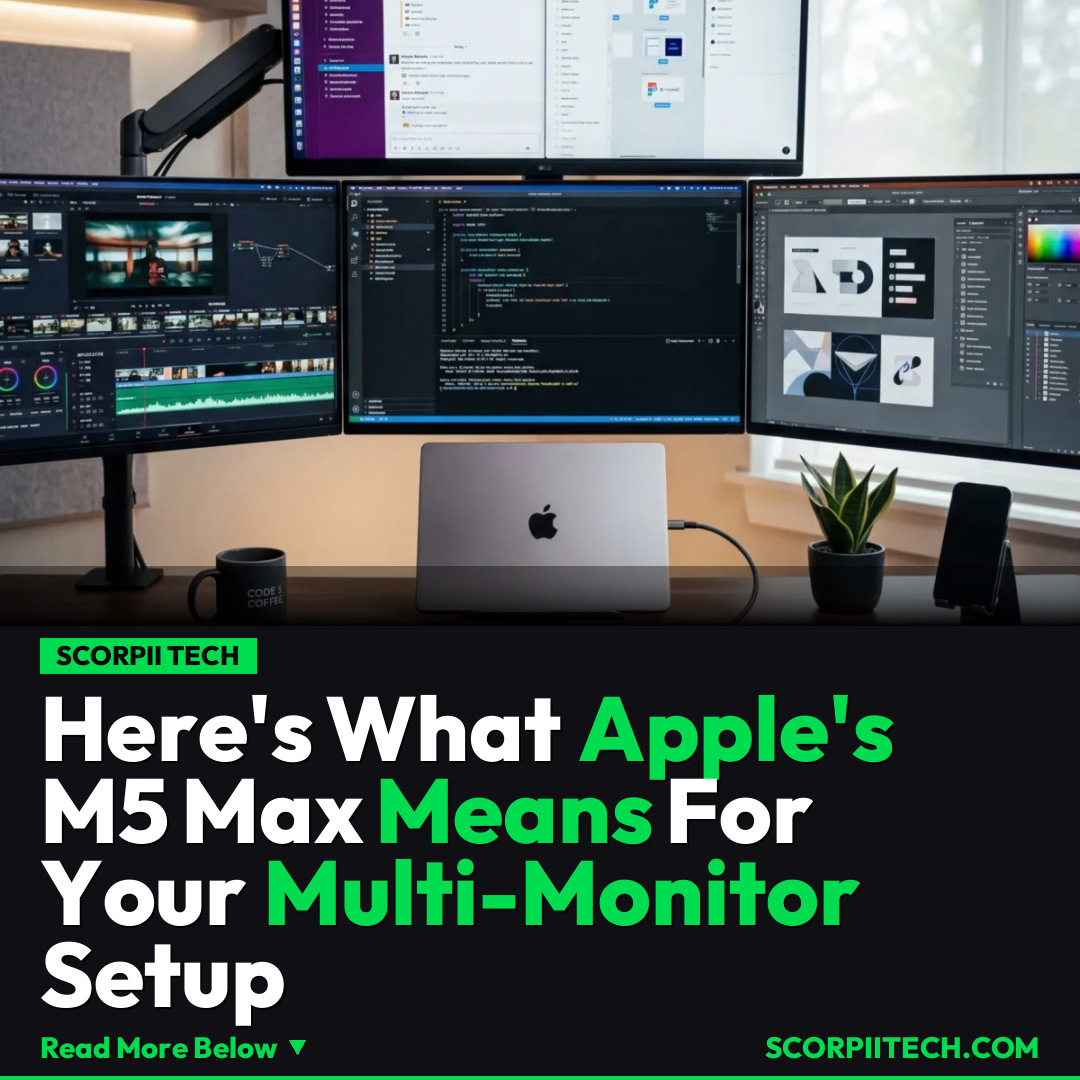
If you've been struggling with multi-monitor setups on your MacBook Pro, Apple's new M5 Pro and M5 Max chips quietly solved one of your biggest headaches. You can now easily connect up to four external displays, revolutionizing your workspace.
Editorial Note
Reviewed and analysis by ScoRpii Tech Editorial Team.
In this article
Remember the days of struggling to connect multiple external displays to your MacBook Pro, often requiring complex docks and workarounds? You're not imagining things; it was one of the biggest frustrations for many users. But quietly, beneath the usual fanfare, Apple has rolled out a fix with its M5 Max and M5 Pro chips that you might have missed, promising to simplify your multi-screen life dramatically.
Key Details
For years, if you were a power user or creative professional relying on a MacBook Pro, connecting more than a couple of external displays often felt like navigating a technological labyrinth. Older Intel-based MacBooks and even the initial M1 chips had limitations that forced many to compromise on their ideal workspace, juggling adapters, or settling for fewer screens at lower resolutions. This became one of the biggest issues with Apple's laptop lineup, especially for those pushing the boundaries of productivity and creativity.
Deploy your next full-stack application effortlessly. Get $200 in free DigitalOcean credits to host your Laravel or Python APIs.
But now, with the advent of the new Apple M5 Pro and M5 Max chips, that headache is largely a thing of the past. These powerful new processors, detailed on an Apple support page, fundamentally simplify multi-screen setups. You're no longer restricted to a couple of displays; the M5 Max and M5 Pro models now support connecting up to four external displays simultaneously over a single Thunderbolt cable. This isn't just about quantity; it's about quality. You can drive these displays at impressive native resolutions, including up to 6K at 60Hz or a buttery-smooth 4K at 144Hz, transforming your workstation into a true command center.
Beyond display support, these chips also deliver significant performance boosts. You're looking at up to 30 percent faster CPU performance and a remarkable 50 percent increase in graphics performance compared to their predecessors. This means that not only can you connect more displays, but your MacBook Pro can handle the workload across those screens with even greater efficiency and speed, whether you're editing high-resolution video, running complex simulations, or juggling dozens of applications.
Why This Matters
Why should this matter to you? If your workflow demands expansive screen real estate, this is a game-changer. Imagine a cleaner desk with fewer cables, thanks to the ability to drive multiple high-resolution monitors through a single Thunderbolt port. This breakthrough directly addresses a long-standing pain point for professionals who rely on multi-monitor setups for everything from video editing and graphic design to software development and data analysis. Your productivity will soar as you can spread out your applications, reference materials, and creative tools across a vast digital canvas without performance bottlenecks.
This upgrade also means you might avoid investing in complex, often expensive, third-party solutions just to achieve your desired display configuration. Companies like CalDigit, known for their high-end docks, still offer valuable connectivity solutions, but the M5 Pro and M5 Max chips reduce the necessity for dedicated display expansion hardware. Apple has clearly listened to feedback from its most demanding users, reinforcing the MacBook Pro's position as a serious machine for serious work.
The Bottom Line
If you've been on the fence about upgrading your MacBook Pro or have been putting up with a clunky multi-monitor setup, the M5 Pro and M5 Max chips offer a compelling reason to reconsider. You're not just getting raw speed; you're getting a significantly simplified, more powerful, and ultimately more enjoyable multi-display experience. For anyone whose work thrives on screen real estate, these new chips finally deliver the seamless, high-performance external display support you've been waiting for. It’s time to rethink your workspace and embrace the future of multi-screen productivity.
Originally reported by
BGRWhat did you think?



Stay Updated
Get the latest tech news delivered to your reader.