Here's What an Android Tablet Means for Your Laptop Life
Thinking about ditching your laptop for an Android tablet? We break down if an Android tablet can truly replace your laptop, depending on your daily use and needs.
Editorial Note
Reviewed and analysis by ScoRpii Tech Editorial Team.
In this article
You've seen the sleek designs, the vibrant screens, and the promise of ultimate portability. The idea of swapping your bulky laptop for a lightweight Android tablet is incredibly tempting, right? But before you make the leap, you need to ask yourself if that shiny new tablet can truly stand in for your trusty laptop. The answer, as you'll discover, isn't always practical and depends entirely on your unique use case.
Key Details
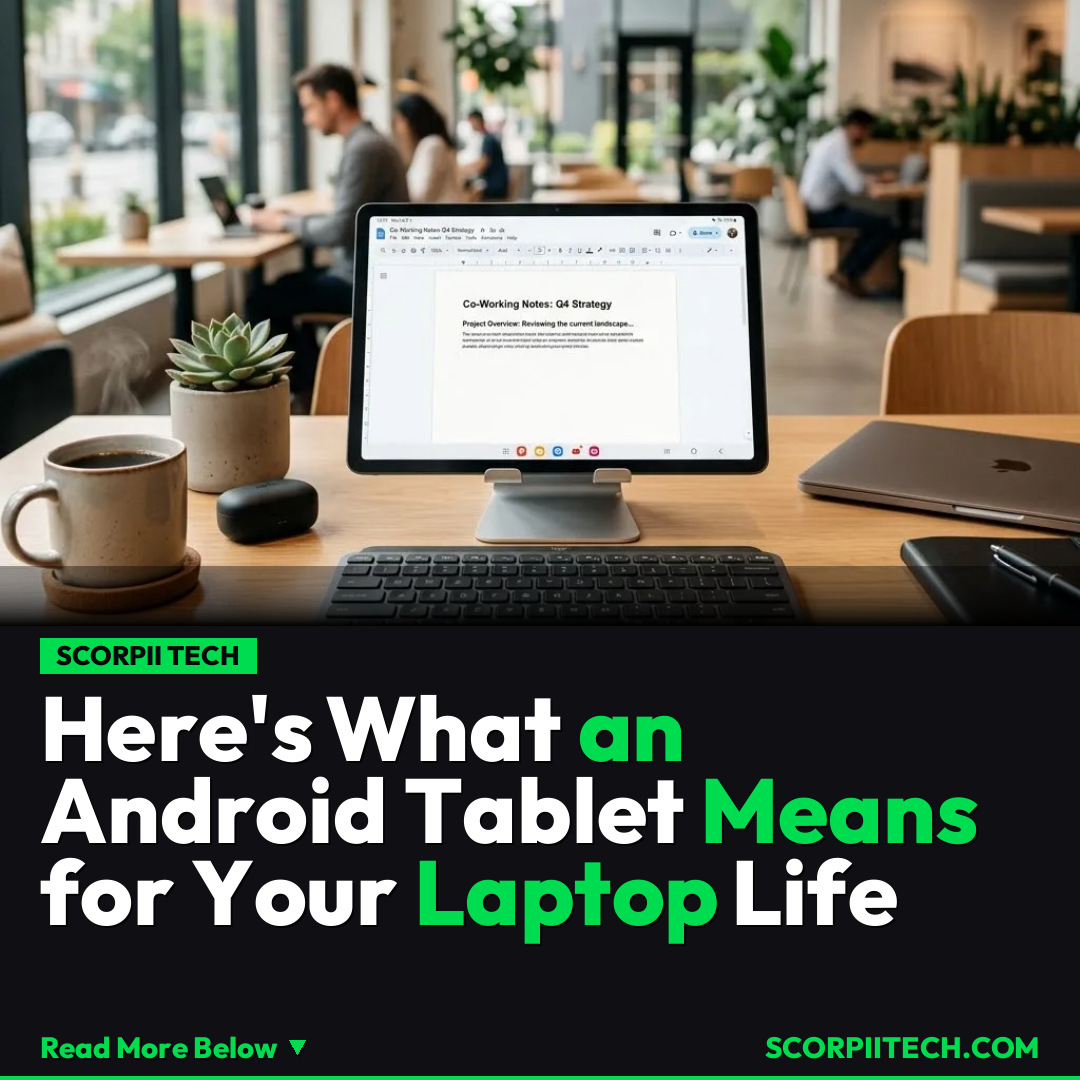
Let's be real: for much of your daily digital life, an Android tablet is more than capable. As the saying goes, "If you're doing simple, casual, less resource-hungry work, a tablet will do just as well." Think browsing Google Chrome, managing emails, streaming media, or light content creation using apps like Canva. Modern Android tablets, especially those from Samsung with DeX mode or Xiaomi with HyperOS, are engineered to offer a desktop-like experience when you need it. You can connect external keyboards and mice for a familiar workflow.
Deploy your next full-stack application effortlessly. Get $200 in free DigitalOcean credits to host your Laravel or Python APIs.
However, this is where the rubber meets the road. While Android tablets excel in portability and touch interaction, positioning them as a universal replacement for laptops isn't always practical. If your work involves professional-grade applications like Autodesk for detailed design or DaVinci Resolve for intensive video editing, you'll quickly hit a wall. These powerful software suites are designed for the robust processing capabilities and nuanced operating systems of traditional Windows PCs or MacBooks. The Android architecture isn't built to handle such resource-hungry tasks efficiently or, in some cases, at all.
Why This Matters
Understanding this distinction is crucial for your wallet and your productivity. The core controversy here is whether Android tablets can truly replace laptops, and it absolutely depends on your use case. If you're primarily a student needing Google Docs, Google Chrome, ad blockers, and password managers, an Android tablet could be your ultimate portable companion. You get the benefits of a robust app ecosystem for mobile-first tasks, combined with a larger screen than your phone – ideal for portability without sacrificing essential daily functionalities.
The Bottom Line
So, what's your takeaway? Before you commit to an Android tablet as your sole computing device, take a hard look at your daily workflow. Are you mostly doing light productivity, web browsing, and media consumption? Go for it – you'll love the portability and versatility. But if you rely on specific, powerful desktop-class applications or need raw processing power for intensive creative or technical work, then your traditional laptop, be it a Windows machine or a MacBook, remains an indispensable tool. You might even find that pairing an Android tablet with a laptop offers you the best of both worlds, giving you a powerful workstation and a highly portable companion.
Originally reported by
BGRWhat did you think?



Stay Updated
Get the latest tech news delivered to your reader.